61Lettering - Applications
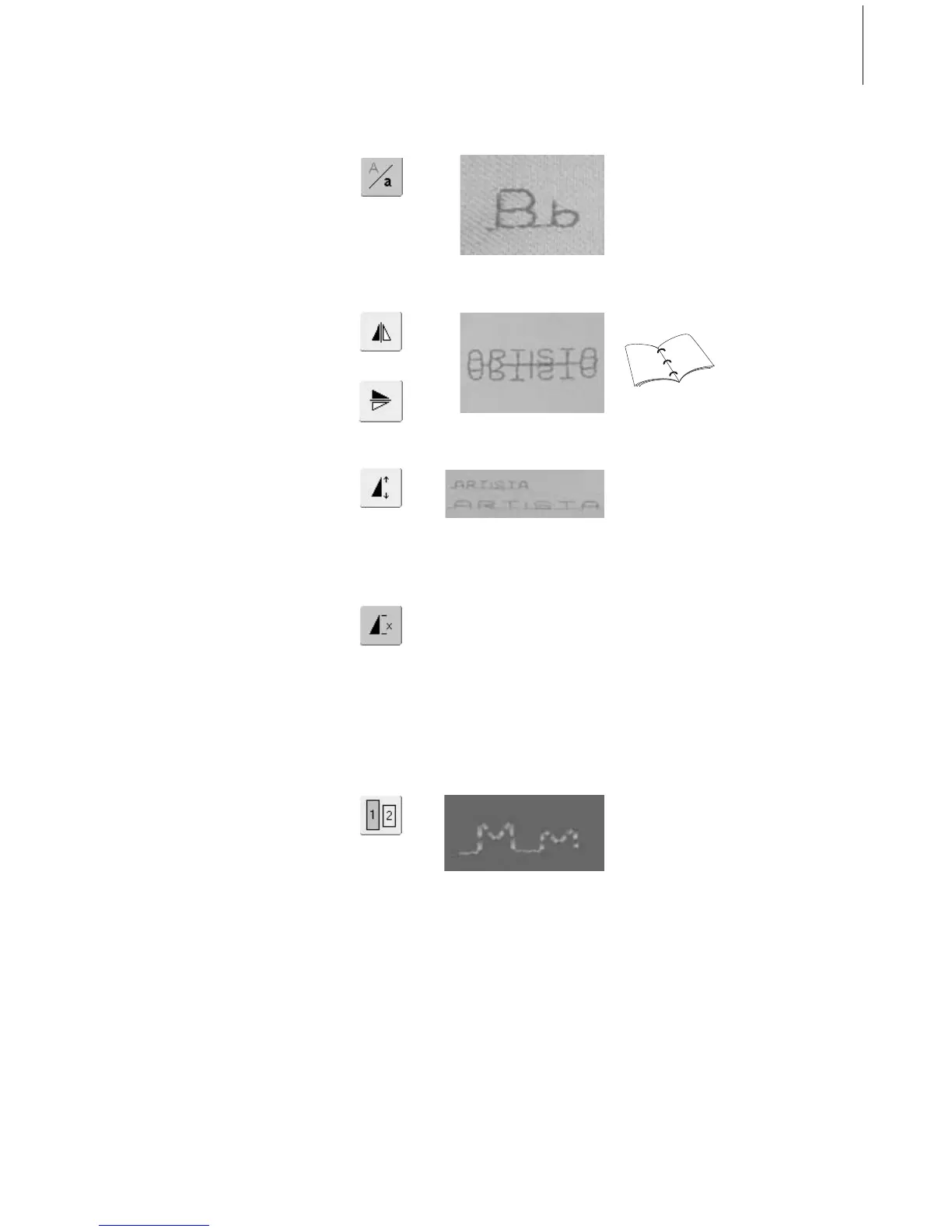
Combining Lettering and Functions
Select Lower Case (only Block)
• touch Lower Case/Upper Case button
• the lower case «a» is highlighted in black
• touch Lower Case/Upper Case button again
and the capital «A» is black
• Upper Case is reactivated
Mirroring Lettering
• touch «Horizontal Mirror Image (left/right)»
•the letter is mirrored horizontally
• for special effects «Vertical Mirror Image»
can be selected
Using Pattern Extend to Stretch Lettering
• touch «Pattern Extend» one time
• selected letter is stretched by 2 times its
original size
Pattern Combination as Single or
Multiple Repeat
•create pattern combination
• touch «Pattern Repeat 1-9x» button one or
more times (numbers 1-9 appear)
• sewing computer stops automatically after
completing selected number of patterns
Change Size
• touch Alphabet Size button; the field with
number 2 is blue
• the letter is reduced to approx. 4mm
• touch «Alphabet Size» again to reactivate
the larger size (field with number 1 is blue)
31
31



 To Next Page