My BERNINA
15
BERNINA SEWING MACHINE WORKBOOK
1. Select Straight Stitch #1.
2. Touch the Needle Up/Down Button on the machine.
Each push of the button will raise or lower the needle.
3. To program the needle to stop in the down
position, select the Needle Stop Up/Down
icon on the screen.
• This setting remains until changed, even if
the machine is turned off.
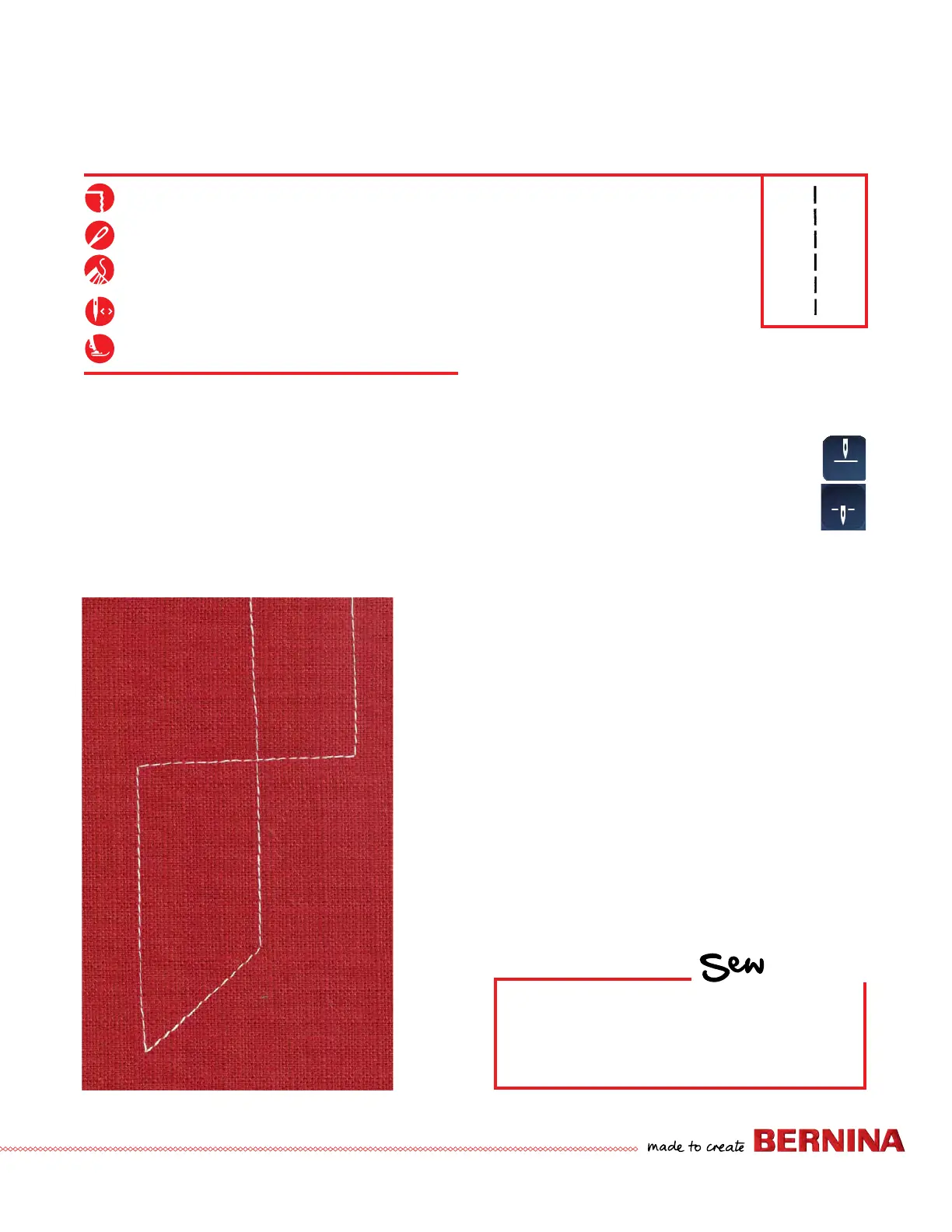
4. Sew a line of stitching and stop in the middle of the
fabric. Hover is turned on by default and the foot will
raise 2.0 mm when the machine stops.
NOTE: Hover can be programmed from 0 mm (not raised at all)
to 7 mm in height for those machines with that function.
5. Pivot to form at least 2 right angle corners and 2
additional corners.
• When pivoting, use the FHS (Free Hand System), to raise
the Presser Foot. NOTE: The Free Hand System Lever is an
optional accessory for the B 435.
How do I lower the Presser Foot for sewing?
• With the exception of the B 535, 480, and 435, there is no
Presser Foot lift in the back of the machine--use the button on
the front of the machine to raise/lower the Presser Foot.
• Press the Foot Control to lower the foot and begin sewing.
• Press/tap the Start/Stop button to Hover and re-position your
work.
NEEDLE STOP UP/DOWN-FREE HAND SYSTEM
HOW
Do you know how to:
• Use the Free Hand System?
• Use the Back-kick on the foot control to
move the needle up or down?
Firm woven fabric, 4” x 6”, two pieces*
80/12 Universal
Polyester or cotton embroidery thread
Center
Reverse Pattern Foot #1/1C/1D
NOTE:
• The machine will automatically stitch 4 securing stitches after
the thread cutter or the threader have been used if this function
is active in Setup.
• This function was turned off on Page 6. Refer to page 6 to
activate this function when desired.



 To Next Page