My BERNINA
52
BERNINA SEWING MACHINE WORKBOOK
DISTORTION
1. Attach Sideways Motion Foot 40C; place heavyweight
tear-away stabilizer behind fabric.
2. Select Menu 401 and select from the assortment of
compact satin stitches.
• Try stitches such as 401, 402, 405, 406, 414, 415,
427, 429.
• Compact Satin 9 mm stitches may offer the most
dramatic results, but try others, such as #711
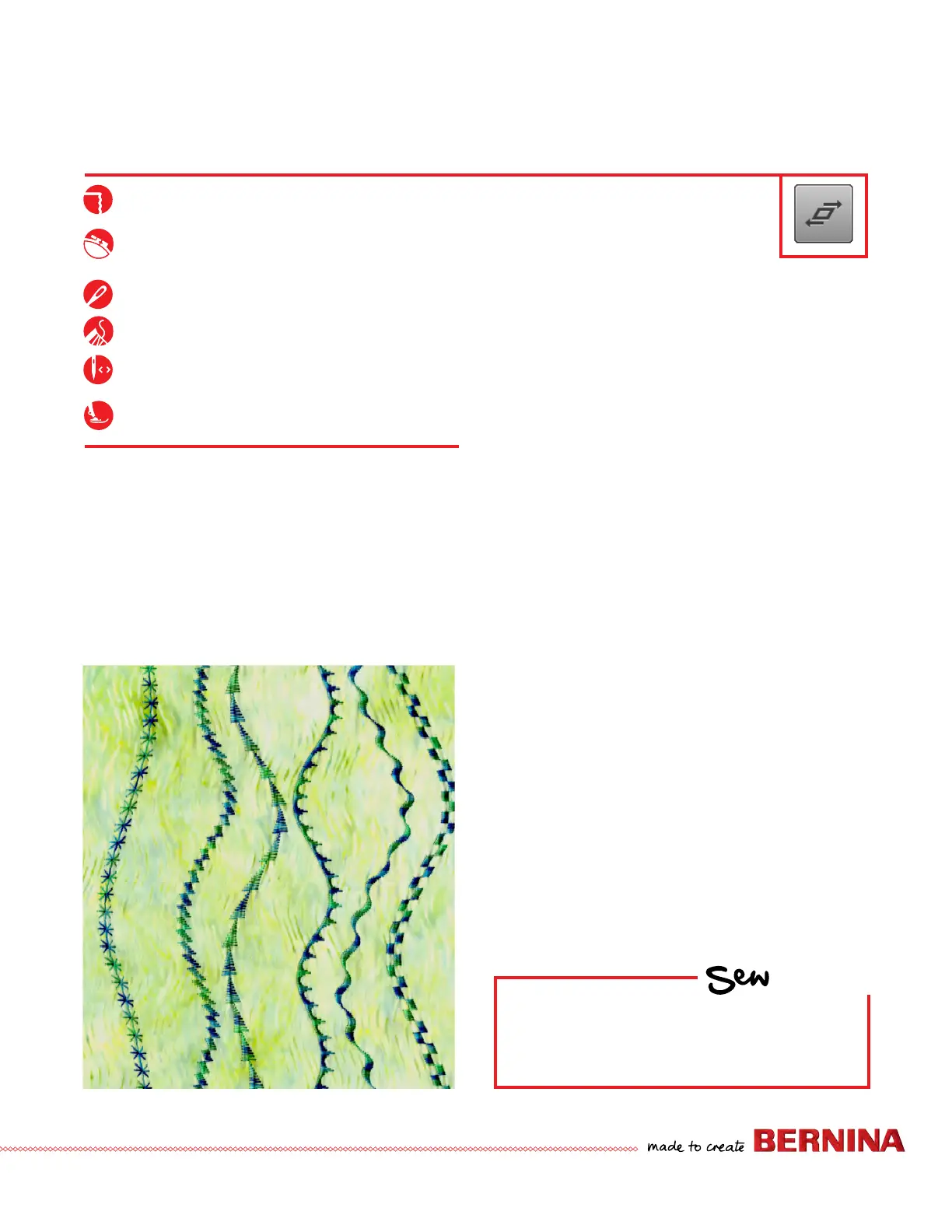
(pictured on far left).
3. Attach Sideways Motion Foot #40C.
4. Select Distortion from the "i" menu.
5. Begin sewing on 10" square piece of fabric backed
with lightweight stabilizer.
6. Turn the Stitch Width knob to the right and left while
sewing. This creates wavy baselines for extraordinary
creative effects.
HOW
Do you know how to:
• Adjust the Distortion function as you
sew?
B 880 PLUS Only
Distortion (Distorting Stitch Patterns) is a fun way to play with
decorative stitches. The Sideways Motion Foot 40C MUST be
used because
of the sideways movement of the feed dog.
Distortion may NEVER be sewn with Dual Feed engaged.
Dual Feed can not be used with Sideways Motion stitching.
Firm woven fabric, 10” x 10”
Heavyweight tear-away stabilizer
10”
x 10”
80/12 Universal
Polyester or cotton embroidery thread
Default
Sideways Motion Foot 40C MUST be
used



 To Next Page