My BERNINA
7
BERNINA SEWING MACHINE WORKBOOK
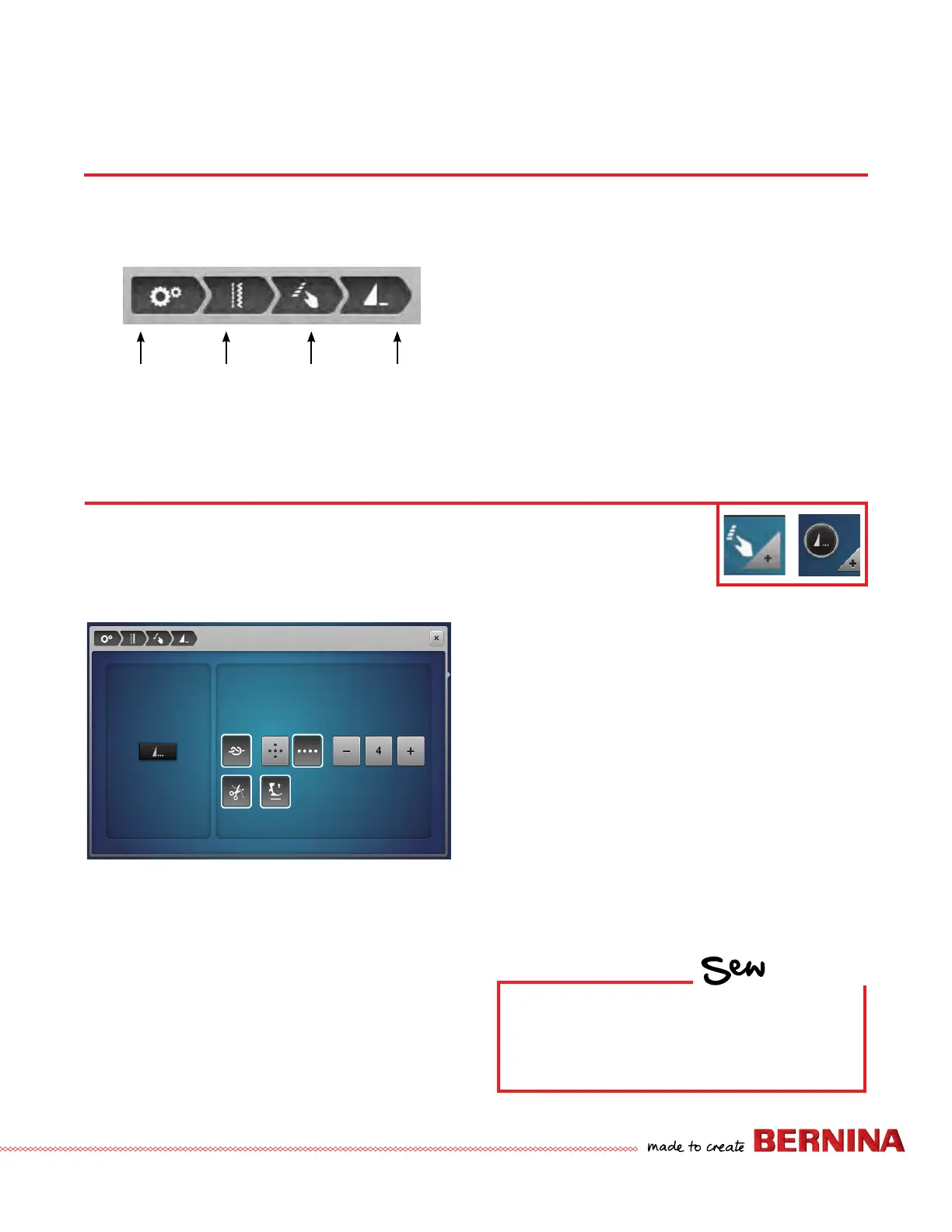
1. Note the breadcrumb trail at the top of the screen.
2. Touching any of the icons in the breadcrumb will take you
back to that particular menu. This is a time saver when
changing multiple settings within a menu.
PROGRAM PATTERN END
1. Using the breadcrumb, select Programmable Buttons.
2. Select the Securing Program icon.
3. Pattern End can be re-programmed to do the following
functions after Pattern End is engaged:
Standard (4 securing stitches sewn in place).
Small stitches sewn in a forward direction (can be
programmed to take between three and six stitches).
Upper and lower thread automatically cut.
Presser Foot automatically raised.
4. To use Pattern End as only Pattern End, deactivate the
knot and cutter.
B 880 PLUS, 790 PLUS, 770 QE PLUS, 770 QE, 740, 735, 590, 570 QE Only
The number and type of securing stitches when using the external Pattern End/Securing Button
can be programmed. This button can also be programmed so the machine will cut the thread
and/or lift the Presser Foot when the Pattern End Button is engaged.
BREADCRUMBS
Learn to navigate within menus using the breadcrumb icons rather than using the Close box to exit. This is a time-saving
feature when setting preferences within several menus in Setup, Embroidery Motif Selection, and the "i" menu in sewing and
embroidery.
Setup
Sewing
Settings
Programmable
Buttons
Current
Folder
HOW
Do you know how to:
• Use the breadcrumbs to navigate?
• Program Pattern end?



 To Next Page