04/03 347 LB 444
12
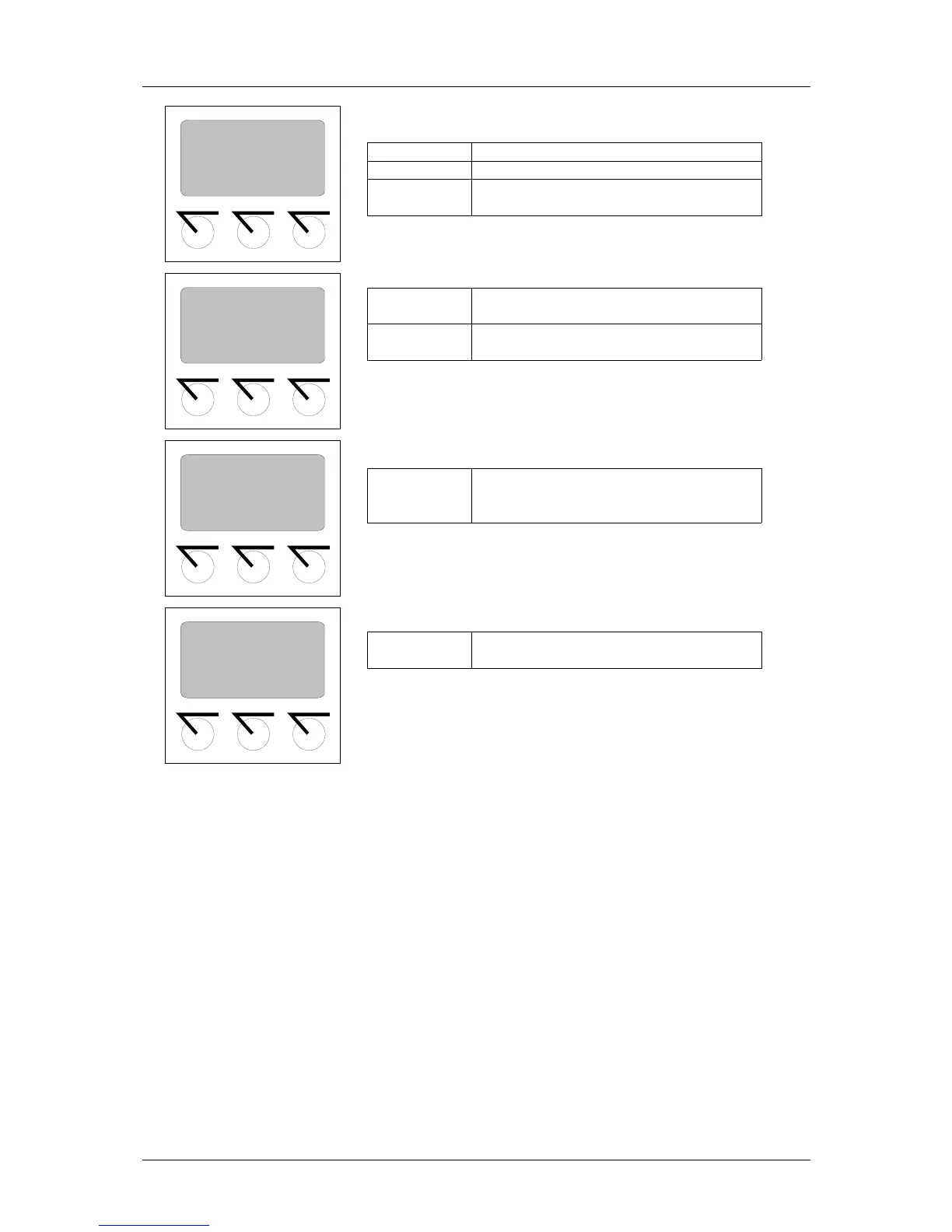
sk1 and sk2 Go to the indicated menu
more Go to next display or menu group
done shows the end of the menu and takes
you back to the menu group
^^^
ext: scrolls through the various
selection options
Numerical values: increments the
number marked by the cursor by 1
Moves the cursor to the left and at
the end of the input field again to the
start position
+ and - Scrolls forward / back in a result list
or in the live display
Figure 9: Softkeys functions
sk1: General Data
sk2: Operating Mode
sk1 sk2 more
Relay 2
Minimum 50%
Hysteresis 5%
<-<-<-
^^^
mo re
Time constant
Value 20s
^^^ <-<-<- more
HV (500): 20/s
HV (560): 123/s
HV (560): 620/s
+ - exit



 To Next Page