10
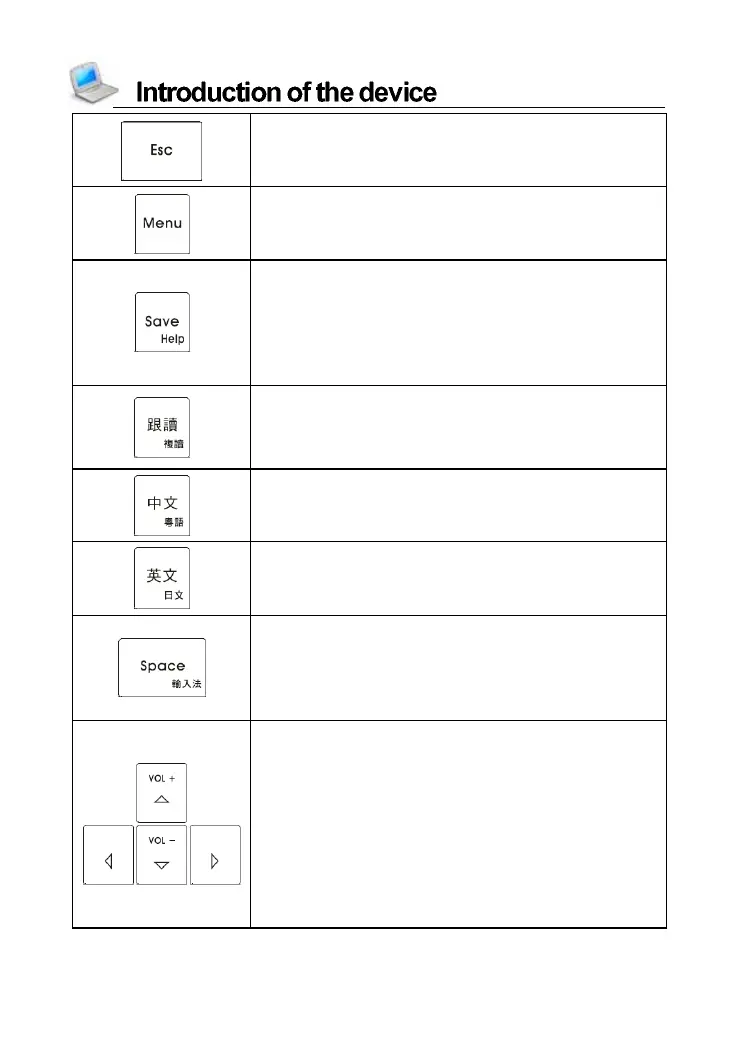
Exit from the current function or return to the
previous screen
Switc h five languages in the main menu
Directly return to the main menu
Save the messages
Save i tem s o n the expl an atio n scr een of
di ctio nari es, Voca bulary a nd Mu l ti- la nguage
Dial ogue for Review an d Test
Show the on-line help messages with
[SHIFT] key
Read after the device (On the explanation
scr een of di cti onari es, Multi- language
Dial ogue, Interactive Engl ish, etc.)
Repeat function with [SHIFT] key
Pronounce Chinese
Pronounce Cantonese with [SHIFT] key
Pronounce English
Pronounce Japanese with [SHIFT] key
Input a space
The first tone of phonetic input method
Confirm the first choice when inputting
Chinese
Open input methods menu with [SHIFT] key
Up direction key; move the cursor up or scroll
a line up. Press [SHIFT] + Up direction key to
turn the volume up
Down direction key; move the cursor down or
scroll a line down. Press [SHIFT] + Down
direction key to turn the volume down
Left di rec ti on key; m ove the cu rso r left or
page left
Righ t di rec ti on key; m ove the cu rso r ri ght or
page right



 To Next Page