8. If a total range of 70V of print cannot be found, inspect the drop breakup again, select a new Frequency, and start
over on Calibrating.
Special Modulation considerations
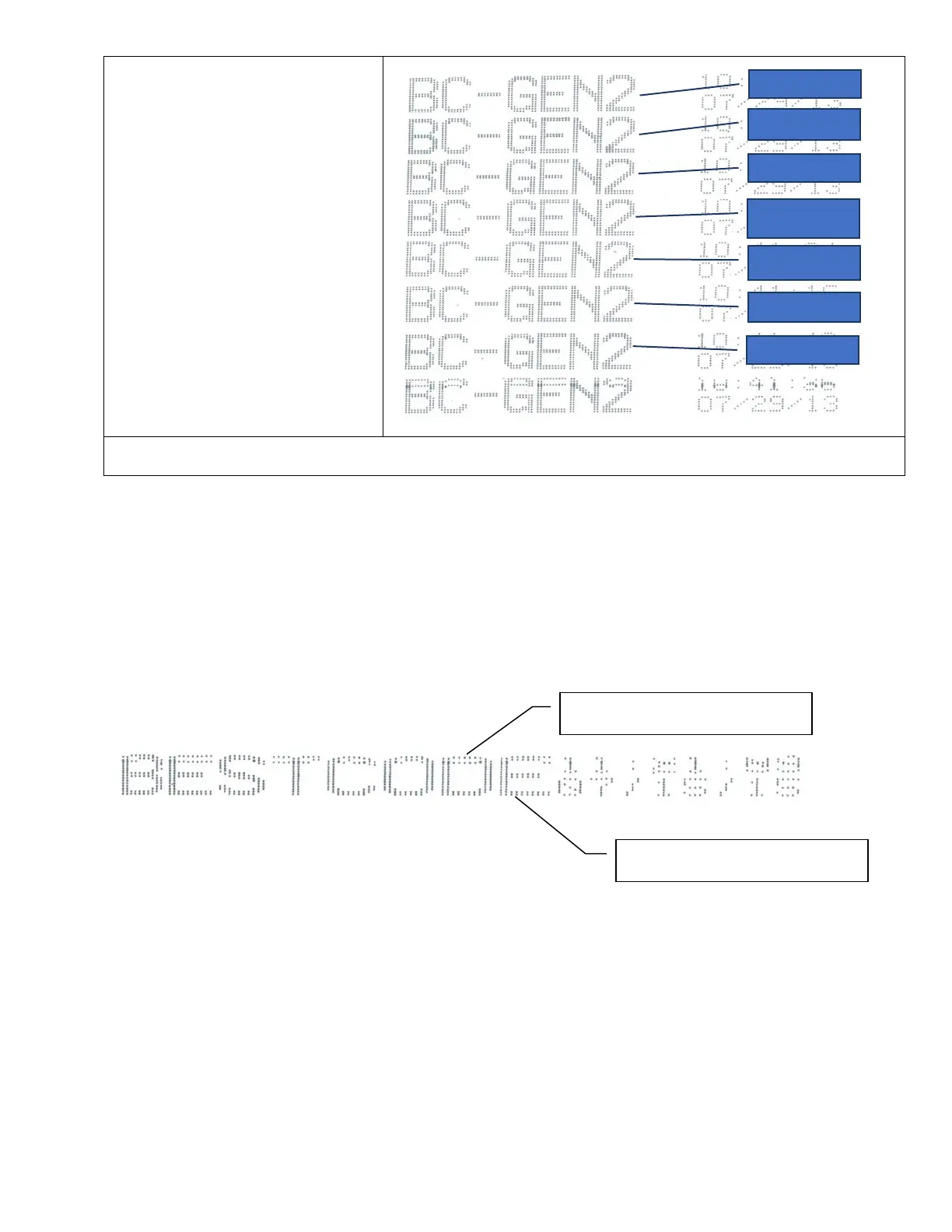
If after performing the modulation calibration procedure, you have issues with the Print, use these examples to help correct
the Print issues.
Print Distortion
• This issue is caused by Over Charging of the Ink Drops.
• This problem may occur immediately OR only during parts of the day.
• The best solution is to reduce the charge to and check the Modulation Window.
You may have to select a new frequency range, but lower charge will work.



 To Next Page