27
IRIS
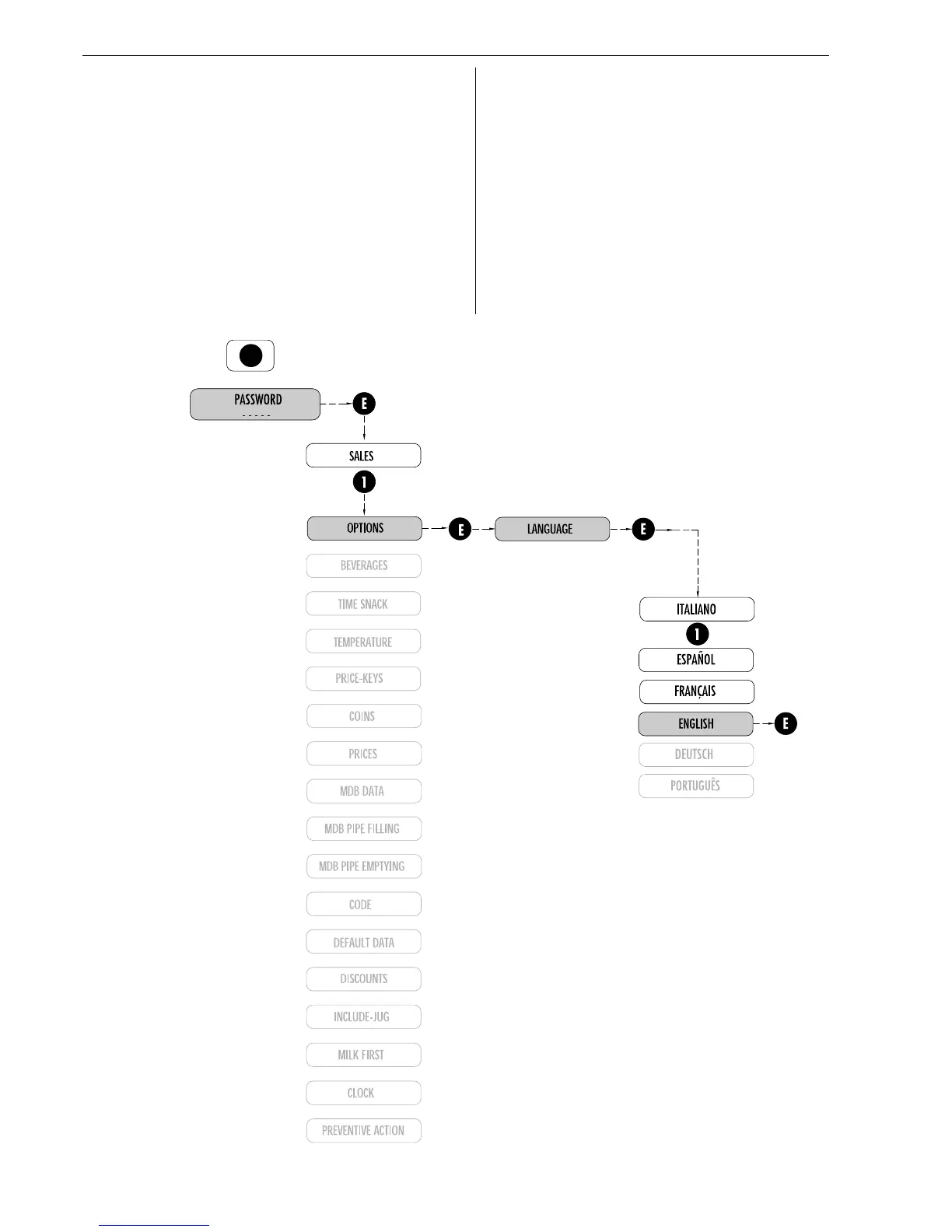
Fig. 7.2
7.1.1 Language selection
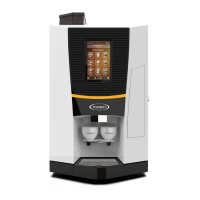
Espresso version
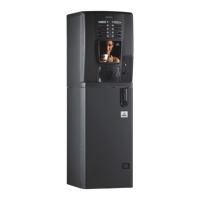
Instant version
So as to go into programming again it is necessary to know the
access code or password.
cod. 00000
The code to be entered is composed of five digits.
The cursor appears under the first; with the keys + and -
(1
st
and 2
nd
of the keyboard) increase or decrease the number;
with the 3
rd
key (CUR) move the cursor.
Repeat the operations until the access code is composed.
Once the code is composed, press the key Enter (4
th
) so as to
accede to programming.
the default code is 00001
On the display, after entering the code, the first function is
displayed:
pressing ENTER you accede to the latter.
pressing + the next function will be displayed.
pressing ESC you exit from the sub menu of operation.
N.B.: If you are in selection mode you can pass to programming
mode.


 To Next Page