September 2019
Installation, Operation and Maintenance Manual
MAN720_IMVS2000v2_IOM Rev. 6
MAN720_IMVS2000v2_IOM Rev. 6
Section 7: Local Operator Interface
Local Operator Interace
Section 7: Local Operator Interface
This section describes the Local Operator Interfaces that is available by using the local Push-buttons
and the display.
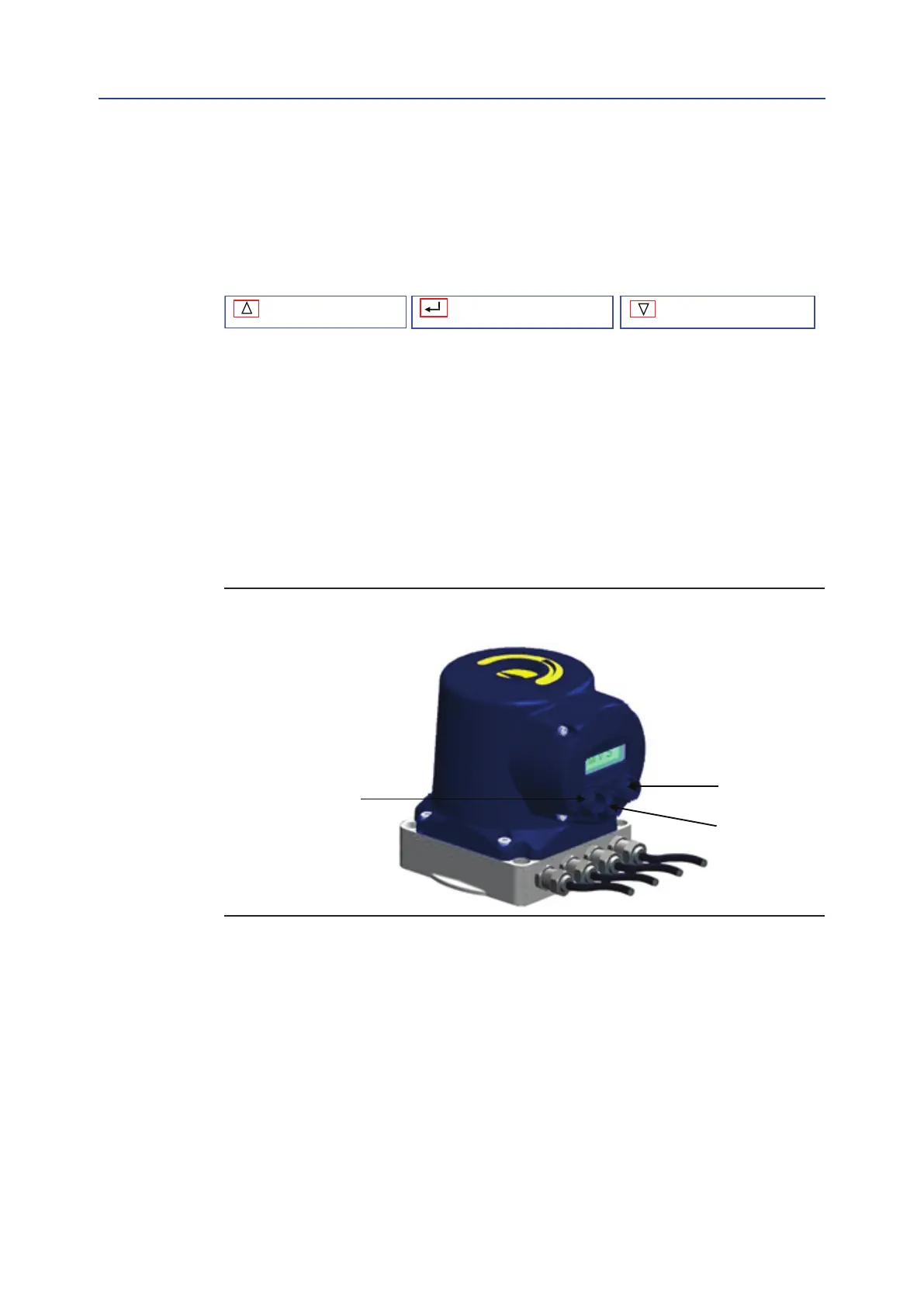
The IMVS2000v2 is fitted with a graphic 128x64 OLED display and 3 push-buttons that allows
entering the configuration parameters or to visualize the working data.
Two push-buttons “DOWN”, “UP” are used to move into the menu and for changing the value of
the parameters, while the third “SELECT” is used to enter the selected information and for moving
between the sub-menus and for waking-up the IMVS2000v2 (when only the Battery Pack Power
Supply is present).
The Local Operator Interface is organized in four different main Menus:
• Normal Mode Menu (see Section 7.1 for details)
• Login Menu (see Section 7.2 for details)
• Setup Mode Menu (see Section 7.3 for details)
• View Mode Menu (see Section 7.3 for details)
Figure 12 The Local Operator Interface is not available when a Bif Assistant
connection is active (see [1])
Down Key
Select Key
60



 To Next Page