September 2019
Installation, Operation and Maintenance Manual
MAN720_IMVS2000v2_IOM Rev. 6
MAN720_IMVS2000v2_IOM Rev. 6
Section 7: Local Operator Interface
Local Operator Interace
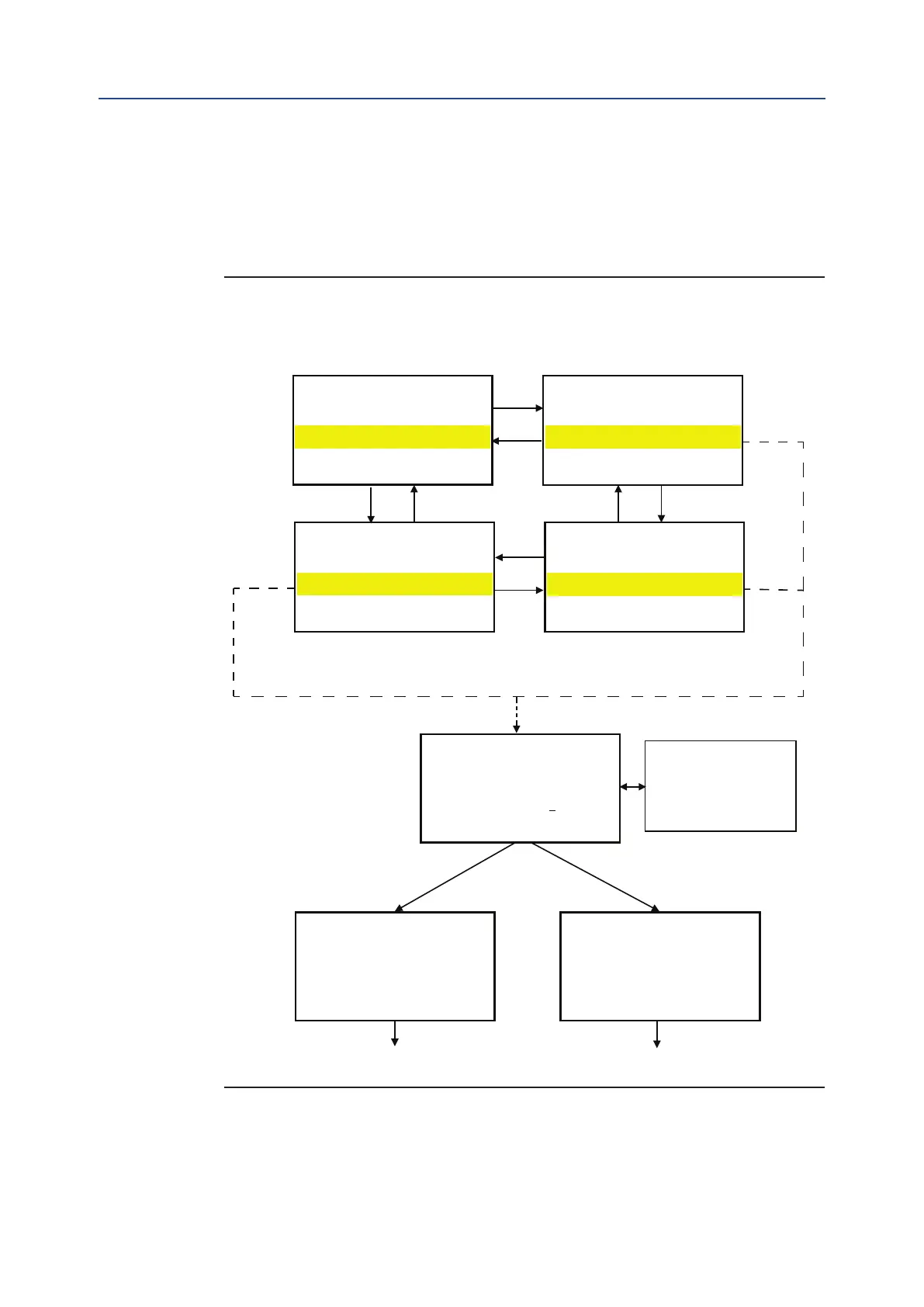
7.2 Log in Menu
The Login Menu allows entering the View/Setup Mode Menu logged in as “Observer,
“User,” “VAC,” or “Factory.”
The “VAC” and “Factory” passwords are reserved for Biffi Service and Production.
Figure 14
Select U
ser:
Select User:
Select User:
Select User:
UP and DOWN to scroll the
characters.
ENTER to confirm the
selection and to pass to the
next character of the
PASSWORD: 00000000
CORRECT PASSWORD
PRESS ENTER
TO CONTINUE
WRONG PASSWORD
PRESS ENTER
TO CONTINU
E
62



 To Next Page