Installation, Operation and Maintenance Manual
September 2019
MAN720_IMVS2000v2_IOM Rev. 6
Section 10: Installation – Start-Up
Installation – Start-Up
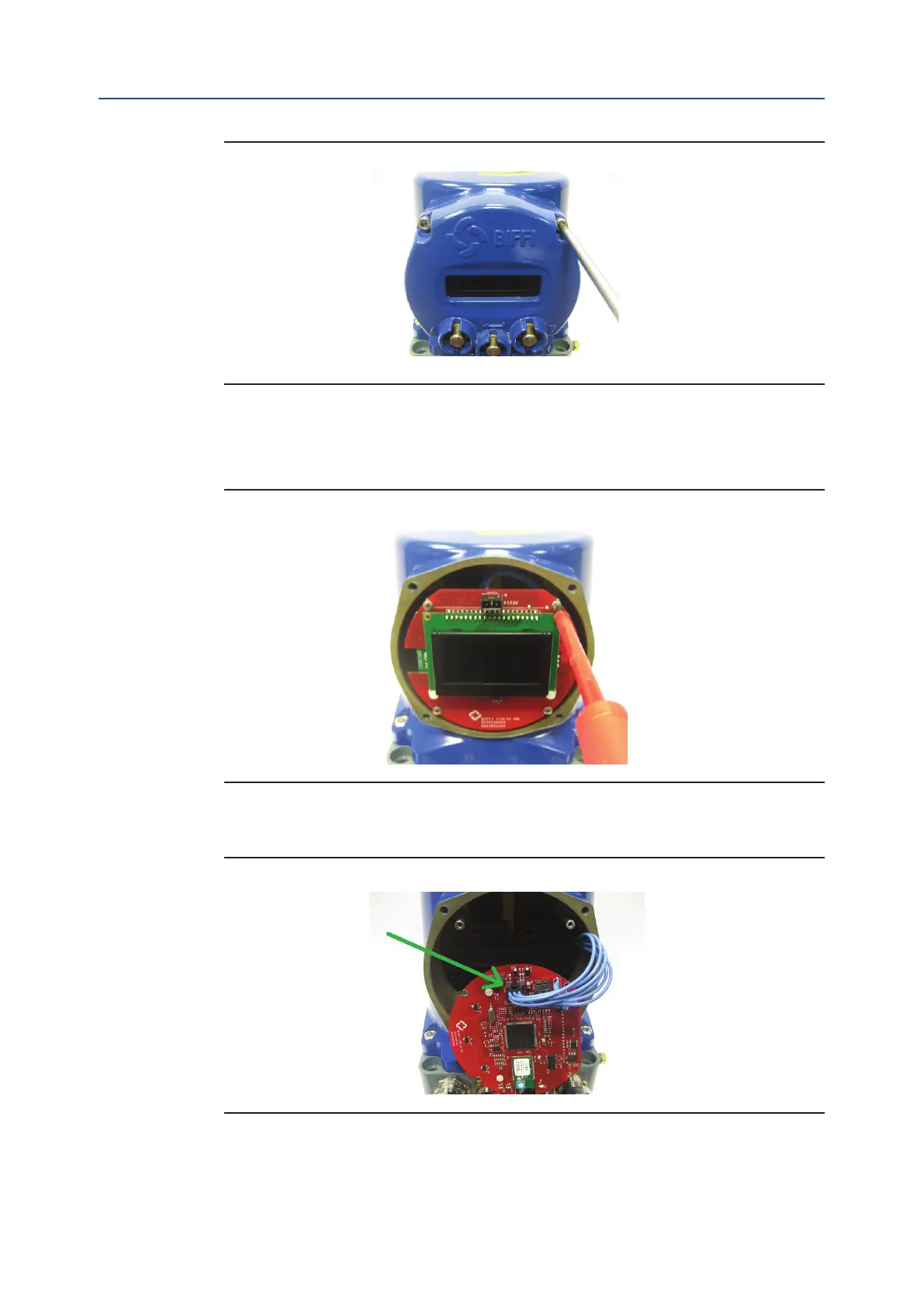
Figure 36
1. Using a 4 mm Allen key, loosen the four screws fixing the local interface cover and remove it.
At the end of wiring connections replace the cover and fix the 4 screws with a tightening torque
from 4 to 5 Nm.
Figure 37
2. Using a screw driver, loosen the four screws fixing the LCD card and remove it.
Figure 38
3. Disconnect the cable on the Display Card.
95



 To Next Page