KBF / KBF P (E5.2) 02/2012 page 35/103
6. Controller MB1 settings
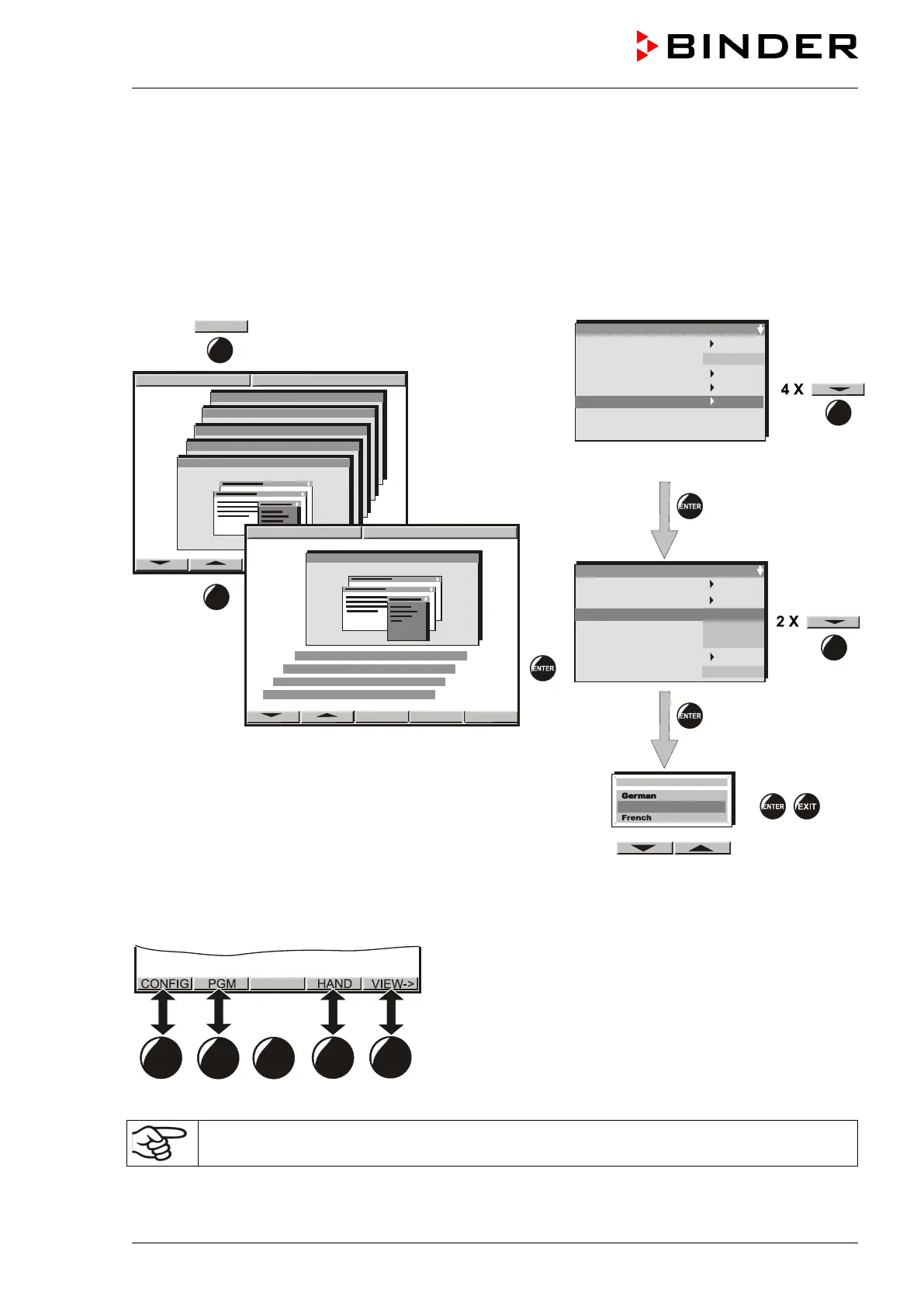
6.1 Selection of the menu language
The display program controller MB1 controls the temperature and humidity inside the climatic chamber.
The controller communicates by a menu guide using real words in German, English and French.
The selection of the desired menu language is located in the sub-menu “User-Level” of the “User-
Settings” menu. Select menu point “Language“.
User level code no. 1 (factory setting)
The row of buttons below the display is context-sensitive. The inscription above the buttons on the display
defines the button’s function.
Do NOT change the temperature unit from °C to °F.
Safety control. Act + 36.8°C
Safety control. Set. 38.5



 To Next Page