KBF / KBF P (E5.2) 02/2012 page 48/103
CAUTION
Too high inner chamber temperature.
Damage of the lamps and the charging material.
When operating with illumination, program an additional program section.
Set the safety controller to set-point type “Offset” with set-point 5 °C
9.3 Entry of humidity values
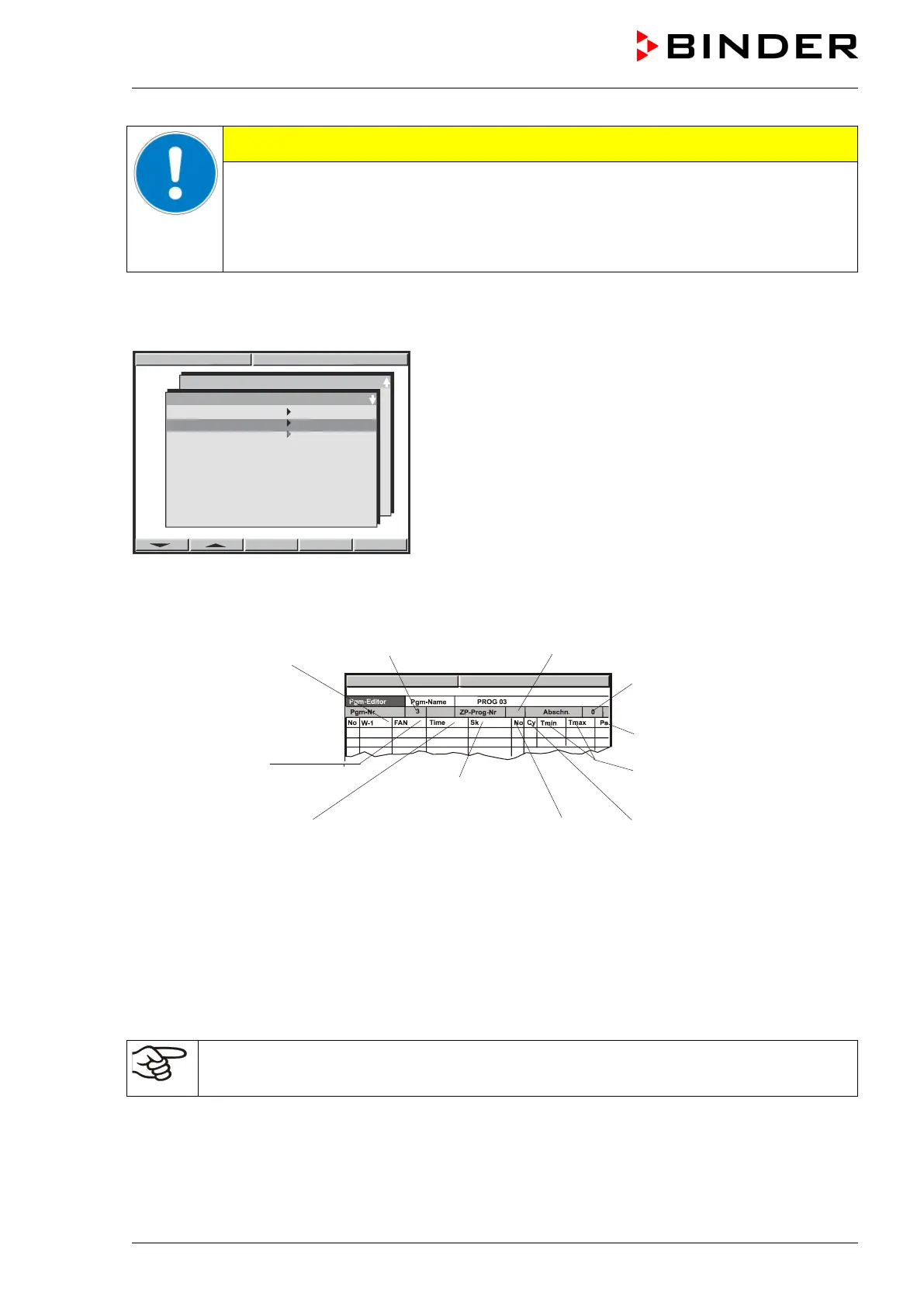
Select the second subroutine “TP-Program 2” and confirm by pressing “ENTER”. A program table will
appear, which is initially empty until you enter the humidity values. You can now enter the humidity pro-
gram.
Humidity at the beginning
of the program section
Fan speed in %
(no function)
Subprogram TP-Program No. 2
sections
Parameter set (preselected)
Tolerance band limits humidity
(maximum and minimum
humidity)
Operation lines
(no function)
section
Number of start section in case of
repeat cycles
Number of duplicates in case
of repeat cycles
Proceeding further is equivalent to the temperature value entry described in chap. 9.2.
Time course of the subroutines:
When starting the overall program, both subroutines (TP-Program 1 and TP-Program 2) will run synchro-
nously. They should be of the same duration because each of the subroutines becomes inactive after run-
off (i.e., no heating or refrigeration and 50% fan speed after ZP 1 is completed, no humidification after ZP
2 is completed). When the complete program is finished, the controller changes to Idle Mode. Tempera-
ture and humidity proceed towards ambient values.
Entering the set point values for KBF P when operating without illumination:
Increase the setting of the humidity set-point according to the table in chap. 8.2.
Performance after completing the program:
The controller changes to Idle Mode. Heating, refrigeration, and humidification are inactive; the chamber
approximates ambient temperature. The fan turns at 50% rate (factory setting).



 To Next Page