EasyManua.ls Logo

Binder KBF 720 (E5.2) - Menu-Based Program Entry

Default Icon
103 pages
Print Icon
To Next Page IconTo Next Page
To Previous Page IconTo Previous Page
Loading...
KBF / KBF P (E5.2) 02/2012 page 45/103
9.1 Menu-based program entry
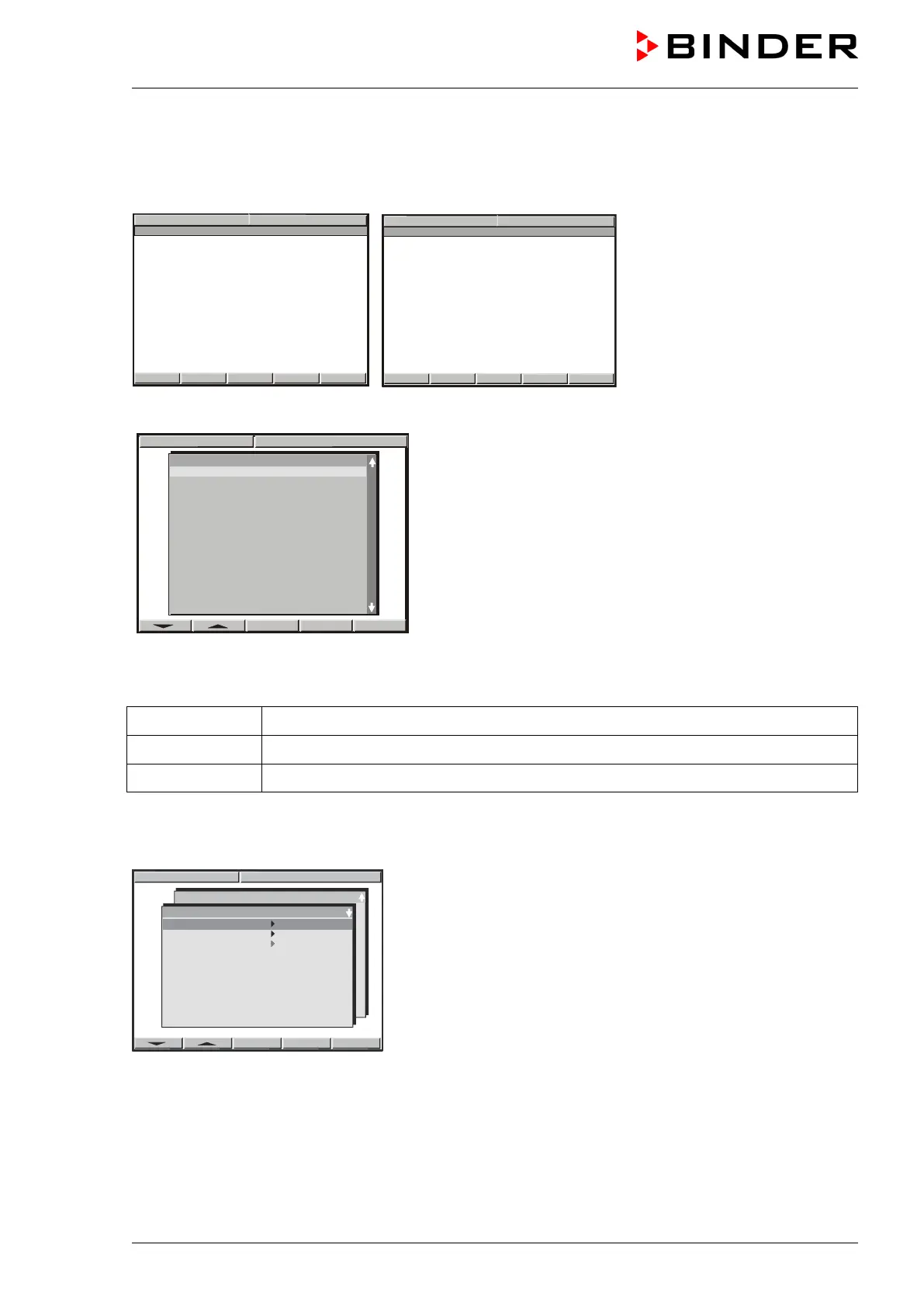
Displays showing the initial normal display in Idle Mode
W
X
08:43:55 15.12.09
CONFIG
VIEW->
PGM
TEMP
0.0
26.8
°C
HUMID
0.0
58.6
%rH
HAND
W
X
08:43:55 15.12.
09
CONFIG
VIEW->
PGM
FAN SPEED
50
%
HAND
X - TEMP
26.8
°C
X - HUMID
58.6
%rH
Hit button PGM. The window program selection appears.
Select a program via the arrow keys and confirm by pressingENTER”.
The following display serves to select a subroutine:
TP-Program 1 Entry of temperature values and fan speed setting
TP-Program 2 Entry of humidity values
TP-Program 3 no function
9.2 Entry of temperature values and fan speed
08:43:57 15.12.09
Prog. Select.
Prog 1 PROG 01
Prog 2 PROG 02
Prog 3 PROG 03
Prog 4 PROG 04
Prog 5 PROG 05
Prog 6 PROG 06
Prog 7 PROG 07
Prog 8 PROG 08
Prog 9 PROG 09
Prog 10 PROG 10
Prog 11 PROG 11
Prog 1 PROG 01
TP- Program 2
TP- Program 3
TP- Program 1
Select the first subroutine “TP-Program 1” and confirm by pressingENTER.
DEL PGM
08:43:55 15.12.09
Prog select Fr. Abs. 372
Prog 1 PROG 01
Prog 2
PROG 02
Prog 3
PROG 03
Prog 4
PROG 04
Prog 5
PROG 05
Prog 6
PROG 06
Prog 7
PROG 07
Prog 8
PROG 08
Prog 9
PROG 09
Prog10
PROG 10
Prog11
PROG 11
Prog12
PROG 12
Prog13
PROG 13
Prog14
PROG 14
Prog15
PROG 15
Prog16 PROG 16

Table of Contents

Related product manuals