VD (E2.1) 07/2017 page 31/96
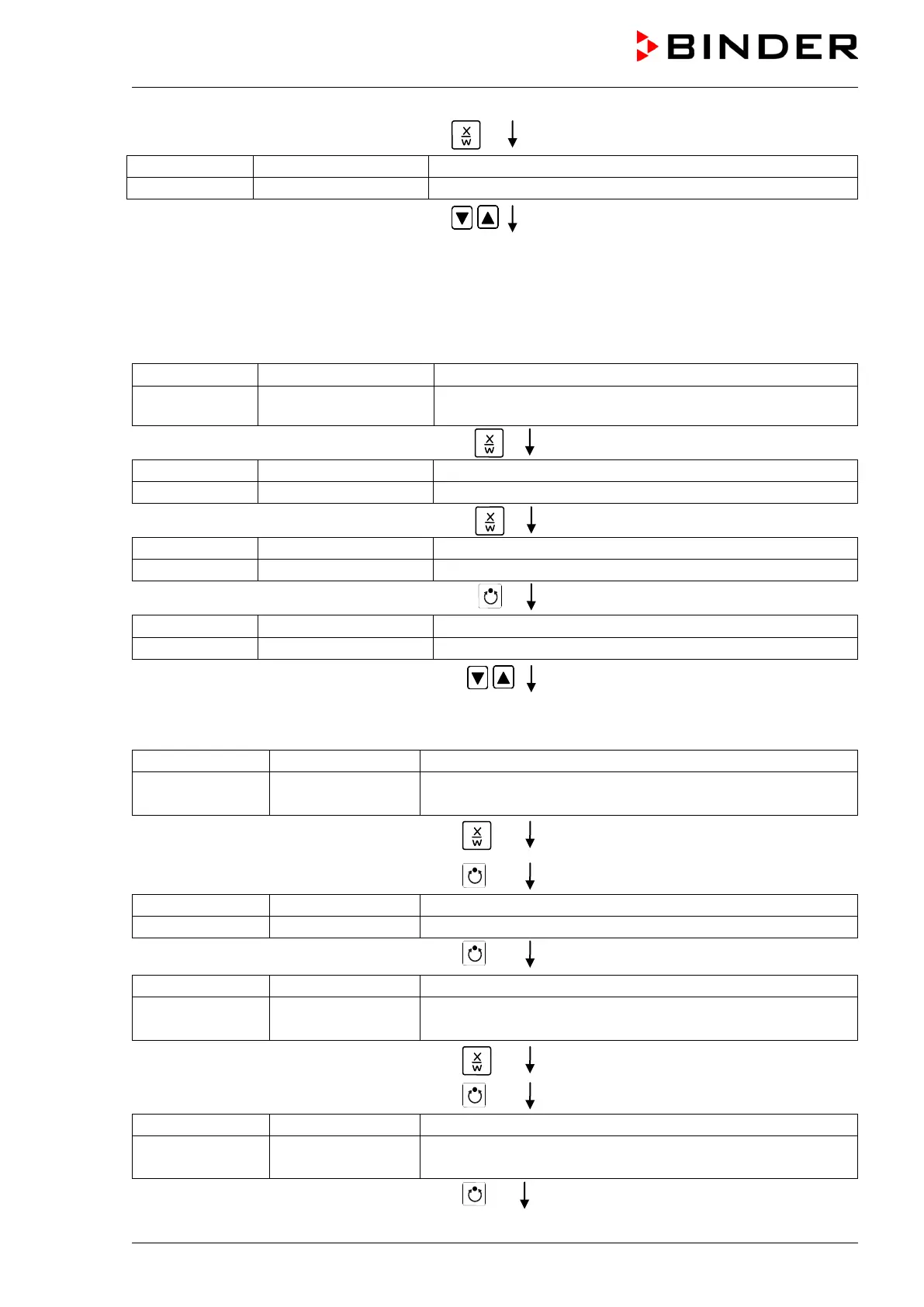
Press key
(actual temperature set-point 2)
(variable: temperature in °C)
Enter temperature set-point 80 °C using
arrow keys
Value is shown in display 1.
Press the EXIT button. The controller changes to Normal Display.
3. Enter the time program to the week program editor
Normal Display
(actual temperature value)
Display 2 shows e.g. 15.05.06 13:52 - -
(actual date and time, actual state of week program timer
channel 1: Off, channel 2: Off)
Press down key
for 5 sec
(you are in the program editor)
Press down key
for 5 sec
(you are in the week program editor)
Press program key
(enter user code, display flashes)
Enter the user code using arrow keys
e.g. 0001 (basic setting, adjustable in the
user level, chap. 10).
Value is shown in both displays.
Automatically forward after 2 sec
Display 2 shows Monday
(selection of day of the week)
(actual selection: Monday)
Select the first day of the week (Monday)
with key
Day of the week is shown in display 2.
Press program key
Press program key
Display 2 shows Shiftpt. 1
(selection of the shift point)
Select shift point 1 with key
Value is shown in display 2.
Press program key
(time of the selected shift point)
Display 2 shows S1: --:--
(actual selection of the shift point: S1)
(actual setting: shift point not programmed)
Press program key



 To Next Page