VD (E2.1) 07/2017 page 38/96
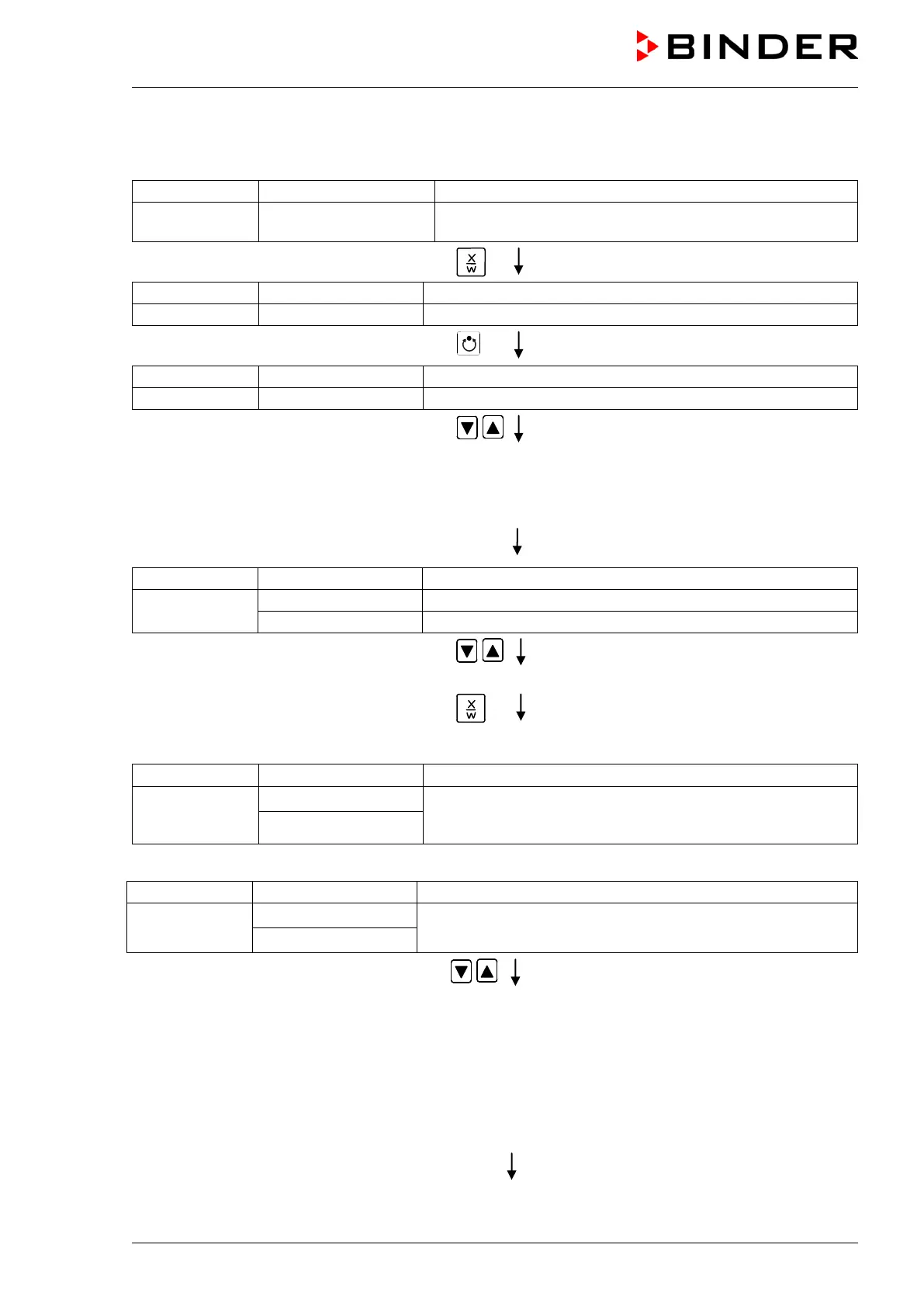
Step 1 – Selecting the program and the first program section to be entered:
Normal Display
(actual temperature value)
Display 2 shows e.g. 15.05.06 13:52 - -
(actual date and time, actual switching state of week
program timer channel 1: Off, channel 2: Off)
Press down key
for 5 sec.
(you are in the program editor)
Press program key
Enter user code using arrow keys
e.g. 0001
(basic setting, adjustable in the user level,
chap. 10).
Value is shown in both displays.
Automatically forward after 2 sec.
Display 2 shows
alternating
(program can be selected)
(information: to 1
st
program section with X/W)
Select program P01 or P02 using ar
keys
Value is shown in display 1.
Press key
In the selected program P01 or P02, program sections can be selected:
Display 2 shows
alternating
P01: --- SEC.
Section S01 has already been created.
Enter new set-points for the individual variables with button
CONTINUE X/W
or:
Display 2 shows
alternating
P01: --- SEC.
Section S01 has not yet been created.
Enter set-points for the individual variables with button X/W
NEW SEC. X/W
Select sections S01 to S10 or to S20 using
arrow keys
As long as no program section has been entered, the display switches back to 01 in case of any entry
> 01, because all sections need to be entered one after the other, and each new section is created as
NEWSEC.
Example: If three programs sections have been already entered, the next section to be entered is S04.
Before this, no section > S04 can be selected.



 To Next Page