VD (E2.1) 07/2017 page 39/96
Next step – set-point entry in the desired program sections:
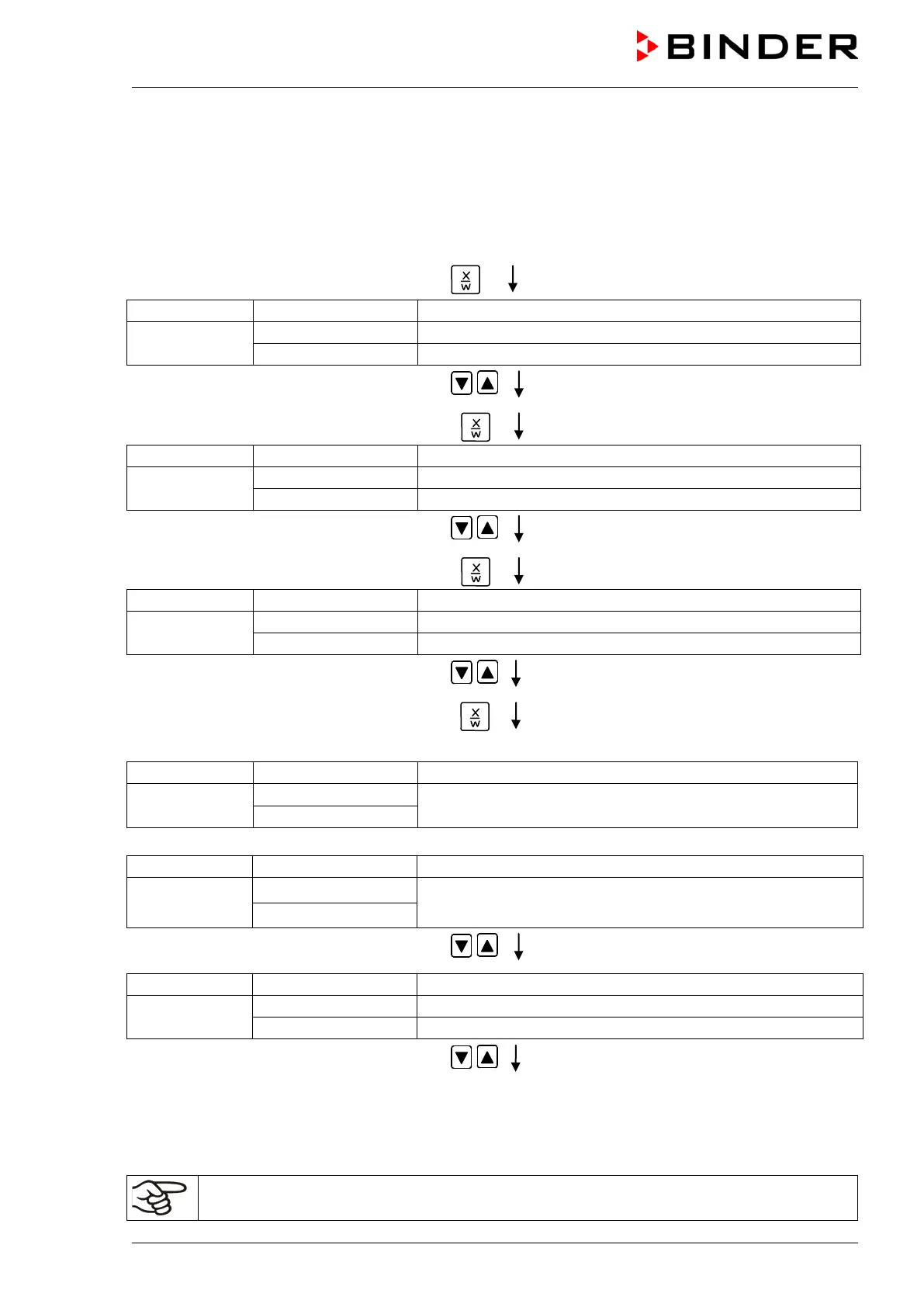
Basic entry principle: Access the parameters of individual program sections with button X/W one after
the other. Enter the values of the individual parameters with the arrow keys. A value flashing once after 2
seconds indicates that it has been adopted by the controller. If several parameters are to be skipped (e.g.
in order to change a parameter in a posterior program section), the parameters can be rapidly jumped
over by holding down the X/W key. If no button is pressed for more than 120 sec the controller switches
back to Normal Display. The program entered to this point remains stored.
Press key
(actual temperature set-point)
alternating
(variable: temperature in °C)
(information: go on with X/W)
Enter temperature set-point of S01 in °C
using arrow keys
Press key
(actual section length set-point)
Display 2 shows
alternating
(variable: section length in hh:mm)
(information: go on with X/W)
Enter section length set-point of S01 in
hh.mm using arrow keys
Value is shown in both displays.
Press key
(actually set switching state)
Display 2 shows
alternating
(variable: switching state)
(Information: go on with X/W)
Enter switching state of operation lines using
arrow keys
(see chap. 15, switching outputs via operation
lines)
Press key
Selecting the next program sections to be entered
Display 2 shows
alternating
Section S02 has already been created.
Enter new set-points for the individual parameters with X/W.
or:
Display 2 shows
alternating
P01: --- SEC.
Section S02 has not yet been created.
Enter set-points for the individual parameters with X/W
NEW SEC. X/W
Select the next section to be entered using
arrow keys
(actual temperature set-point)
alternating
(variable: temperature in °C)
(information: go on with X/W)
Enter the temperature set-point of S02 in °C
using arrow keys
Etc.
If all sections up to S10 or up to S20 have been programmed, section S01 follows again. In order to quit
the entry mode, press the EXIT button several times or wait 120 sec → the controller will then return to
Normal Display.
When changing the set-point, check the setting of the safety device (chap. 12).



 To Next Page