Putting be.IP swift into operation 12
Connecting devices under Windows 10/OS X
1. Click on the WLAN icon in the start bar.
2. Select the WLAN name of your router and click Connect.
3. Enter the WLAN password in the Enter network key input field or
press the WPS button.
Connecting devices running Android or iOS
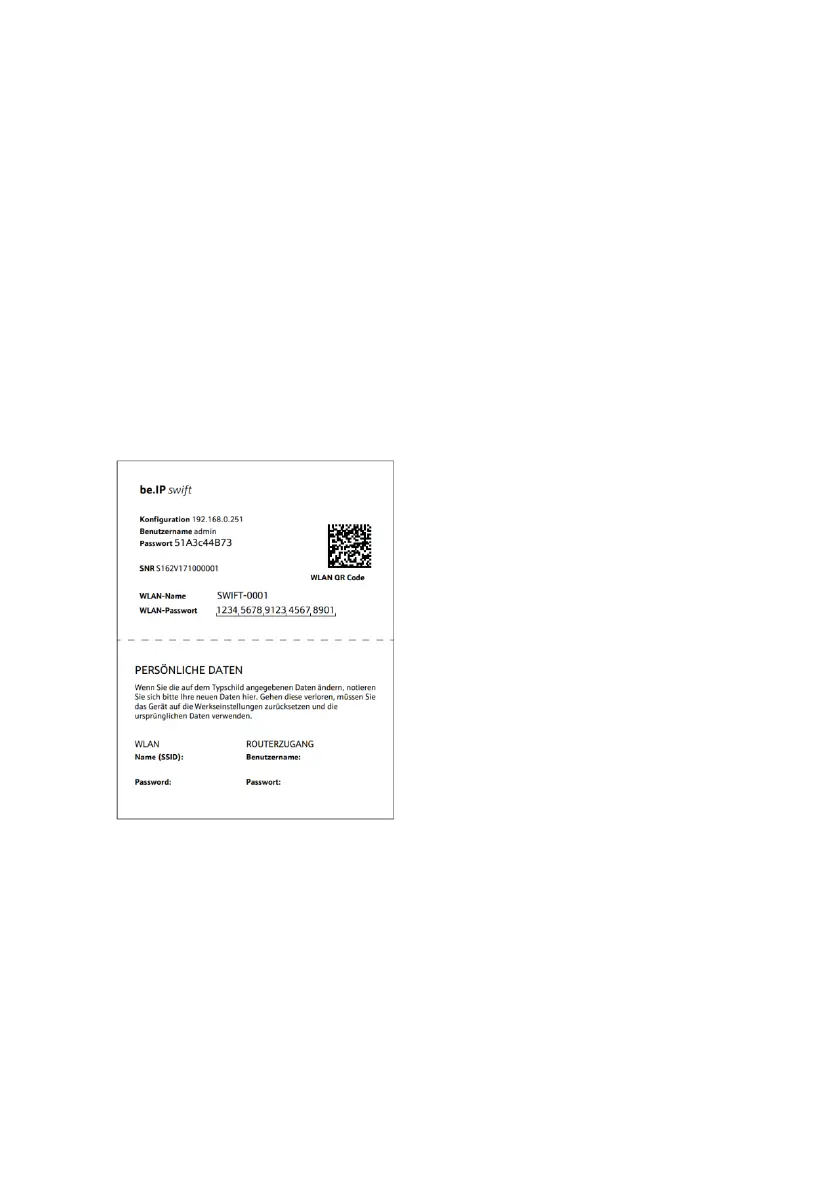
For smart phones and tablets running Android 5.x or iOS 11.x and
above operating systems, you can simply scan the QR code on the
enclosed router pass and the router will automatically connect to the
WLAN.
Router pass


 To Next Page
 Loading...