Menu for telephony in operation as a telephone system 32
7.1.7 Configuration of a user-defined VoIP provider (direct
dial-in)
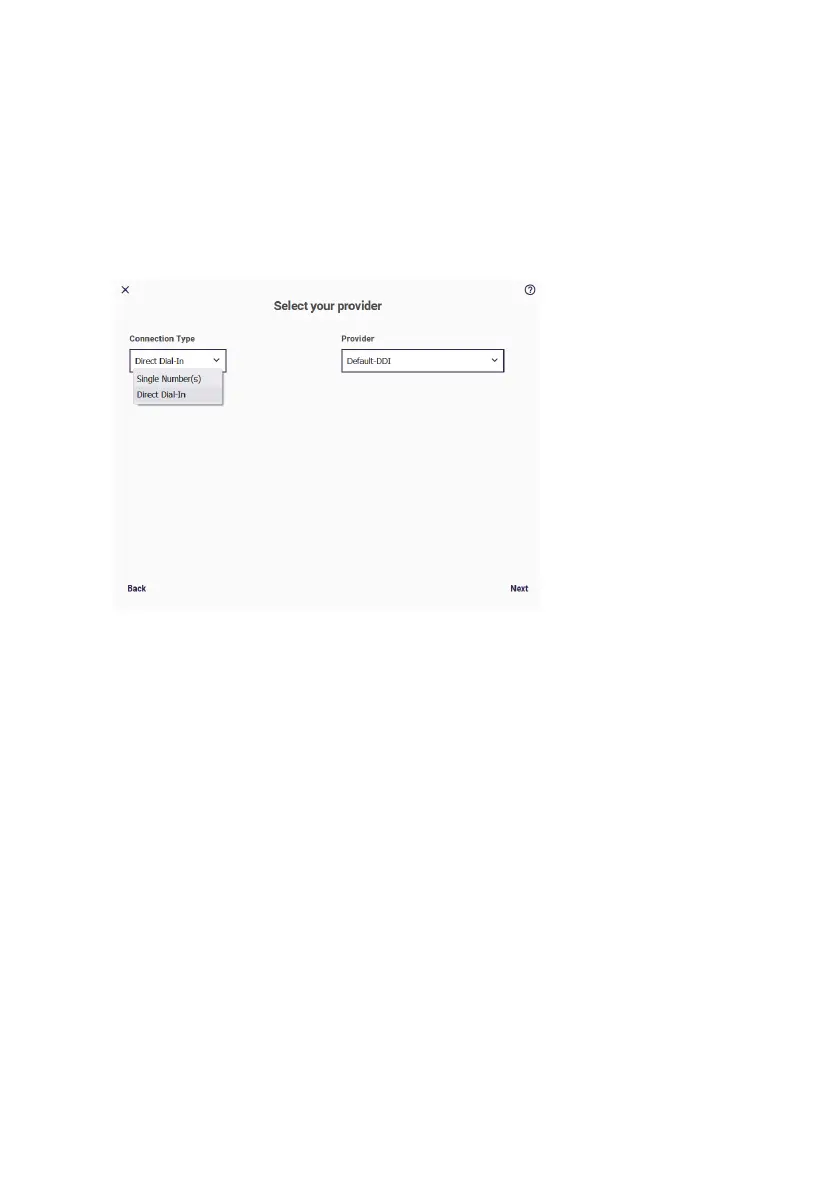
The Direct dial-in option corresponds with a Point to Point. Select
Connection Type Direct dial-in and your Provider.
You can choose from a number of preset providers or create
a provider by selecting the “Default” profile.
You will find more information about the VoIP provider settings and
other settings in the Online Help.
7.2 Telephony / User menu
In this section you will be guided through all the settings required to
create and set up a user. In the overview, all users that have already
been configured are displayed.


 To Next Page
 Loading...