V 1.31
2021. 05 99 / 171 Doc. # : BN-OP-C7
[Monitoring Size]
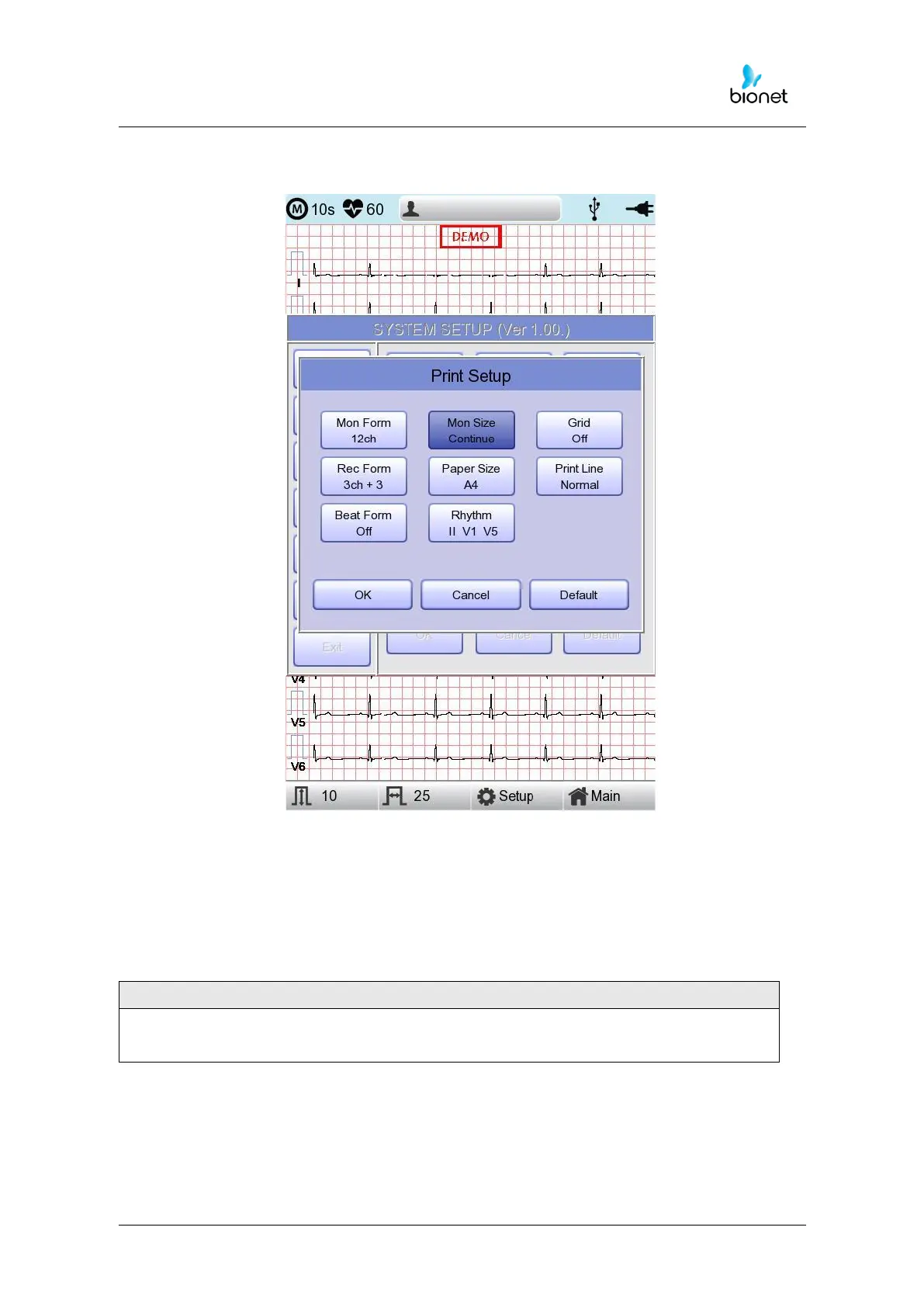
You can set up the real time printing size. When you click the ‘Mon Size’ menu, ‘Report’ will
be selected and when clicking it again, ‘Continue’ will be selected. Default is set as
‘Continue’.
- ‘Report’: To print out 10-second data in the form of Report.
- ‘Continue’: The leads will be printed out continuously until you press the ‘ESC’ key on the
control panel.



 To Next Page