28
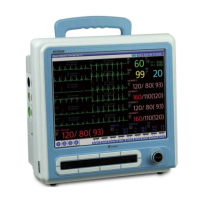
How to Use BPM-1200(1010)
(1) How to Use
Install on the main power switch at the back of the product.
Check the light-on status of the AC LED in the front, and
push the power switch 1~2 seconds to turn it on. (if any
problems occur, refer to the “How to solve the problems”
section in the manual)
If you want to change the setting value etc. during use,
push the Menu button to change the setting values per
each measurement parameter.
When the measurement sensor is connected to the patient, the
information on the patient is displayed as values and
waveforms on the LCD screen.
◈ Push the Power button 1~2 seconds when turn it off, display the
“Power off” massage on the screen.
Refer to the table below for the details of how to measure
each parameter.
- Respiration measurement
- Blood pressure measurement
- Body temperature measurement
- IBP(Press) measurement(optional)
- EtCO2 measurement(optional)



 To Next Page