50
Body Temperature Measurement
Changes in impedance according to the change in the patient’s body
temperature is perceived by the temperature sensor, and then displayed
numerically on the screen after a series of calculations.
(1) How to Measure Body Temperature
◈ The temperature sensor provided with the product is of the rectal
type.
◈ The temperature sensor should be sterilized before application to
another patient.
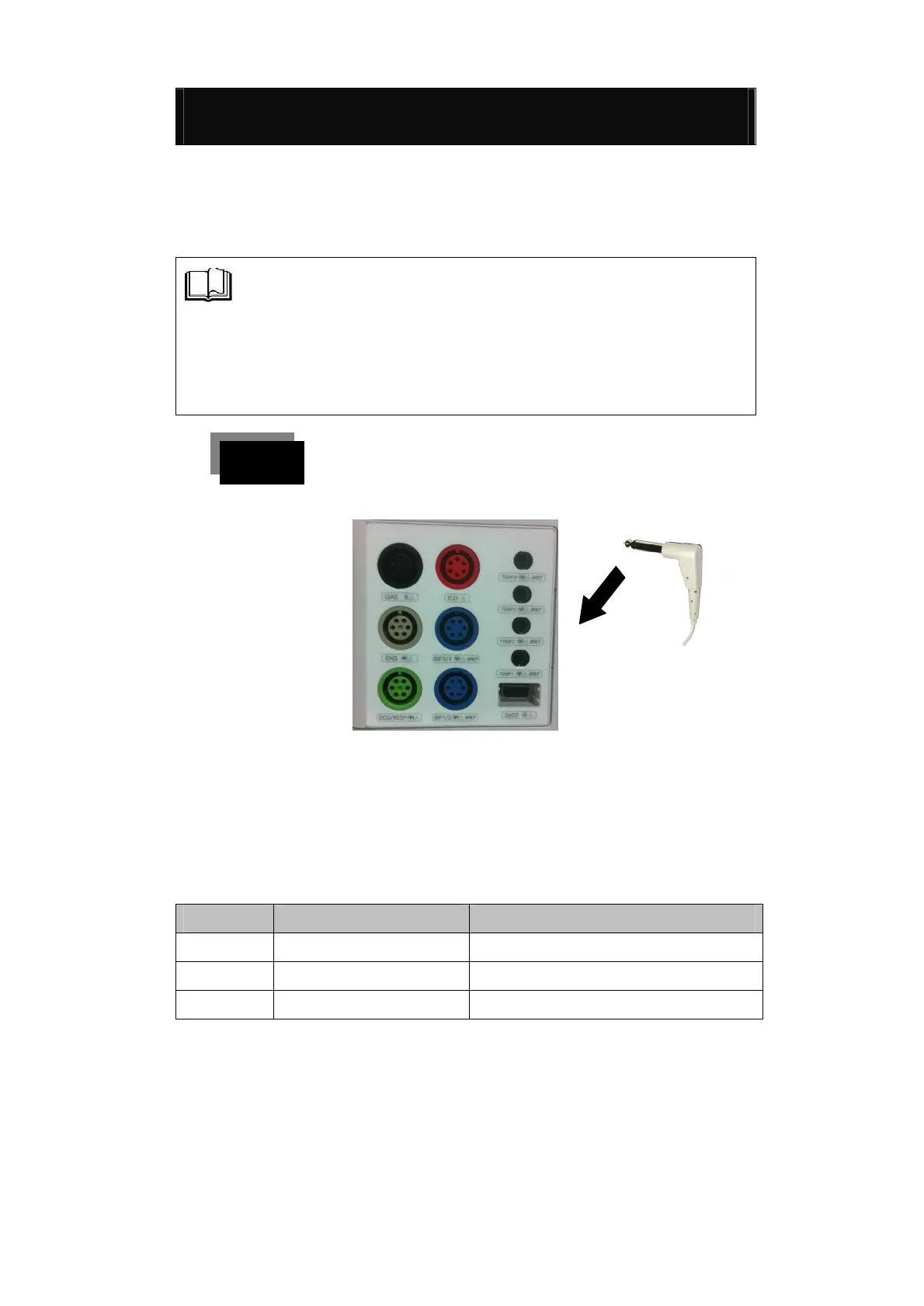
Connect the temperature sensor to the connection
terminal of the measurement module.
(2) Change of TEMP Mode
▶ To change Temp mode, touch the TEMP Numeric once to
select Temp.
▶ By operating as detailed above, you can select each function
of the TEMP mode.
Set the maximum limit of alarm
Set the minimum limit of alarm



 To Next Page