28 Biotage
®
ELSD-A120 User Manual
4 Using the Detector
Detector Controls
Detector Controls
ELSD-A120 can be controlled via the front keypad and screen, as
shown in Figure 5 below.
Display Screen
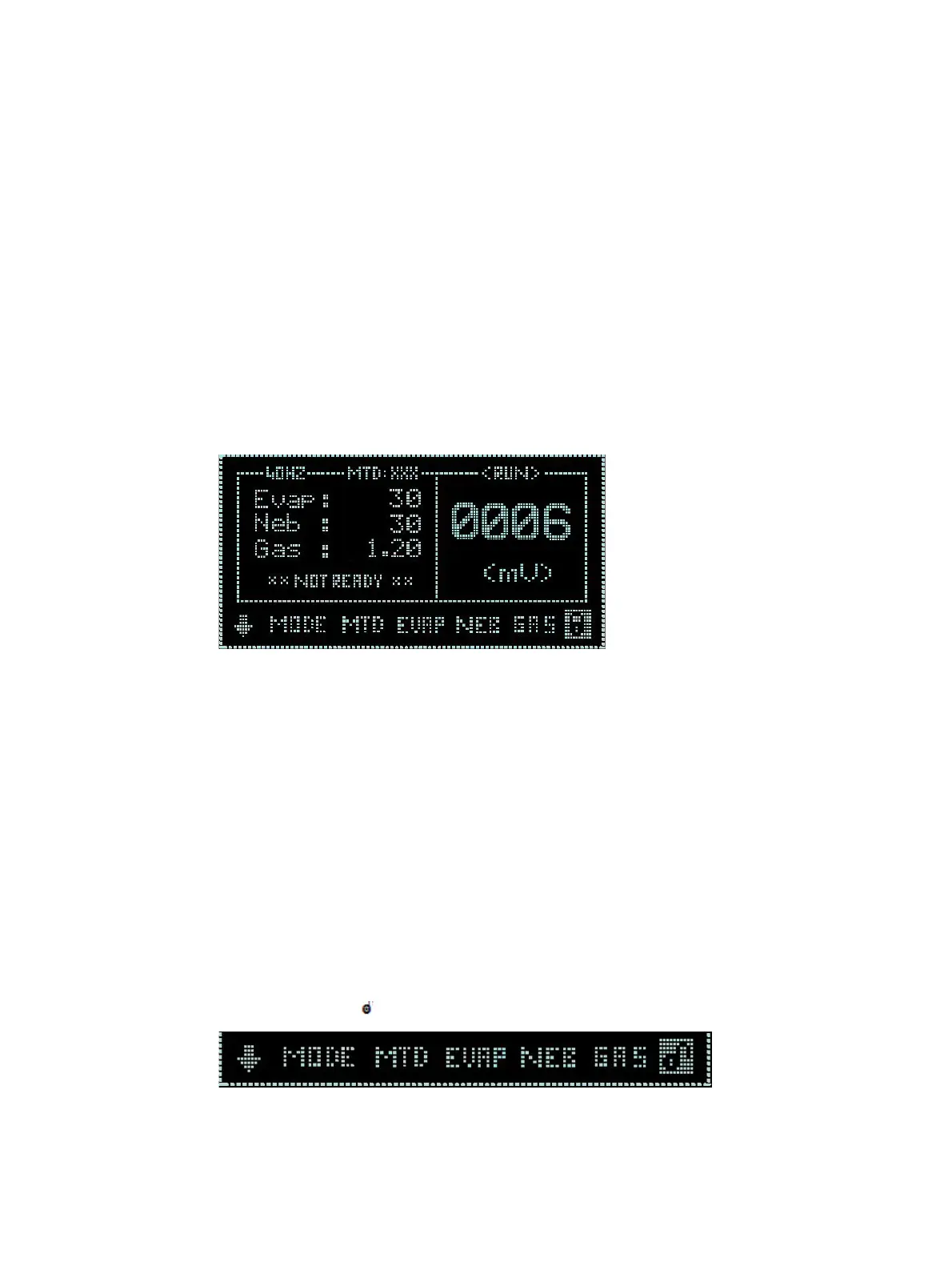
The graphical interface on the front of the detector displays the current
method, status, evaporator temperature, nebulizer temperature, gas
flow and output of the detector. Operating parameters can be altered
via the interactive menu bar at the bottom of the display.
Figure 5 ELSD-A120 display screen
Keypad
The four arrows on the front of the detector are used to navigate
within the interactive menu bar. The ZERO key can be used to
auto-zero the detector.
Main Menu Bar
To change the current settings, use the arrow keys to navigate across
the interactive menu bar until the desired option is flashing. Using the
up/down arrow keys alter the parameter to the desired setting. In
order to save any changes, the cursor must be returned to the
“Home” position ( ).
When the cursor is located in the “Home” position, the actual detector
values are displayed in the main screen.



 To Next Page