70 Biotage
®
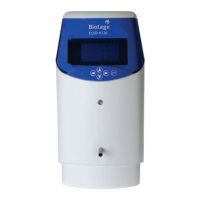
ELSD-A120 User Manual
8 Maintenance
Replacing the Detector Firmware
Replacing the Detector Firmware
ELSD-A120 contains control firmware that can be flash upgraded via
the serial port.
To upgrade/downgrade the detectors firmware carry out the
following steps:
1 Connect the detector to a PC, via the serial port on the rear of the
detector, using the RS232 communication cable supplied with the
detector.
2 Open the Tera Term program, and select File > New Connection
from the toolbar.
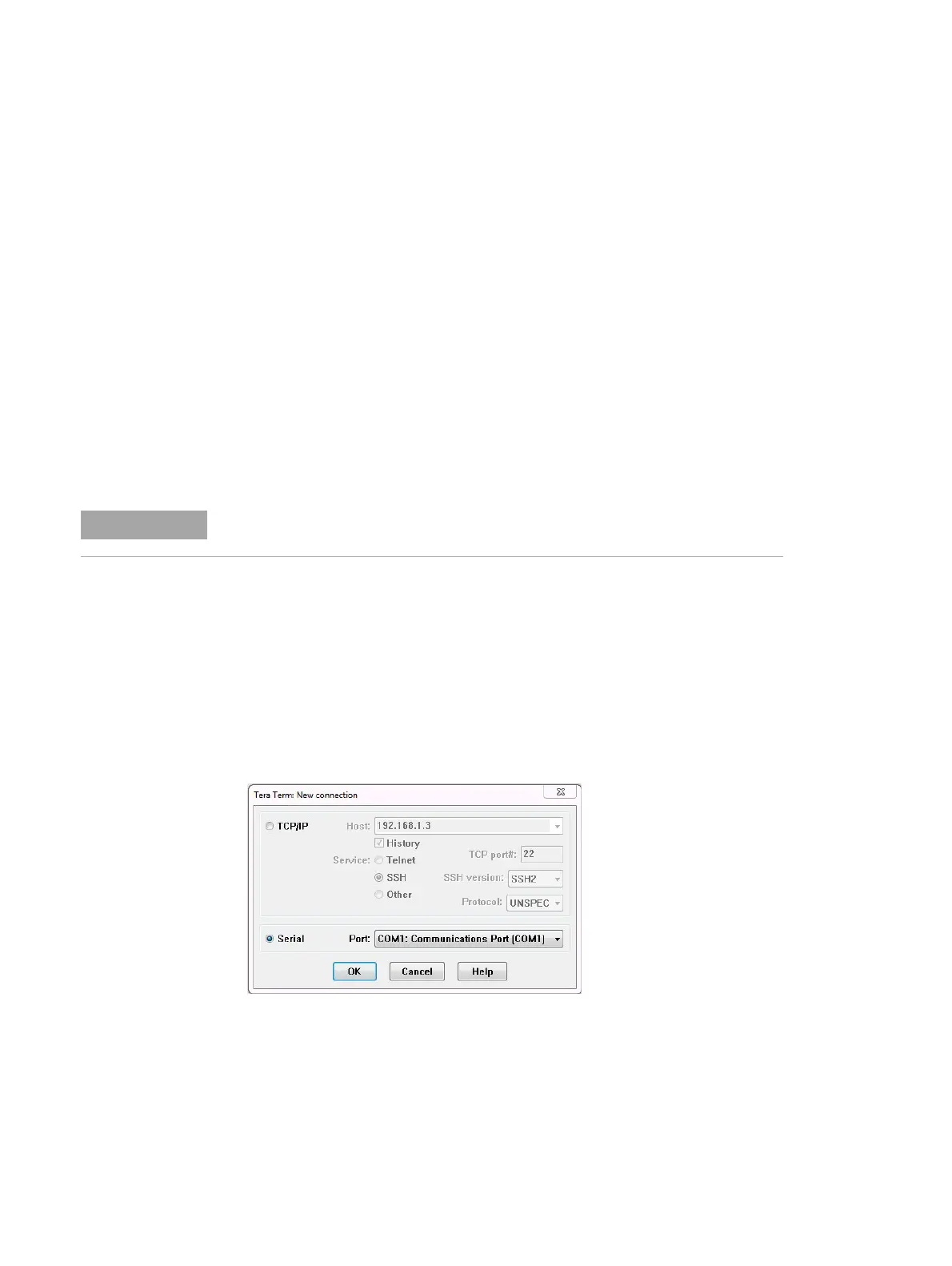
3 Select Serial and choose the appropriate COM port, followed by
OK.
4 From the toolbar menu, select Setup > Serial Port to configure
the serial port connection.
When For majority of internal repairs
Tools required Description
Allen keys
Tera Term s of twa re
Current firmware file
Parts required Description
Serial cable (supplied with the detector)
Firmware versions v24.0.4 and v24.0.2, or later, are not compatible
with ELSD-A120.


 To Next Page