Biotage
®
ELSD-A120 User Manual 71
Maintenance
8
Replacing the Detector Firmware
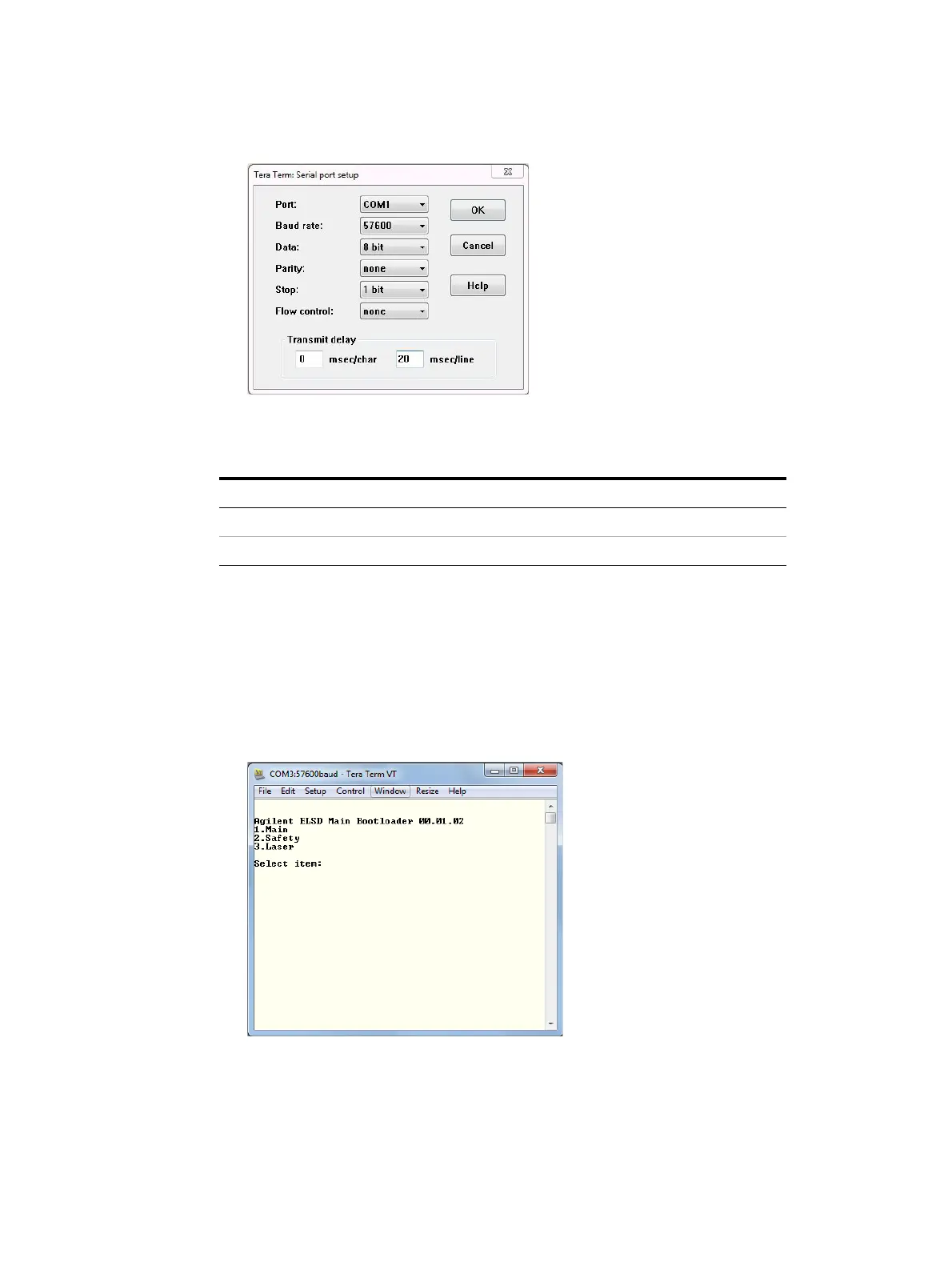
5 Set the Serial port to the parameters shown below and click OK.
The Transmit delay values should be set according to the table
below:
6 Put the detector into Service mode by holding down the rear Flash
button whilst switching on the detector.
The front panel will display:
SERVICE MODE
Reboot for normal operation
When in Service mode, the Tera Term displays the boot loader
version and firmware menu.
7 Select the firmware you wish to upgrade/downgrade by pressing
the appropriate number (e.g. press 1 to upgrade the main control
firmware).
Table 5 Transmit Delay Values
Firmware type msec/char msec/line
Main 0 20
Safety 0 35



 To Next Page