14
Video Output
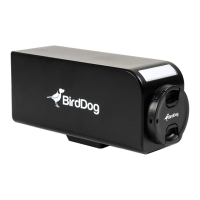
The camera can simultaneously produce SDI, HDMI and NDI® video output.
NDI Signal
1. Connect the camera to the network using Cat5e/Cat6 network cable.
2. You'll need to use a web browser on a connected computer for camera conguration.
3. To obtain, and congure NDI
®
video, please refer to NDI Encode Settings.
HDMI Signal
1. Connect the camera to a HD monitor/TV using HDMI cable.
2. Turn on the camera. After initialization, video will display on the monitor.
3. Information of the camera initial setting status will display on the monitor for 5 seconds.
4. You can set the displayed video format in the camera System menu.
SDI Signal
1. Connect an SDI cable in between the camera your SDI Device/display.
Audio In/Output
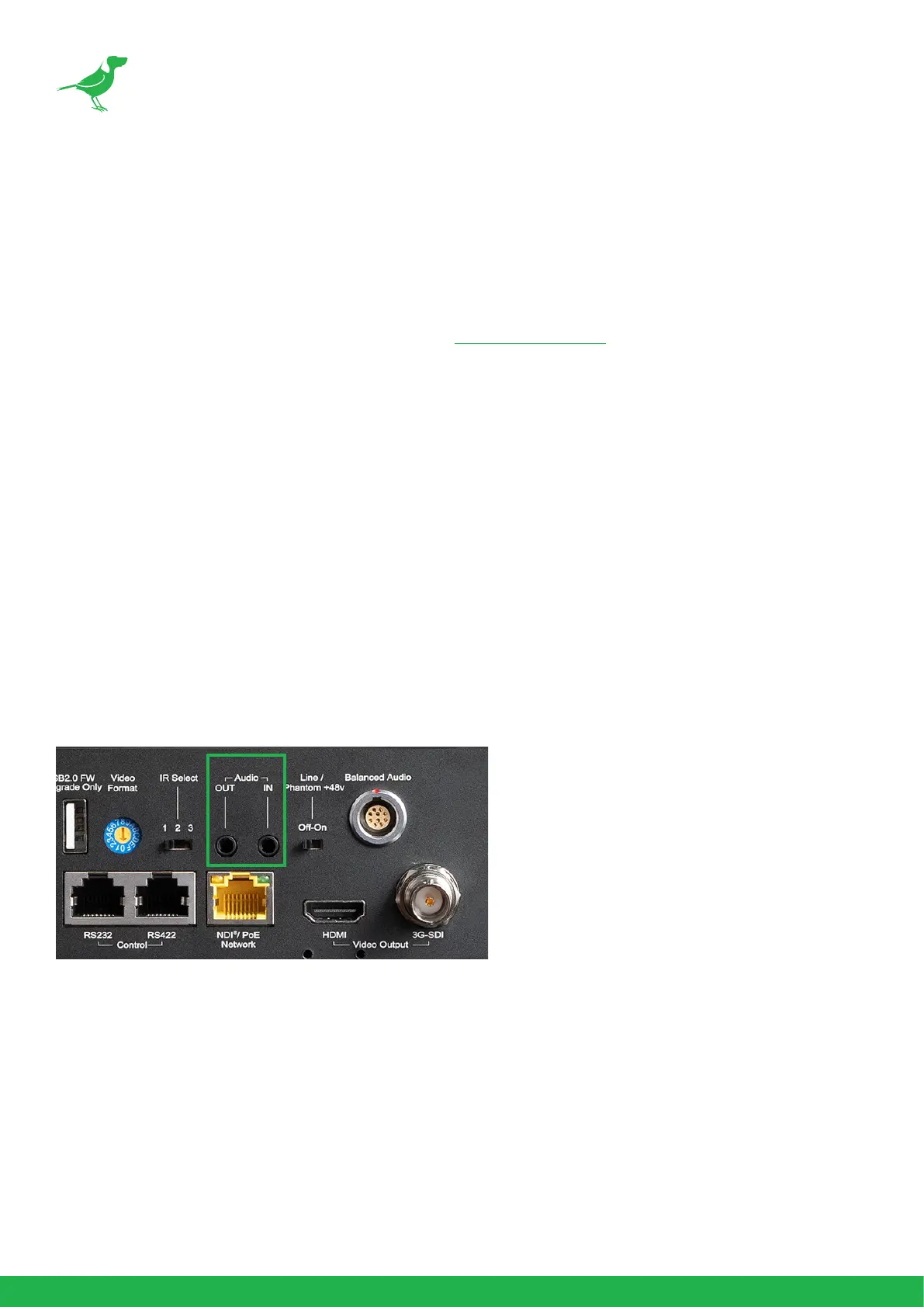
Analog 3.5mm audio In\Out ports. The Audio Out will output any audio that is captured on the Audio In port. Audio
format is stereo, unbalanced line level.


 To Next Page