29
BirdUI Layout
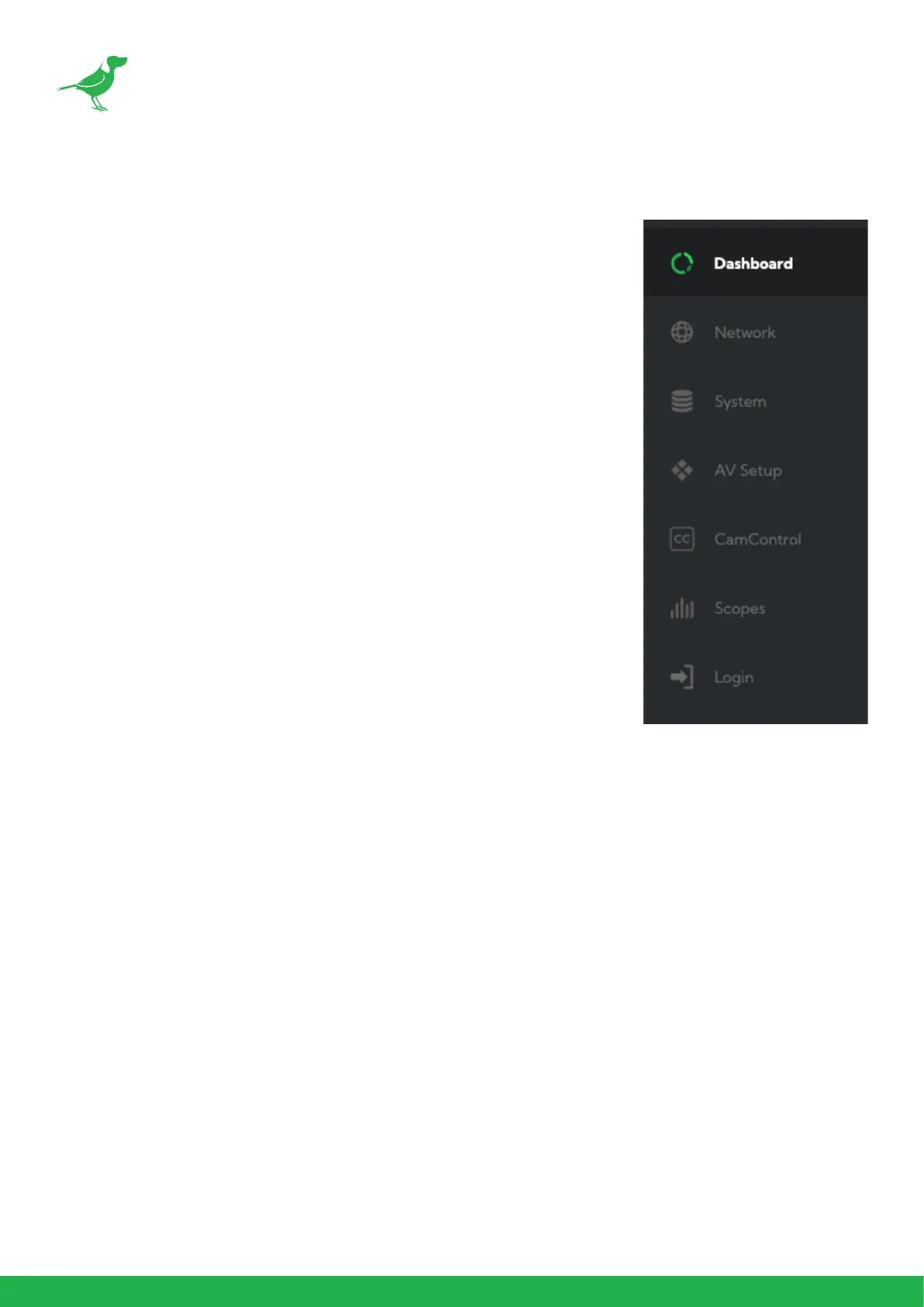
The BirdUI is organized into the following panels:
1. Dashboard
Overall view of important information such as the network connection type
and video stream format and resolution.
2. Network
General network settings such as DHCP IP Address details, timeout fallback
address and camera network name, as well as NDI® specic network set-
tings
3. System
System admin functions such as updates, password change, designation of
group access and camera reboot.
4. AV Setup
Full NDI® encode management and audio settings.
5. CamControl
Exposure, white balance, picture and color settings.
6. Scopes
Settings for the Histogram, Waveform, RGB Parade and Vectorscope.
7. Logout
Click to logout from the BirdUI.



 To Next Page