39
Minimum Speed (Minimum Shutter Limit)
In low light conditions, the shutter speed may becomes slow and the gain is increased. Here you can put a limit on
the shutter speed reduction, helping to prevent camera shake when you shootingb moving subjects.
Backlight
When the background of the subject is too bright, or when the subject is too dark due to shooting in the AE mode,
back light compensation can help make the subject better exposed.
Spotlight
Spotlight compensation will attempt to compensate exposure in conditions where strong light falls on the subject,
such as a person’s face in a spotlight. You can choose either ON or OFF. This setting is enabled when MODE is FULL
AUTO, SHUTTER PRI, IRIS PRI, or GAIN PRI. SPOT LIGHT becomes disabled when BACK LIGHT is ON.
Exposure Compensation
When MODE is set to FULL AUTO, SHUTTER PRI or IRIS PRI, setting EXPOSURE COMPENSATION to ON allows
exposure compensation levels to be set from the following values: –10.5, –9, –7.5, –6, –4.5, –3, –1.5, 0, +1.5, +3, +4.5,
+6, +7.5, +9, +10.5. Setting the level to 0 disables exposure compensation. Level +10.5 is the brightest and –10.5 is
the darkest compensation value. EXPOSURE COMPENSATION is set to OFF, exposure compensation is disabled.
White Balance Tab
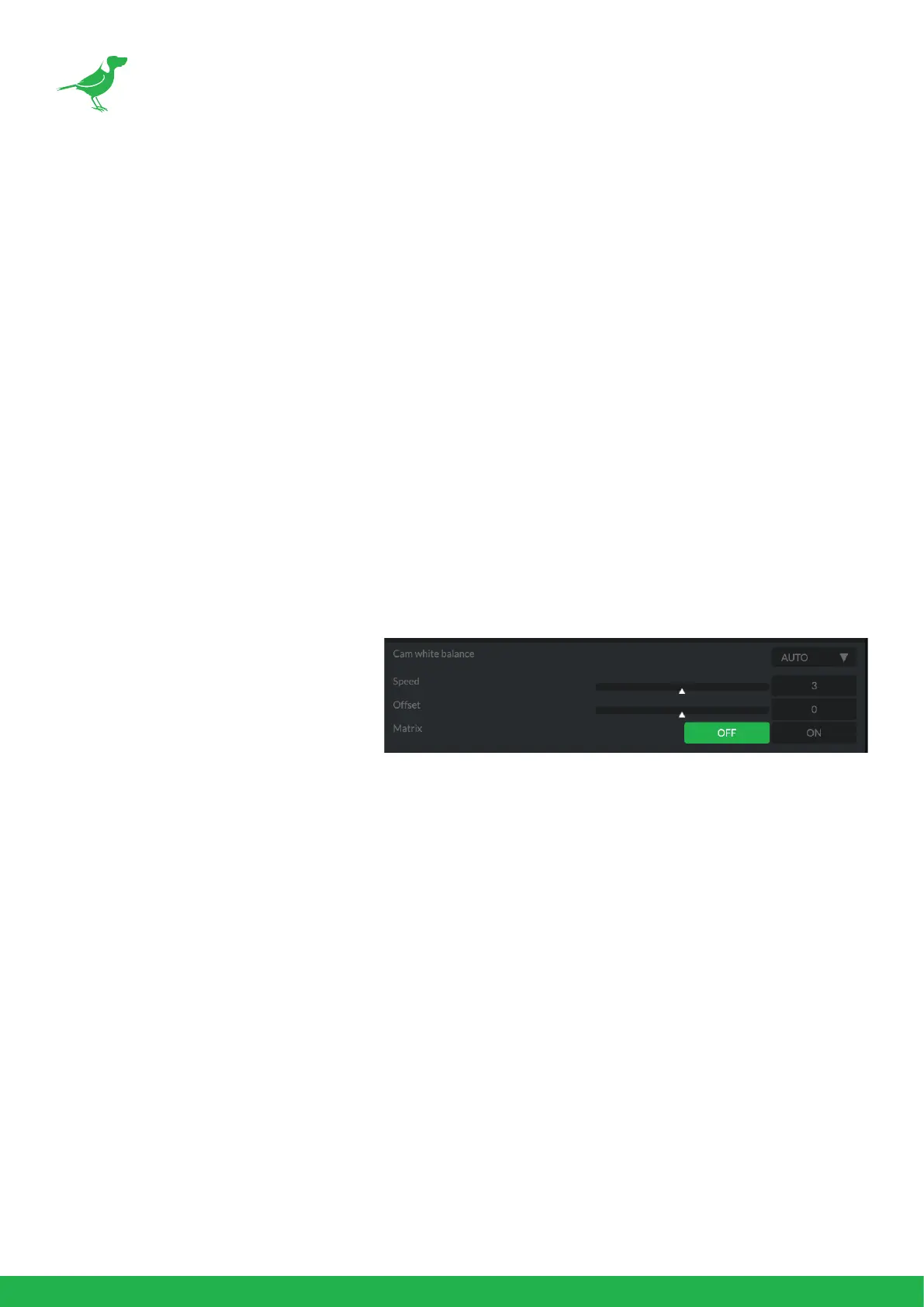
Cam White Balance
Auto: This mode computes the white bal-
ance value output using color information
from the entire frame with a range of val-
ues from 2500K to 7500K. This mode is the
default setting.
Indoor: Sets the color temperature to
3200K.
Outdoor: Sets the color temperature to 5800K.
OPW (One Push White Balance): The One Push White Balance mode is a xed white balance mode that may
be automatically readjusted only at the request of the user (One Push Trigger), assuming that a white subject, in
correct lighting conditions can occupying more than 1/2 of the image. One Push White Balance data is lost when
the power is turned o. If the power is turned o, you'll need to reset One Push White Balance.
To select OPW:
1. Place a white subject (i.e., sheet of white paper) in the center of the frame.
2. Press the remote controller HOME button to activate the one-push white balance adjustment.
ATW (Auto Tracking White Balance): Auto Tracking White balance (2000K to 10000K), allows the camera to
adjust the white balance according to the temperature of the light source illuminating the subject.
Manual 1: This user mode allow you to manually set the color balance parameters.
Below are the various parameters for these white balance modes.
Cam Red/Blue Gain
Sets the intensity of red and blue colors of the image.
Cam Color Temp
Sets the color temperature of the image in degrees Kelvin.


 To Next Page