46
Controlling Your Camera Via Other Protocols
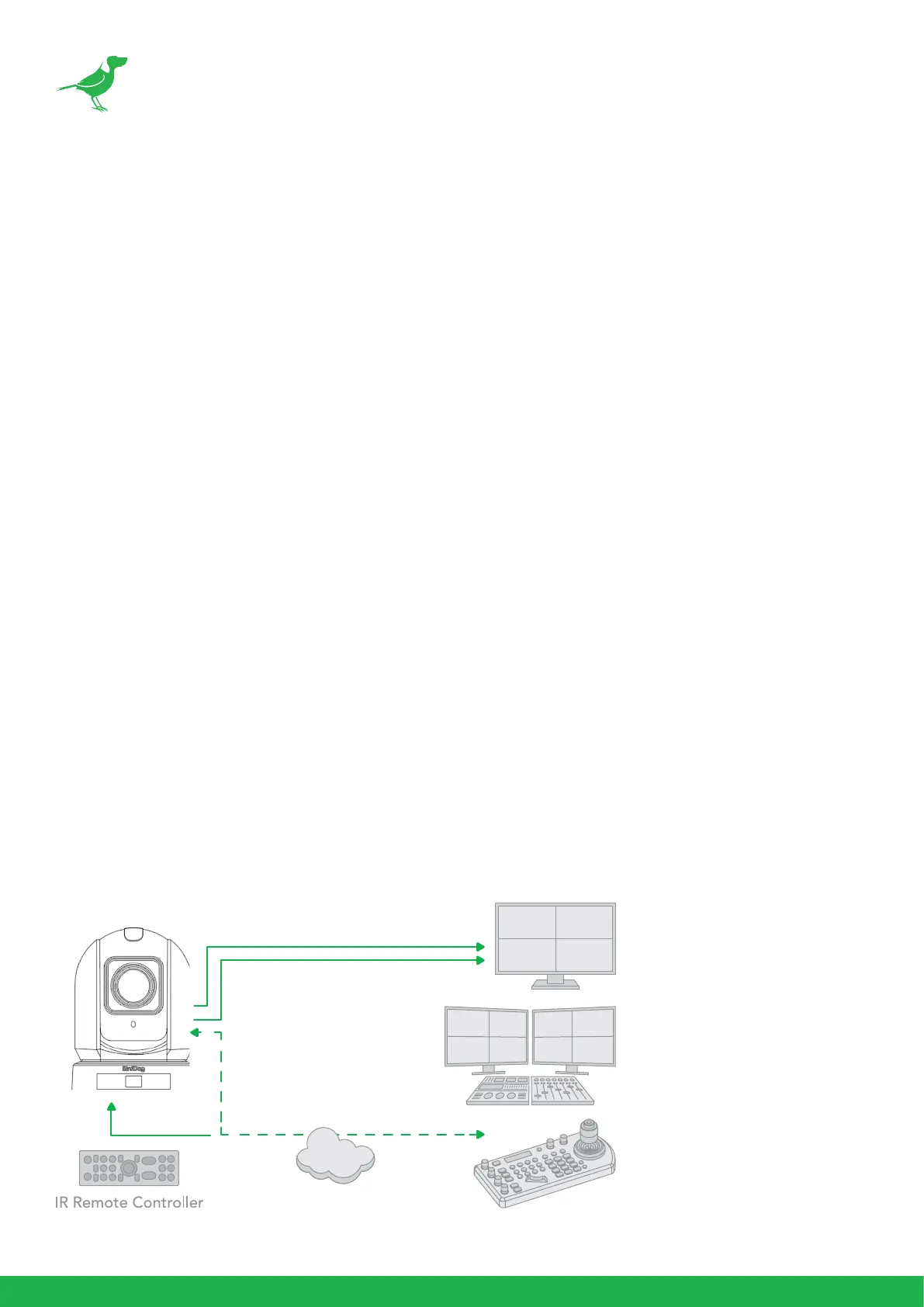
P240 also supports control via VISCA-over-IP, RS-232 and RS-422/485. This section details how to congure
control under these protocols.
When the camera is connected to a computer and joystick keyboard with a VISCA cable (cross type, RS-232), you
can operate the camera with the computer and the joystick keyboard.
When the camera is connected to a joystick keyboard a control cable (cross type, RS-422/485), you can operate
the camera’s pan, tilt, zoom with the joystick keyboard.
In this connection conguration, a HDMI cable, SDI video cable, data cable and network cable is required. To obtain
these third-party components or accessories, consult the dealer where you bought your camera.
Camera Initial setting status Information
The following information of the camera initial setting status will display on the monitor for 5 seconds.
4. Camera PELCO ID for RS-485 control.
5. Camera ID for IR Remote Controller.
6. IR remote control signal receive current setting.
7. Baud Rate current setting.
8. Control COMM Port current setting.
9. Video format current setting.
10. HDMI current setting.
11. Model number.
12. Firmware version.
VISCA over IP Control
With VISCA over IP, you can control the camera using the VISCA protocol on a controller equipped with IP
communication capabilities via LAN.
HDMI Video Signal
3G-SDI Video Signal
VISCA Over IP ControlPoE Power



 To Next Page