34
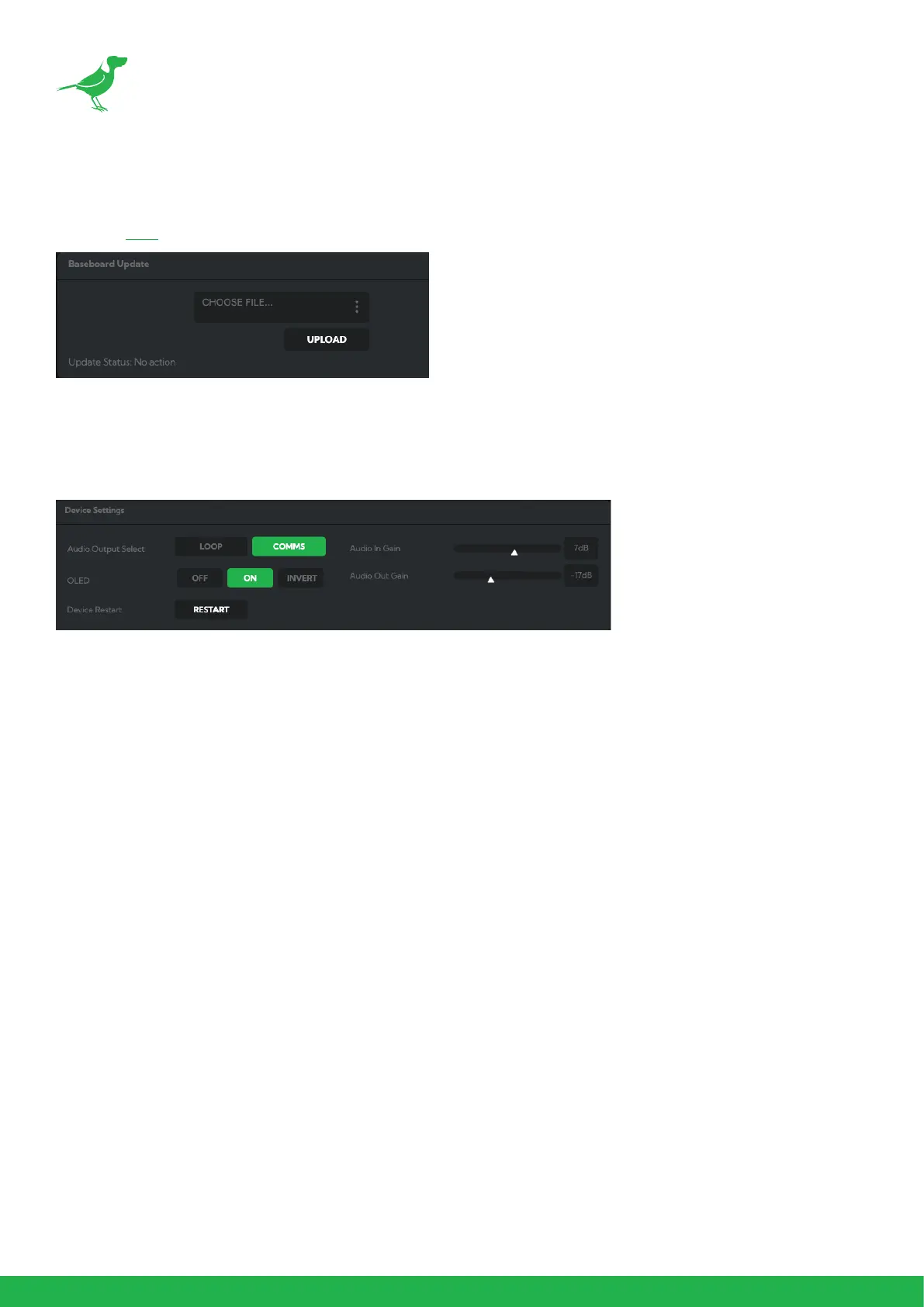
Baseboard Update
Follow the instructions included with your downloaded update le to update the camera baseboard. Updates can
be found here.
AV Setup
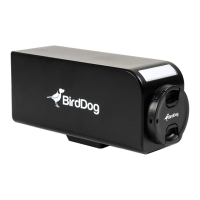
Device Settings
Audio Output Select
Loop: Audio from the Audio In port, for example, from a connected microphone, is directed to the Audio Out port
for monitoring.
Comms: Audio from NDI
®
stream is directed to the audio out for camera operator comms. You'll need software
such as BirdDog Comms Lite/Pro to use this function.
OLED
Turn the camera OLED screen on, o or invert the display.
Audio In / Out Gain
Controls for adjusting the audio in/out gain.
Device Restart
Restarts the NDI
®
stream. This may be necessary after changing key image settings e.g., resolution and Low latency
mode.


 To Next Page