37
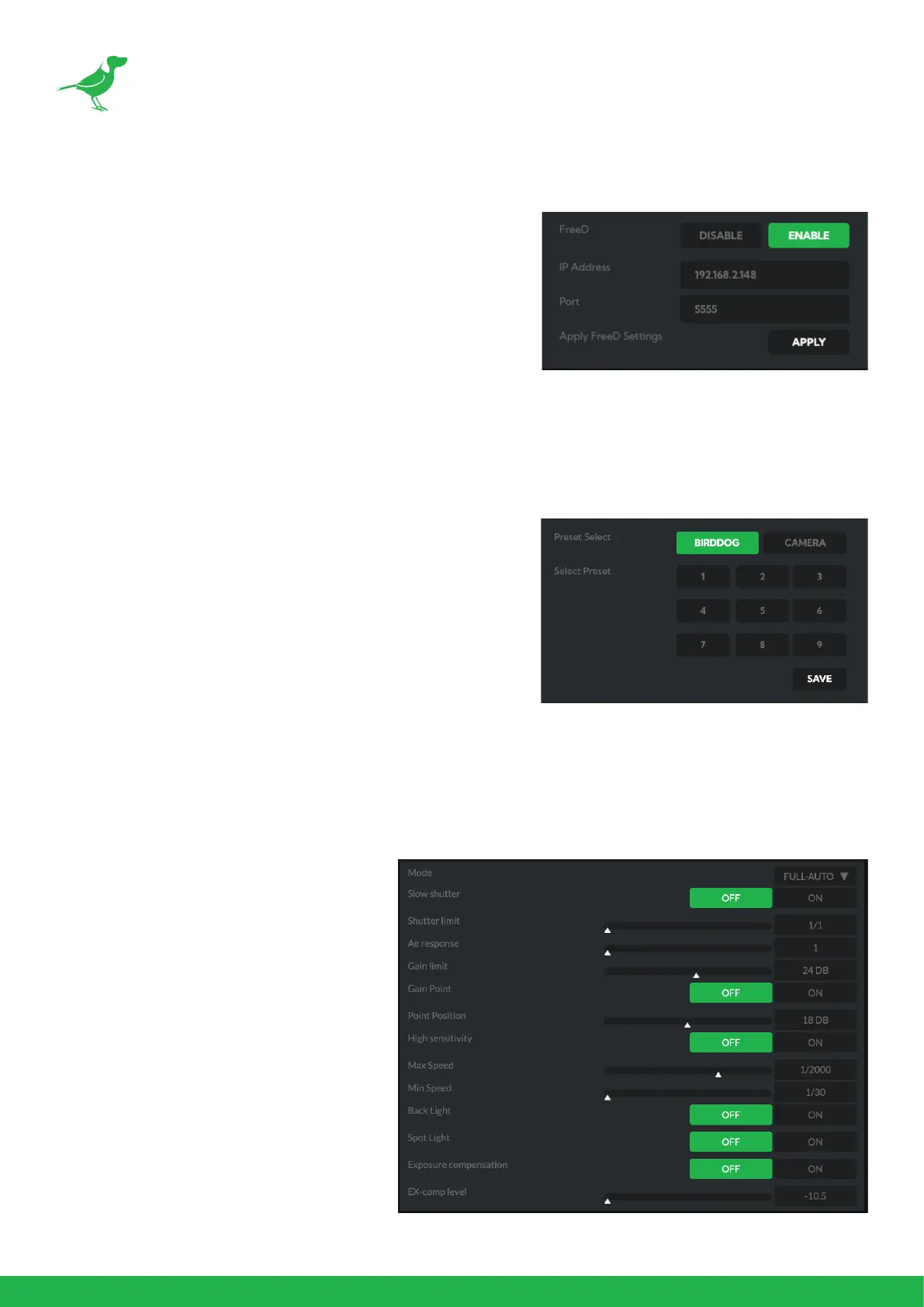
FreeD Tab
Enable or disable FreeD. FreeD is a protocol for real time camera
PTZ position query. Any application that uses FreeD can use this
data, usually in a virtual environment, where a physical camera
move (i.e. pan, tilt, zoom or iris change) can trigger the virtual
environment to follow that move in real time.
IP Address / Port
Enter the IP address of the host and the port that the data
package will be sent to.
Apply FreeD Settings
Click the APPLY button to save your changes.
Preset Tab
To save a Preset select a number, make your desired changes,
click the Save button and then click a Preset number. To recall a
Preset, click the Preset number. You can save two separate and
dierent types of Presets:
BirdDog
Saves only PTZ information with the Preset.
Camera
If System/Preset Memory is enabled in the camera Menu via the
OSD, image parameters such as picture, white balance, exposure, focus mode, zoom positions will also be saved
with the Preset.
Exposure Tab
Mode
Full Auto: IRIS, GAIN and SPEED (shutter
speed) are set automatically using the values
set for SLOW SHUTTER, S. SHUTTER LIMIT,
AE SPEED, GAIN LIMIT, GAIN POINT, POINT,
HIGH SENSITIVITY, MAX SPEED, MIN SPEED,
BACK LIGHT, SPOT LIGHT and EXPOSURE
COMPENSATION.
Manual: Allows manual adjustment of the
GAIN, GAIN LIMIT, SPEED, IRIS, and HIGH
SENSITIVITY.
Iris Pri: Iris Priority mode. This mode allows
you to set a xed IRIS. The gain and shut-
ter speed are set automatically according
to the brightness of the subject. The expo-
sure is adjusted automatically using the val-
ues manually set for IRIS, GAIN LIMIT, GAIN
POINT, AE SPEED, MAX SPEED, MIN SPEED,
BACK LIGHT, SPOT LIGHT and EXPOSURE
COMPENSATION.



 To Next Page