Operating instructions SC II Operation
61429850113 en-US 55 / 107
Scale is not loaded.
After successful registration, tare and unit price are deleted.
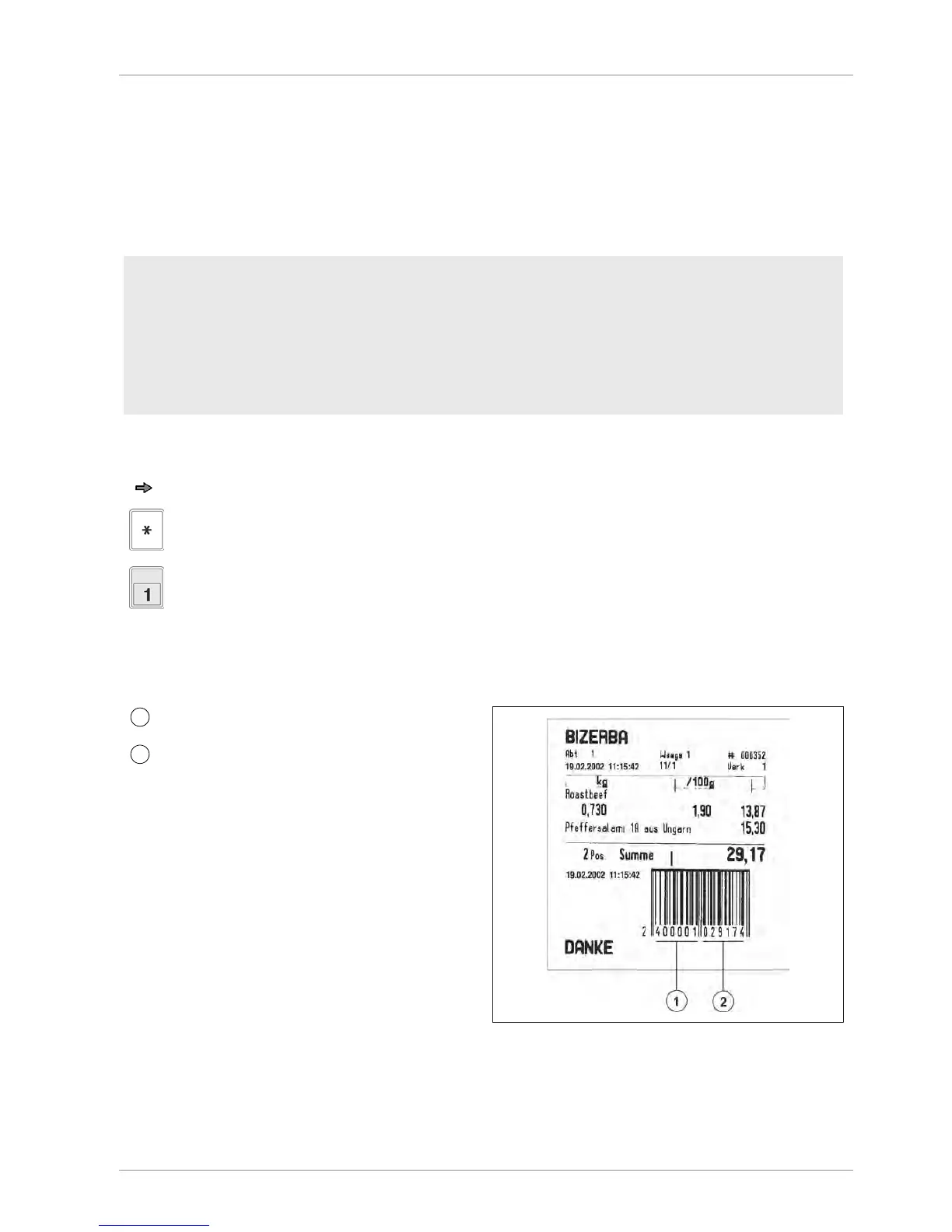
6.16 Normal ticket
Several articles plus total can be printed on a normal ticket. Department number and total, for
example, are coded in the barcode.
Menu setting
- Select "Assisted sale with ticket" in configuration in the operating mode menu; select:
5362
- Select "Variable operator key" in the operating modes menu; select: 5361
- Activate "Add customer total" in the printer menu; select: 5321
- In menu Printer select "Print [item and total]", select: 53221
Operating procedure
Register one or several articles.
Press the <Total> key.
Register and print using operator key, e.g. <OP1>.
The ticket is printed.
Print example: Normal ticket


 To Next Page
 Loading...



