60
Use this mode when you want to see
only valid triggered waveforms; when
you use this mode, the oscilloscope does
not display a waveform until after the
first trigger.
When you want the oscilloscope to
acquire a single waveform, press the
“SINGLE” button.
Enter “Trigger setup menu” (See Table
3.17).
Return to the first page of slope trigger.
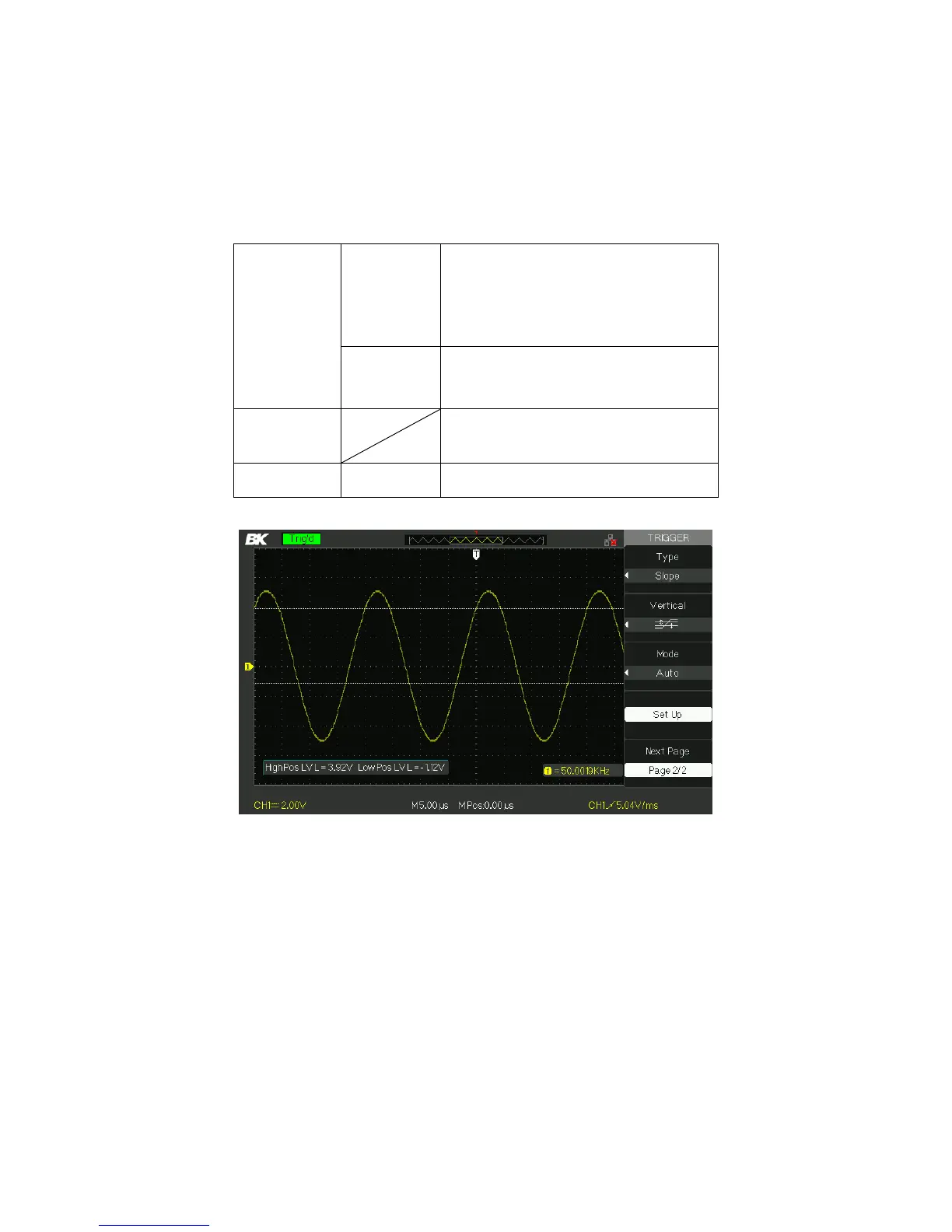
Figure 3.26 – Slope Trigger Menu 2
Operating Instructions:
Follow the next steps after “Slope Trigger” is selected:
1. Input a signal to CH1 or CH2.
2. Press the “AUTO” button.
3. Press the “TRIG MENU” button to enter “Trigger menu”.
www.GlobalTestSupply.com
Find Quality Products Online at: sales@GlobalTestSupply.com













 To Next Page