EasyManua.ls Logo

BK Precision 4050B Series - Check Model and Firmware Version

BK Precision 4050B Series
141 pages
To Next Page IconTo Next Page
To Previous Page IconTo Previous Page
Loading...
8
Check Model and Firmware Version
The model and firmware version can be verified from within the menu system.
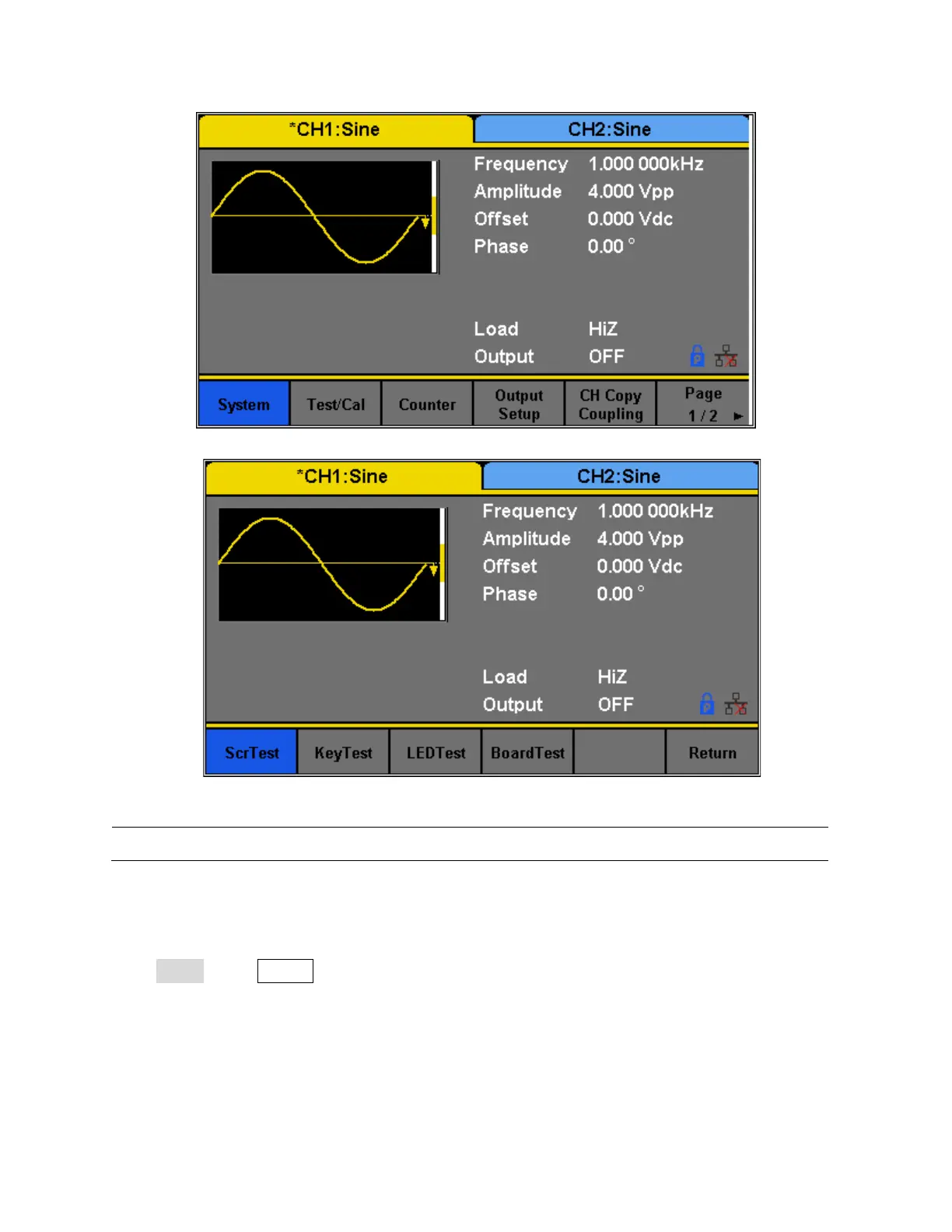
Press Utility, press System select and press Page 1/2 from the menu to enter the second menu
page, and select System Info option. The software/firmware version, hardware version, model,
and serial number will be displayed. Press any Menu Softkey key to exit.

Figure 1 - Preliminary Self-Test
Figure 2 - Self-Test Options
Note: Refer to TEST/CAL section for more information about the Self-Test function.

Table of Contents

Related product manuals