Step 2 - Check and/or Change Line Voltage Switch
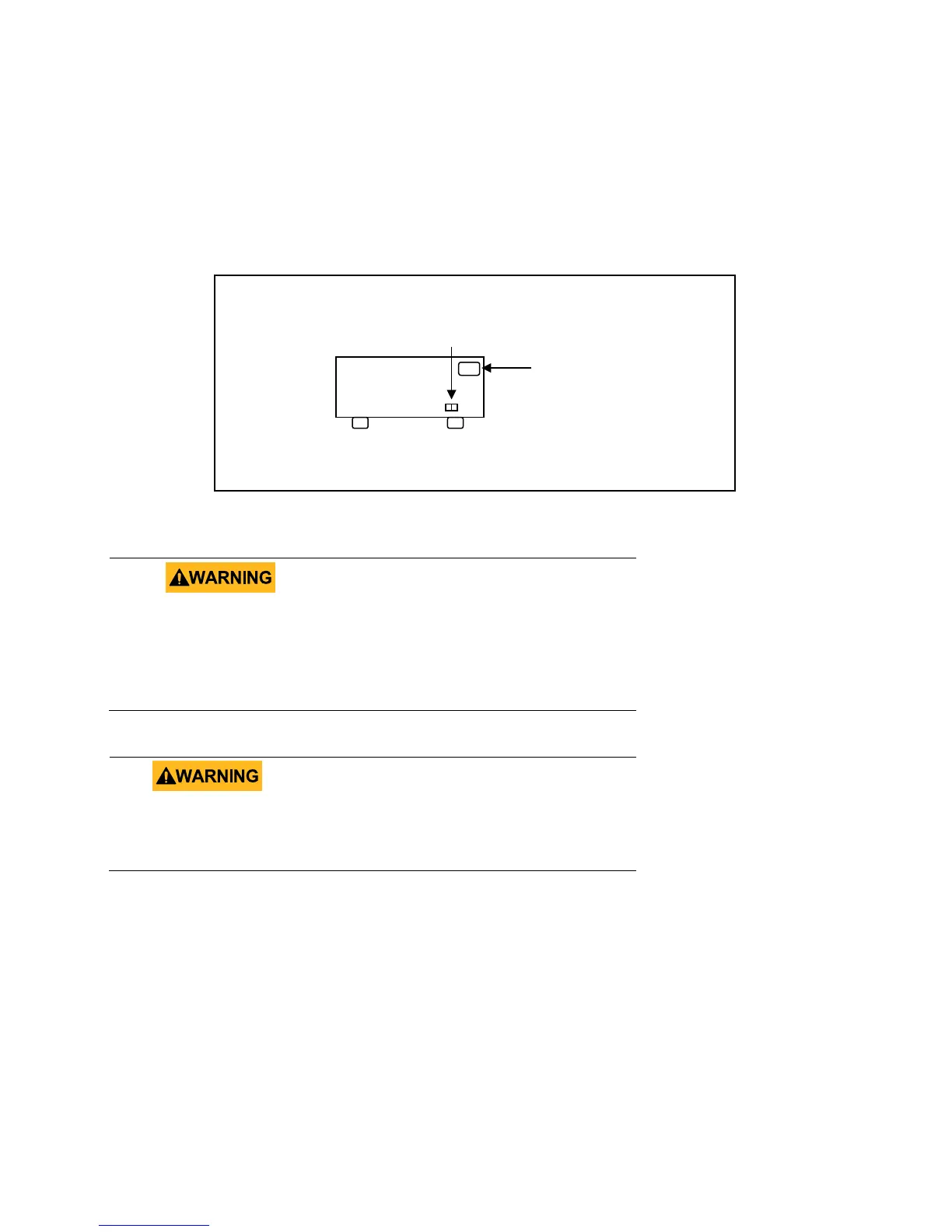
- Locate the Line Voltage Switch, which has markings that indicate “110” for 110V or “220”
for 220V line operation. Depending on the model, the Line Voltage Switch will be located
either on the rear or bottom of the instrument. Set the switch to the desired line voltage
operation.
Figure 6 - Model 9129B Line Voltage Switch Location
Do not connect power to the instrument until the line
voltage selection is setup correctly. Applying an
incorrect line voltage or configuring the line voltage
selection improperly may damage the instrument and
Any disassembling of the case or changing the fuse
not performed by an authorized service technician
will void the warranty of the instrument.
AC power input
receptacle
www.GlobalTestSupply.com
Find Quality Products Online at: sales@GlobalTestSupply.com











 To Next Page