Page 193
724-746-5500 | blackbox.com
Chapter 5: Operation
You can select between the following switching functions:
Table 5-3. Switching functions.
Function Keyboard Command
Set a video-only connection. <Space>
Set a KVM connection. <Enter>
Set a KVM connection in private mode (video sharing disabled). <Shift> + <Enter>
Disconnect the CON device from the CPU device. <Backspace>
Java Tool
You can switch using the Java Tool in two ways:
Option 1: You will need the ACX-JAV license to perform Java extended switching.
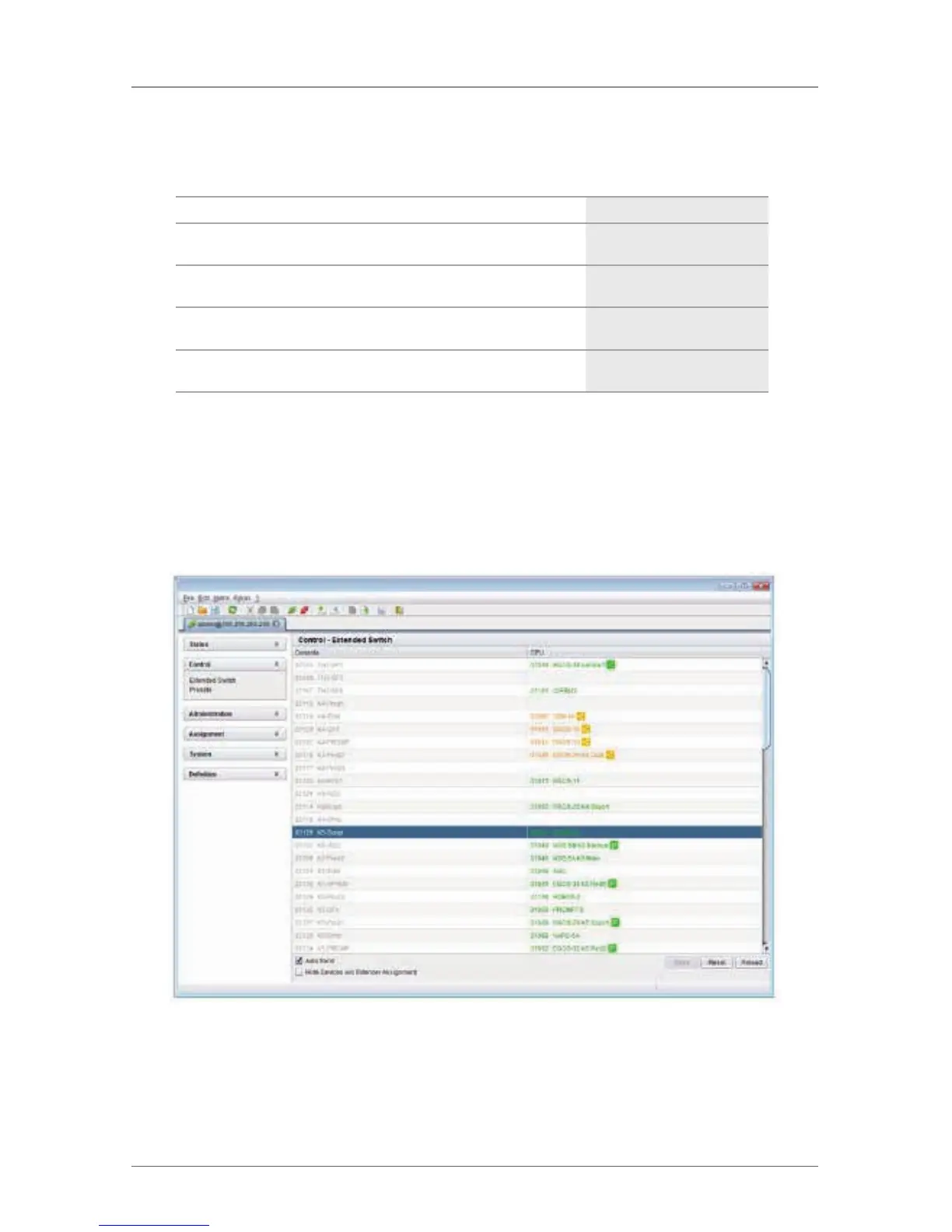
Select “Control > Extended Switch” in the task area.
Figure 5-7. Menu Control – Extended Switch.
All connected consoles and the associated CPU connections are shown in columns
in the working area in this menu.



 To Next Page