Page 194
724-746-5500 | blackbox.com
Chapter 5: Operation
NOTE: Switching operations can only be performed in on-line mode, so you need
an active network connection between the matrix and the Java Tool.
To set a KVM connection between a console and a CPU, double-click on the
corresponding selection box in the “Full Access” column and select the requested
CPU.
To set a video connection between a console and a CPU, double-click on the
corresponding selection box in the “Video Only” column and select the requested
CPU.
To set a Private Mode connection between a console and a CPU, double-click on
the corresponding selection box within the “Private Mode” column and select the
requested CPU.
NOTE: CPUs with respective consoles that do not have access rights will not
appear in the list.
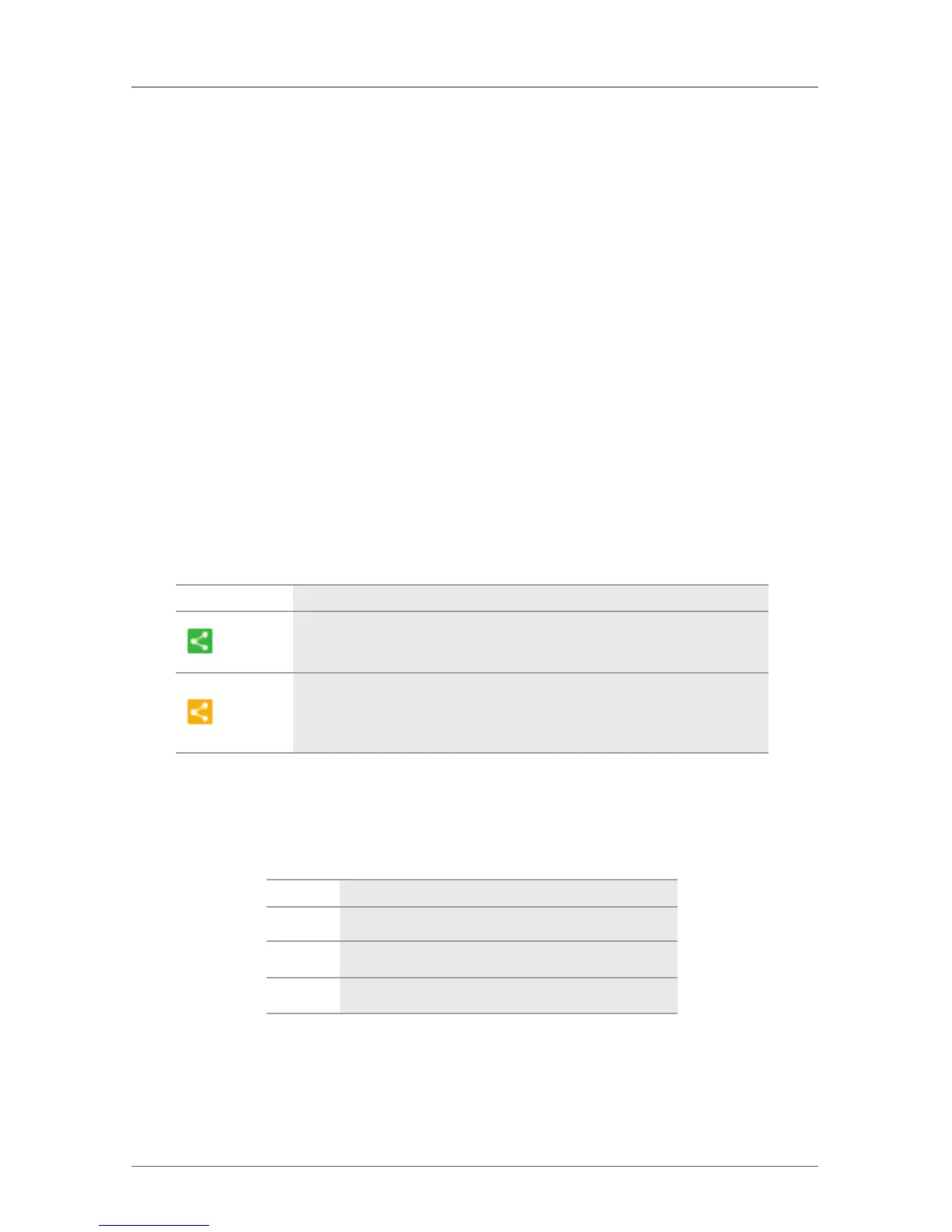
The following symbols are shown in the connection overview:
Table 5-4. Connection overview fields.
Field Description
The CON device is connected via Shared Access with at least one further
console to the same CPU. The CON device has full access at the moment.
The CON device is connected via Shared Access with at least one further
console to the same CPU. The CON device has a video access connection
at the moment.
You can use the following button to perform a switching operation:
Table 5-5. Swiching operation buttons.
Button Function
Send Send switching operations to the matrix.
Reset Disconnect all existing connections within the matrix.
Reload Reload switching status.



 To Next Page