14
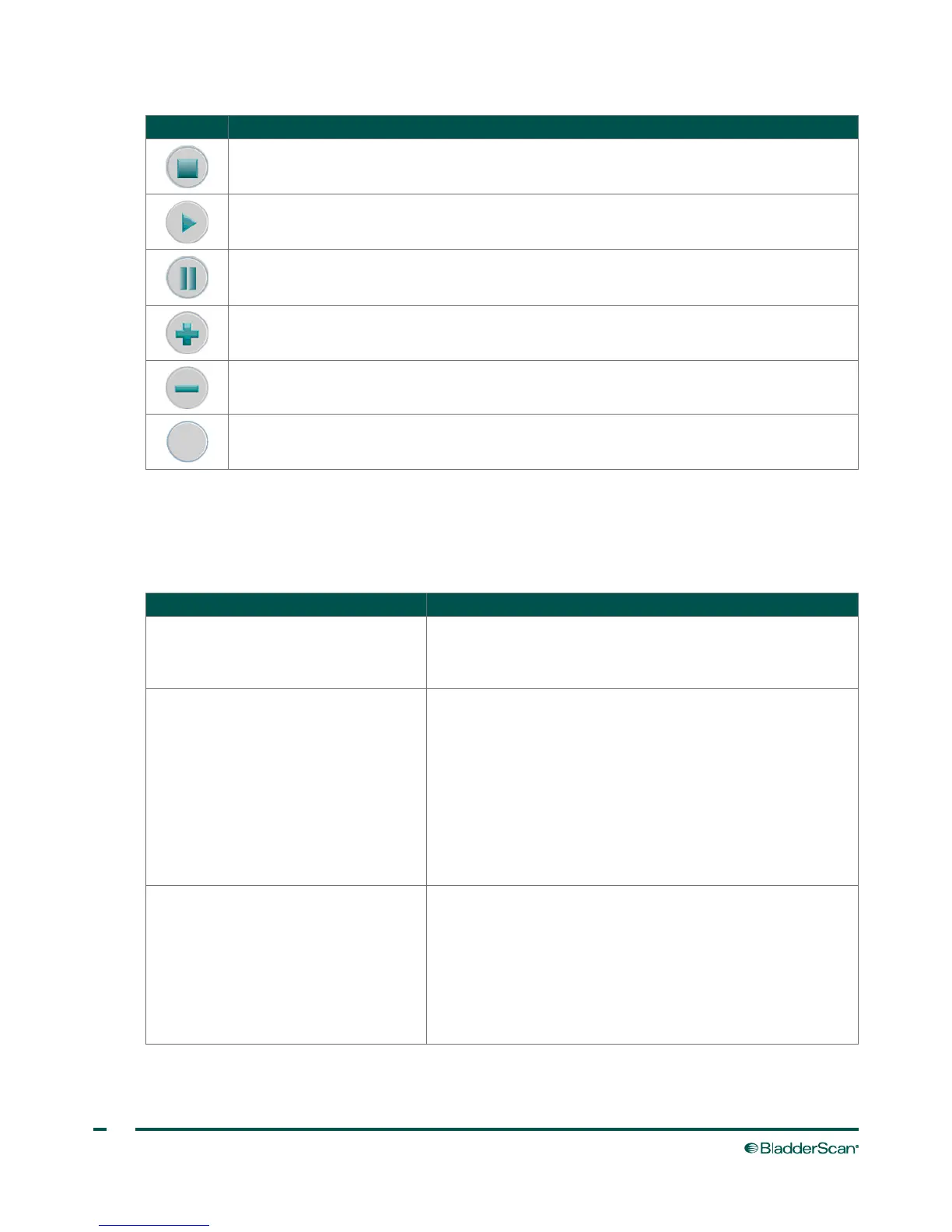
ICON PURPOSE
Stop recording a voice annotation.
Play video playback.
Pause video playback.
Add, increase, or toggle characters, as appropriate.
Remove, decrease, or toggle characters, as appropriate.
No function.
BUTTON FUNCTIONS FOR EACH DISPLAY SCREEN
The Power, Brightness, and Volume buttons are constant buttons on the body of the console and can be
pressed at any time. The five buttons below the main display have variable functions according to device
mode. The Scan button is located on the underside of the probe.
SCREEN/MODE ACTIVE BUTTONS
Splash screen
Displays during boot‑up to show the
process is proceeding properly.
None
Home screen
Appears when the instrument is
turned on.
(1) Patient mode—Toggle between three modes: small child,
female with uterus, all other patients.
(2) Tutorial—Opens Tutorial screen.
(3) Settings—Opens Settings screen.
(4) Review—Opens the Review screen.
(5) ScanPoint
®
—Opens the ScanPoint screen and searches
for a connection and once connected, transmits saved exams to
ScanPoint.
Scan screen
Appears when the operator presses the
Scan button on the underside of the
probe.
As bladder volume is calculated, the
display refreshes and updates until the
scan is complete.
Scan button—Press and release to take a scan.
(1) ‑ (4): No function
(5): Home—Return to the Home screen.



 To Next Page