51
Operations & Maintenance Manual: Using the Device
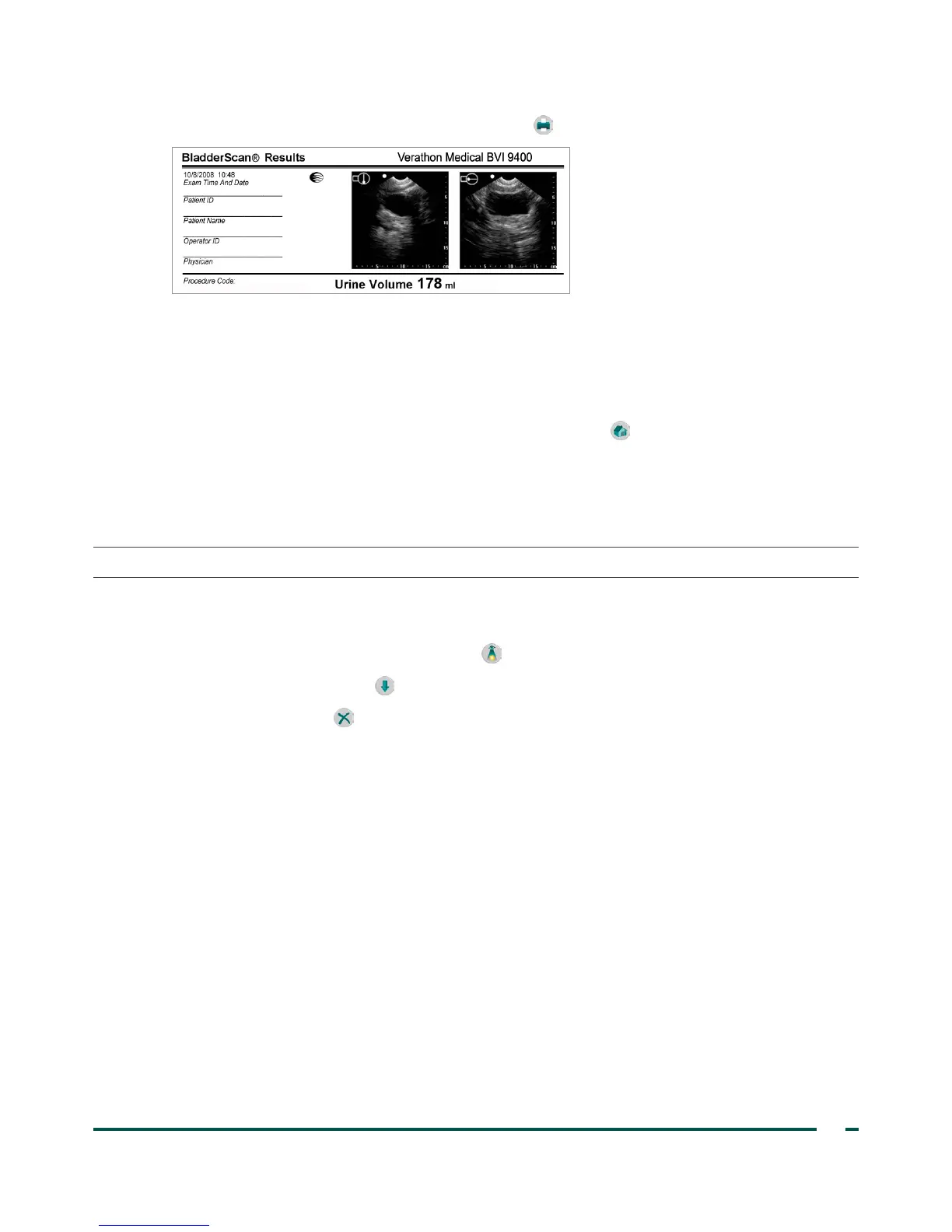
6. To print via the onboard printer, press the Print button .
The label provides fields for patient ID, patient name, operator ID, and physician. This information must
be written on the printout.
Note: If the facility name, date, and time have not been set, those lines will be skipped on the printout.
Note: The BVI9400 prints on thermal paper, which fades over time. For maximum storage life, Verathon
®
recommends you photocopy the printout.
7. If another exam on the patient is required, press the Home button and repeat the procedures within
this chapter.
8. Once you have completed the scan, wipe the ultrasound gel off of the patient and the probe.
For complete cleaning instructions, see the Cleaning & Maintenance chapter on page52.
PROCEdURE 4. dELETE A SAVEd EXAM
Saved exams are indicated by orange folder icons along the left edge of the display. Complete this procedure
if you would like to delete a saved exam.
1. On the Home screen, press the Review button . The Review screen opens.
2. Press the Down Arrow button until the desired exam is selected, shown as an open blue folder icon.
3. Press the Delete button . The exam is deleted.



 To Next Page