55
Operations & Maintenance Manual: Cleaning & Maintenance
MAINTENANCE
PROCEdURE 1. RUN A SELF‑TEST
The BVI9400 can perform a number of self‑diagnostic tests.
1. From the Home screen, press the Settings button .
2. When the Settings screen opens, press the Up Arrow button or Down Arrow button until Self
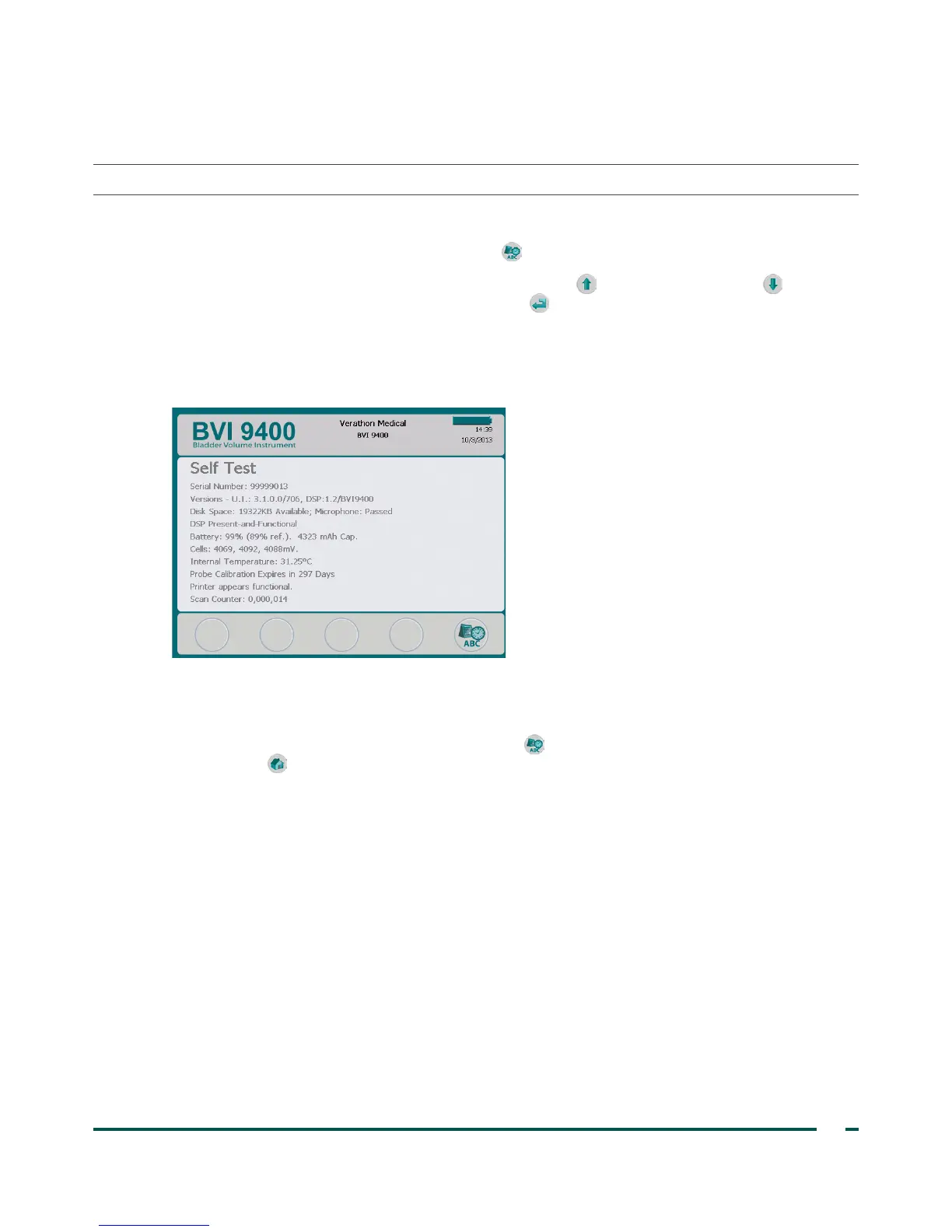
Test is highlighted in red, then press the Enter button . The Self Test screen opens and testing begins
automatically. The display provides the status and results. When the test is complete, the printer prints
the results.
Note: For the self‑test results to print, the printer must be loaded with paper prior to running the self‑test.
For instructions on loading the thermal paper, see the procedureLoad the Thermal Paper on page41.
3. If the screen indicates any failed tests or abnormal results, contact Verathon Customer Care or your local
representative.
4. When the test is complete, press the Settings button to return to the Settings screen, then press the
Home button to return to the Home screen.



 To Next Page