37
Operations & Maintenance Manual: SettingUp
PROCEdURE 3. ATTACH THE PROBE TO THE CONSOLE
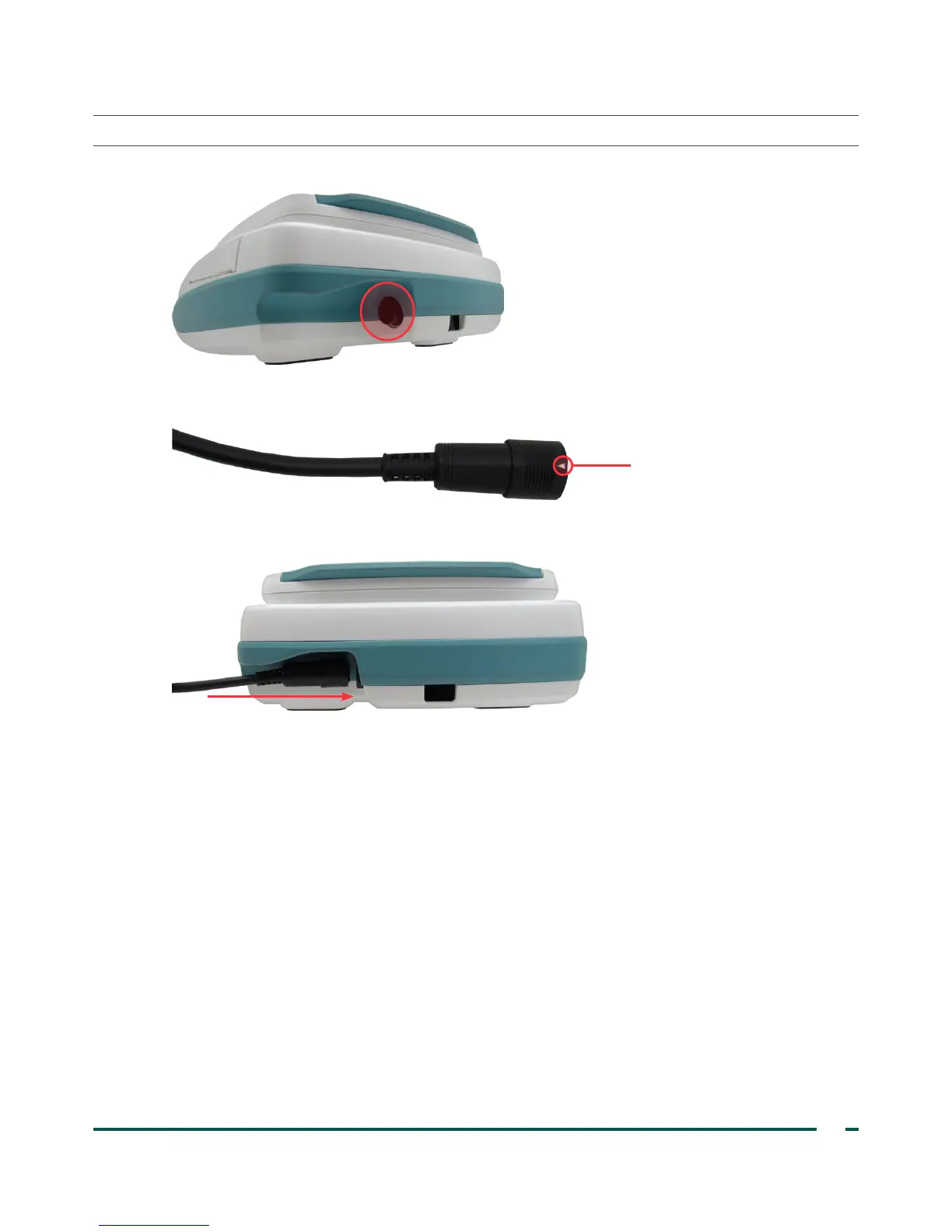
1. Locate the cable port on the back of the console.
2. Align the silver arrow on the probe cable connector ring to the top of the cable port.
Arrow on cable connector
3. Gently push the connector into the port, until the connector ring clicks into place and is secure.
The cable can remain attached to the console in between uses.
Note: To remove the cable, pull the connector ring back until the cable disconnects. Do not pull on the cable.



 To Next Page