38
PROCEdURE 4. PROGRAM THE FACILITY NAME
You can customize your BladderScan BVI9400 by entering your facility’s name. This information is included
on BladderScan displays and all printouts of exam results.
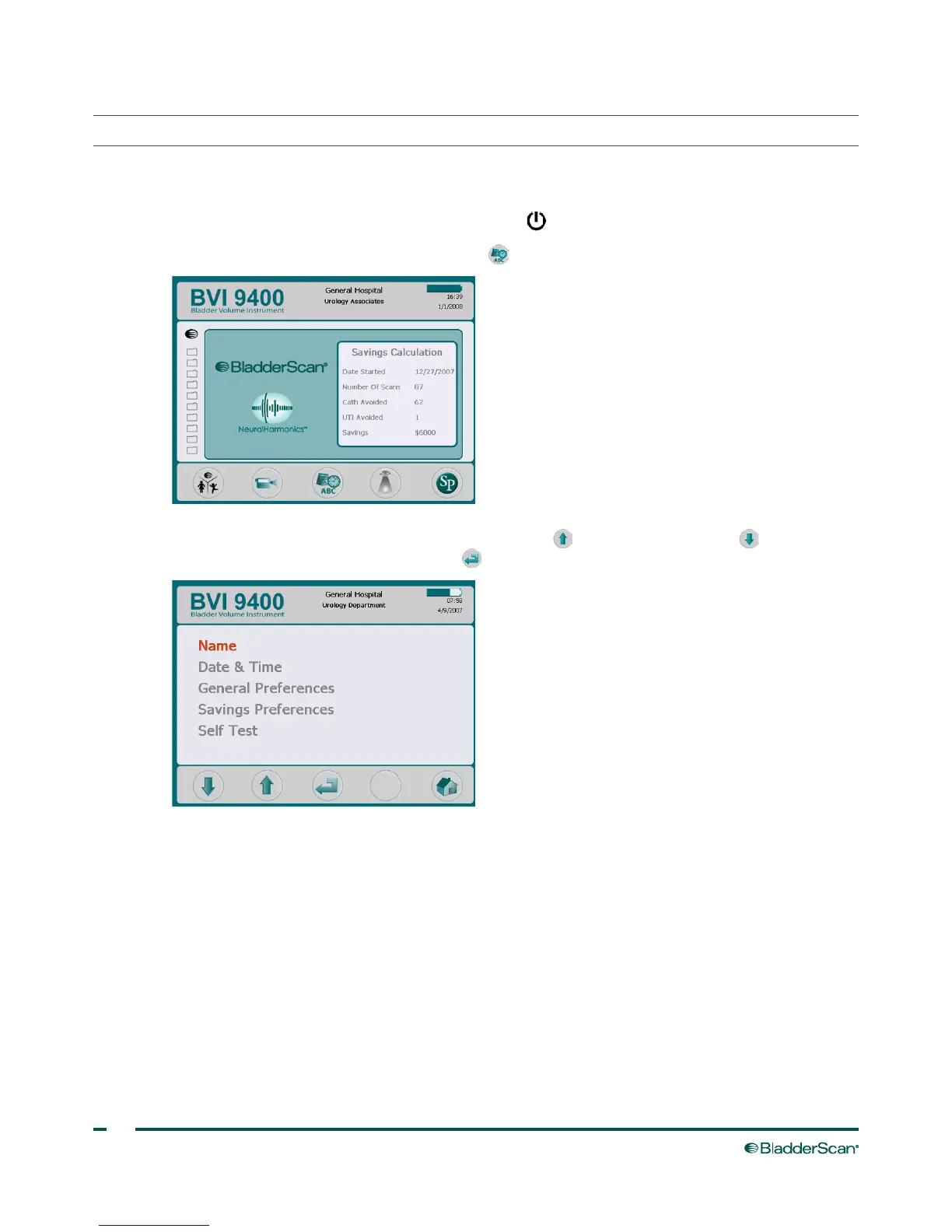
1. Turn on the instrument by pressing the Power button .
2. On the Home screen, press the Settings button to open the Settings screen.
3. On the Settings screen, push either the Up Arrow button or Down Arrow button until “Name”
is highlighted in red. Press the Enter button to open the Name screen.



 To Next Page