39
Operations & Maintenance Manual: SettingUp
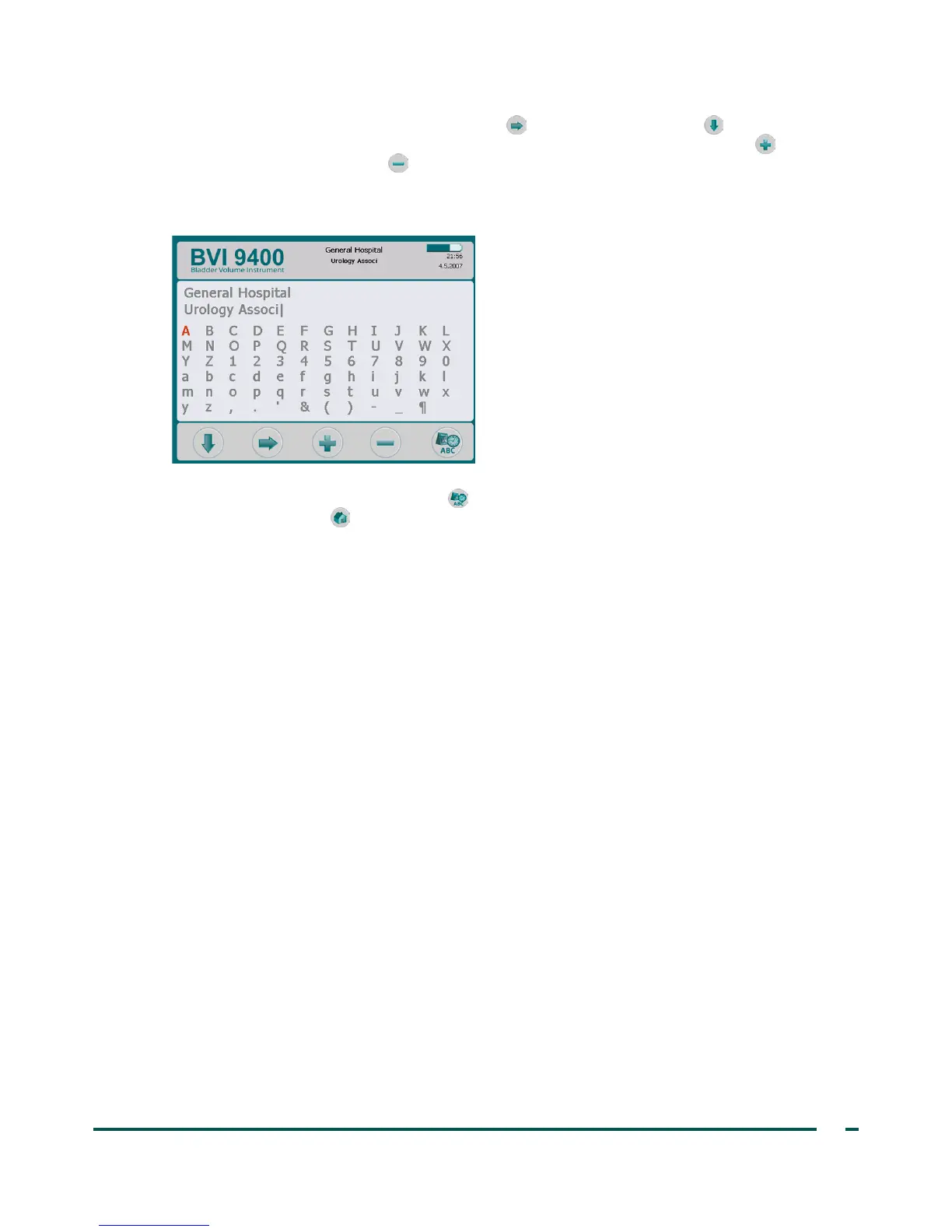
4. On the Name screen, use the Right Arrow button and Down Arrow button to move to the
desired character. When the desired character is highlighted in red, press the Plus button to add it to
your text. Use the Minus button to delete characters.
To add a space between words, use the blank space below the letter x.
To add a second line of text use the ¶ character.
5. When finished, press the Settings button to return to the Settings screen. From the Settings screen,
press the Home button to return to the Home screen. The facility name will now appear in the
display header.
Note: Extended Latin characters (tilde, umlaut, accents, circumflex, etc.) and non‑Latin characters
can be entered by using ScanPoint
®
software. For more information, please refer to ScanPoint user
documentation.



 To Next Page