41
Operations & Maintenance Manual: SettingUp
PROCEdURE 6. LOAd THE THERMAL PAPER
If paper appears to be stuck in the printer, see the procedure Clear a Paper Jam on page64.
1. Locate the paper compartment door on the base of the console, behind the display.
2. Slide the door out, then lift up.
3. If there is an empty paper roll, remove it.
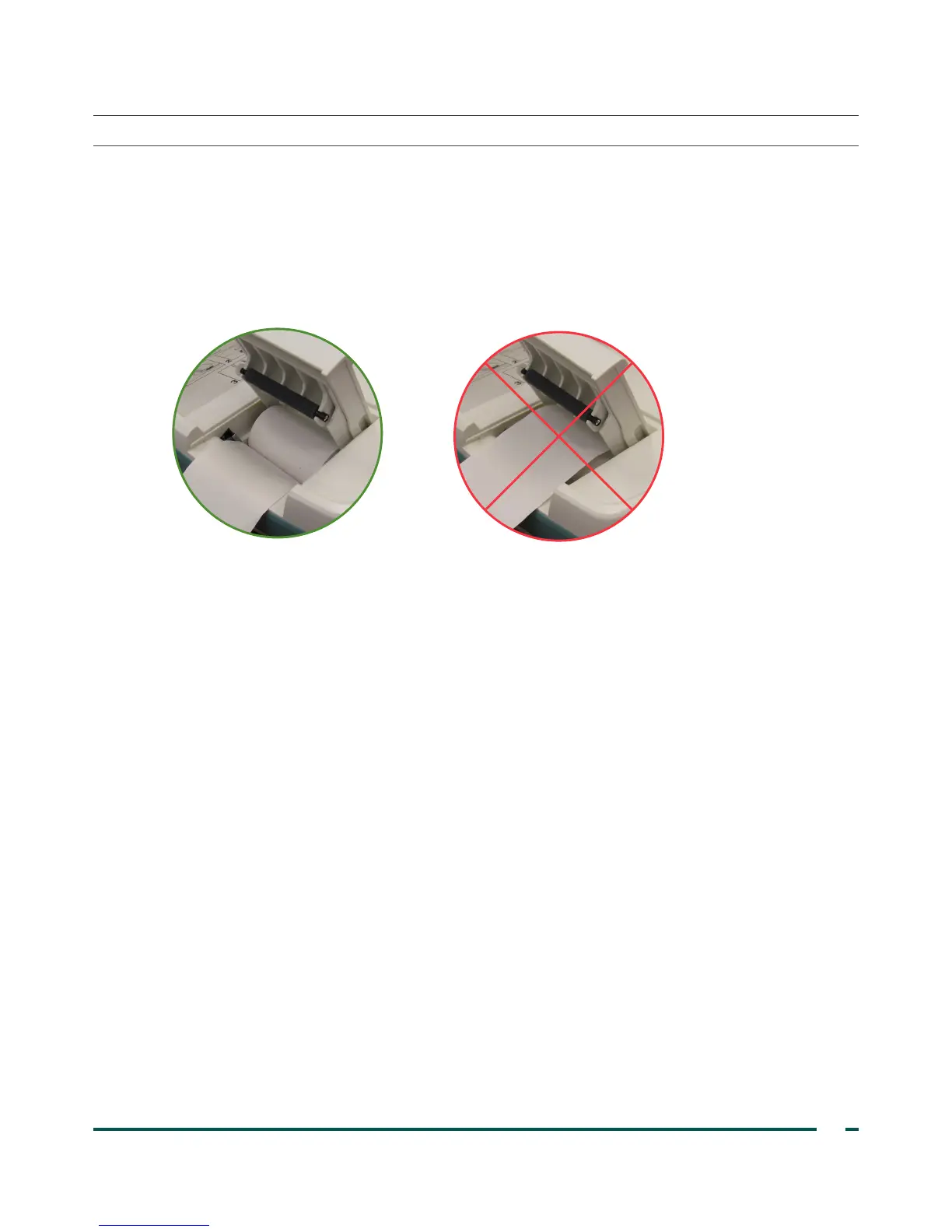
4. In the paper well, insert the end of a new paper roll with the thermal side down.
5. Extend the end of the paper past the side of the unit.
6. Snap the door completely closed, then slide the door back into the console.
7. Tear off any paper extending from the side of the console.



 To Next Page