63
Operations & Maintenance Manual: Troubleshooting
TROUBLESHOOTING PROCEDURES
PROCEdURE 1. TROUBLESHOOT SCANPOINT CONNECTION
Complete this procedure if the console cannot connect to ScanPoint
®
.
1. Ensure the ScanPoint button was pressed and the console is searching for a connection.
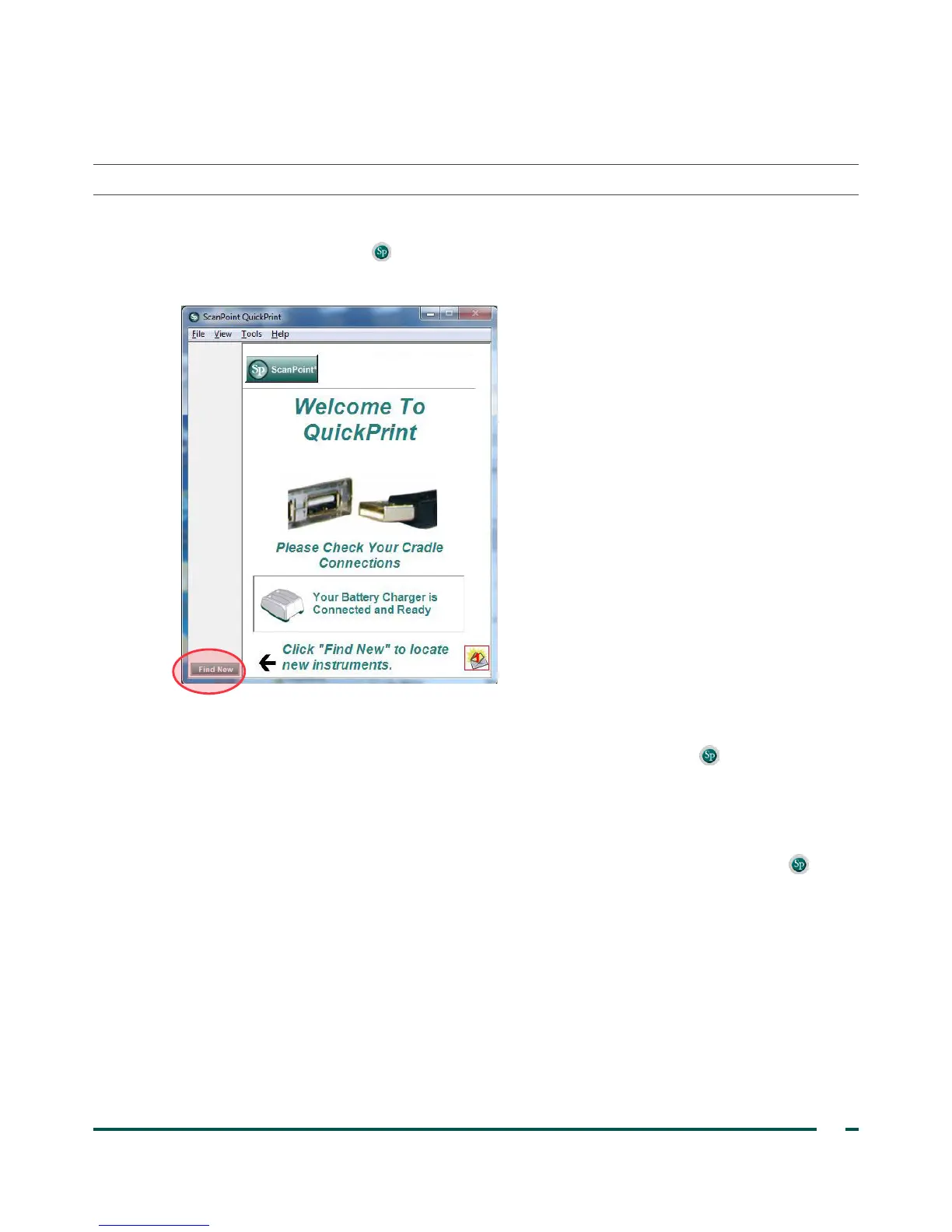
2. In ScanPoint, try connecting again by clicking the Find New button. Repeat this step up to 3times.
If the console does not connect, continue to the next step.
3. Turn the console off, turn the console on, and then press the ScanPoint button . On the PC, in
ScanPoint, click Find New.
If the console does not connect, continue to the next step.
4. While the instrument is attempting to connect to ScanPoint, remove the battery.
5. Reinsert the battery, allow the instrument to power on, and then press the ScanPoint button .
6. On the PC, click Find New.
If the console does not connect, contact Verathon
®
Customer Care.



 To Next Page