33
Operations & Maintenance Manual: Introduction
SLEEP MODE
To conserve battery power, the BladderScan BVI9400 goes into sleep mode by shutting itself down
automatically when not in use.
After four minutes of idle time, a sleep mode alert message displays for 15 seconds. While the message is
displayed, press any button to keep the console awake and dismiss the message. If a button is not pressed,
after 15 seconds, the console goes to sleep. To wake the instrument from sleep mode, press the Power
button .
Entering Sleep to save power, or
Press any button to continue...
HISTOGRAM OF COST SAVINGS
Each volume measurement from a completed scanning procedure is stored in the memory of the
BladderScan BVI9400 in one of eleven volume ranges (each with a 100 mL increment). This data is analyzed
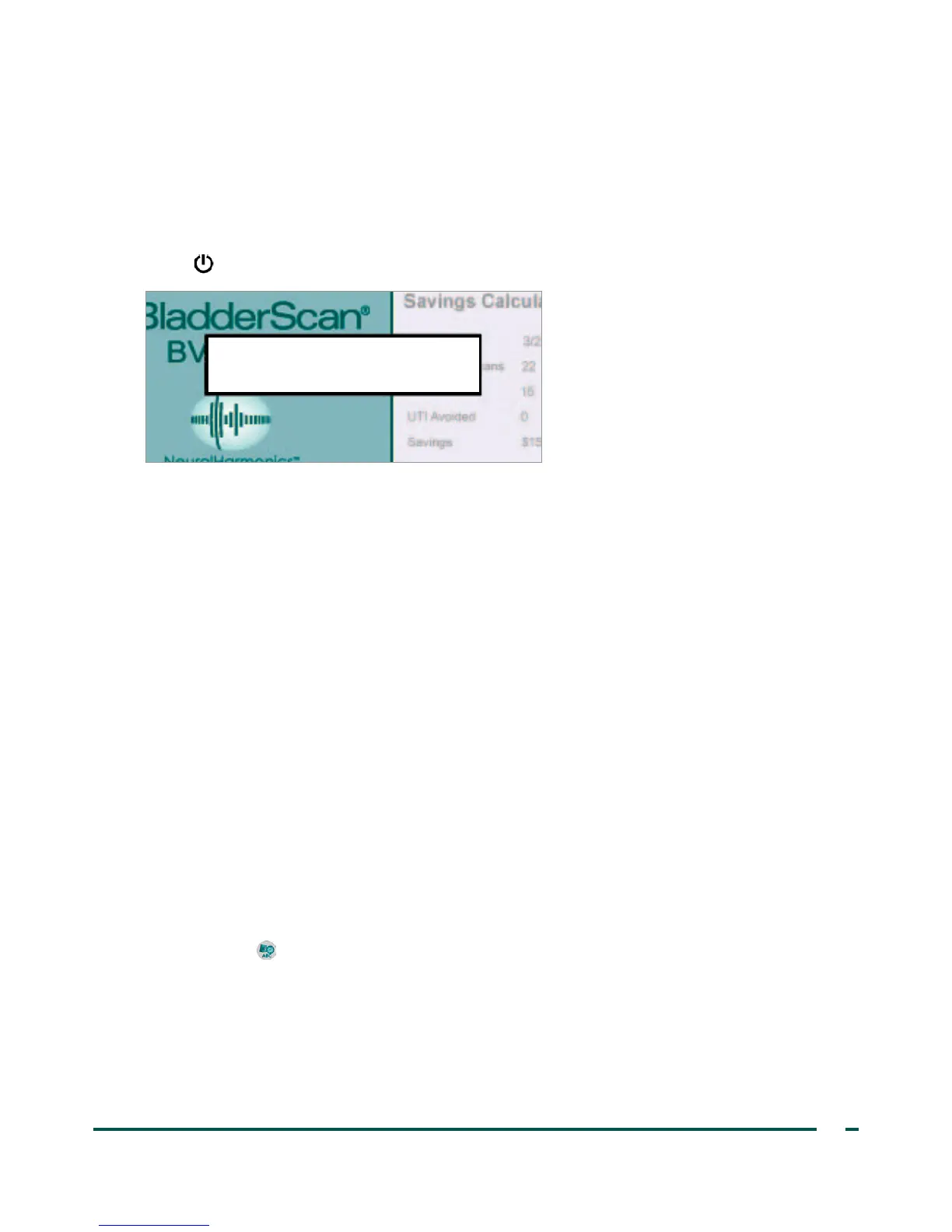
and can be displayed on the BVI9400 at any time. The Savings Preferences screen lists: Date Started,
Number of Scans, Cath Avoided, UTI (urinary tract infection) Avoided, Savings.
COST SAVINGS CRITERIA
Cost savings are based on the following criteria:
• Catheterizations avoided: Urinary catheterization is deemed unnecessary. Thus, by using the BVI9400,
these catheterizations are avoided. The default setting (for volume below which catheterization is
unnecessary) is 200 mL.
• UTIs avoided: Studies indicate that a certain percentage of catheterizations lead to UTIs.
Note: By avoiding unnecessary catheterizations, the resulting UTIs are thereby avoided. The default
setting (for percent of catheterizations leading to UTIs) is 3%.
• Average associated UTI cost: The default setting is $1870 per patient.
• Average cost of catheter kits: The default setting is $100 per kit.
• Total cost savings from using the BVI9400 = (Catheterizations avoided x catheter costs) + (UTIs
avoided x UTI costs)
NOTE: The default settings can be customized to reflect the rates and costs at your facility by pressing the
Settings button , then select Savings Preferences. See Savings Preferences Screen on page28 for more
information on customizing savings preferences.



 To Next Page