32
SCANPOINT SCREEN
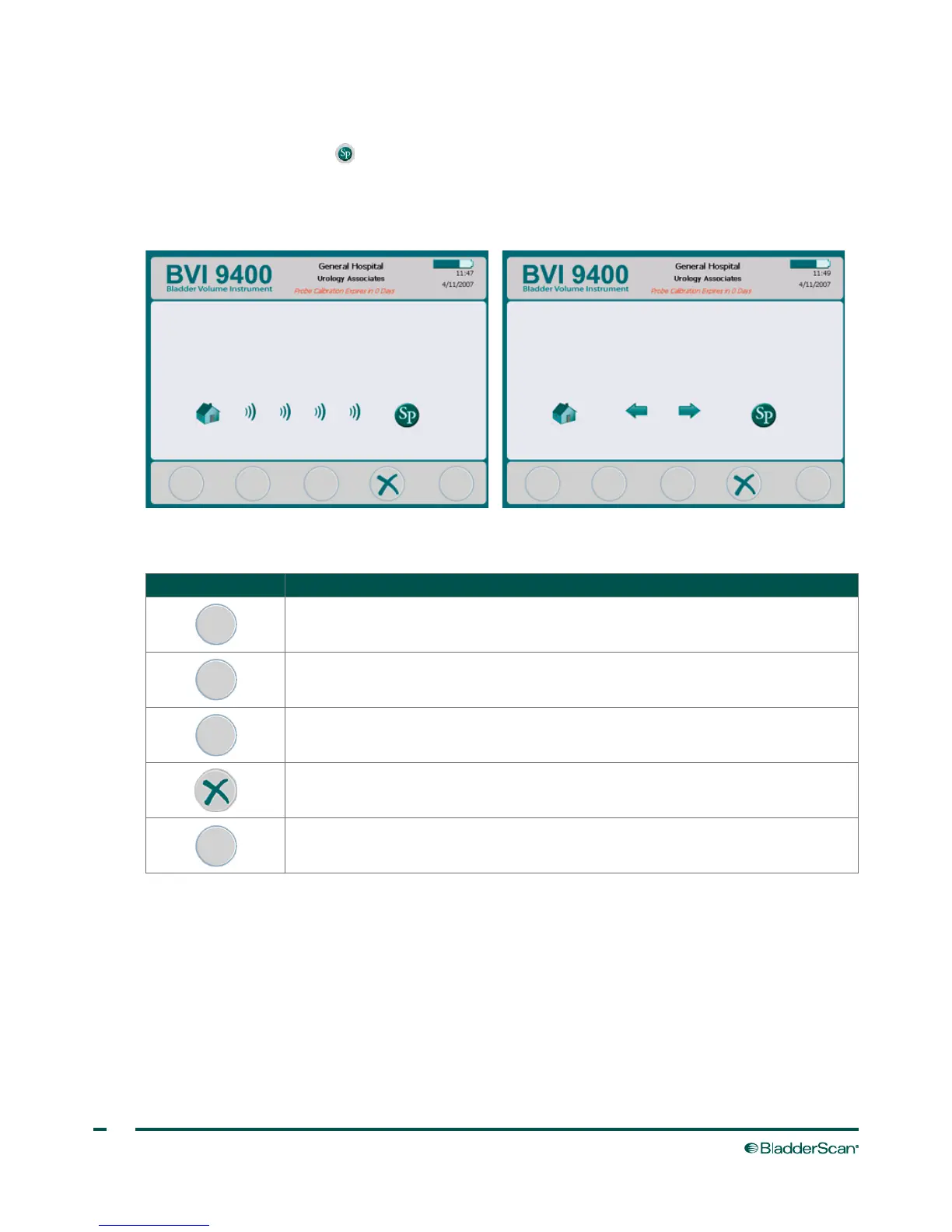
Press the ScanPoint button on the Home screen. The ScanPoint
®
screen displays information about the
status of the link between the BladderScan instrument and the ScanPoint host computer.
Note: The ScanPoint
screen (connected) is only available if the optional ScanPoint software is installed on a PC.
Figure 8. ScanPoint Screen (Searching) Figure 9. ScanPoint Screen (Connected)
Table 18. ScanPoint Screen Button Functions
BUTTON FUNCTION
No function.
No function.
No function.
Cancels the current action and ends communication with ScanPoint.
No function.



 To Next Page