36
INSERT A BATTERY INTO THE INSTRUMENT
4. Insert the charged battery into the battery well in the console, slide it under the ledge and push down
gently until the battery clicks into place.
Note: The battery is designed to prevent incorrect installation. If the battery does not slide into the
battery well easily, remove the battery, reorient it, and try again. Do not attempt to force the battery into
position.
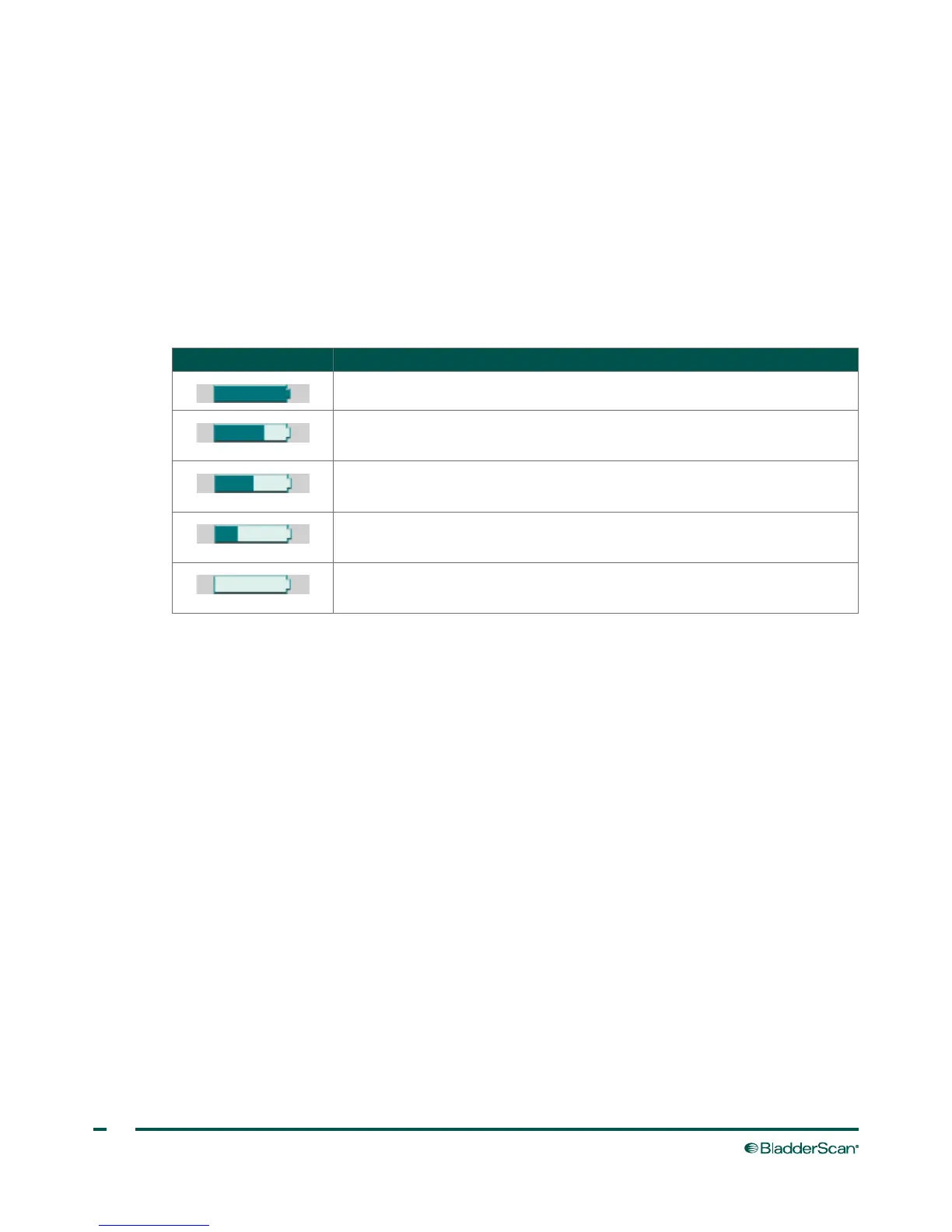
5. While the console is powered on, the battery status indicator remains in the top right corner of the
screen and indicates the charge level of the battery.
Table 19. Battery Power Level
BATTERY ICON POWER LEVEL
Indicates a fully charged battery.
Indicates a battery 50% to 75% charged.
Indicates a battery 25% to 50% charged.
Battery almost depleted.
Replace immediately.



 To Next Page