29
Operations & Maintenance Manual: Introduction
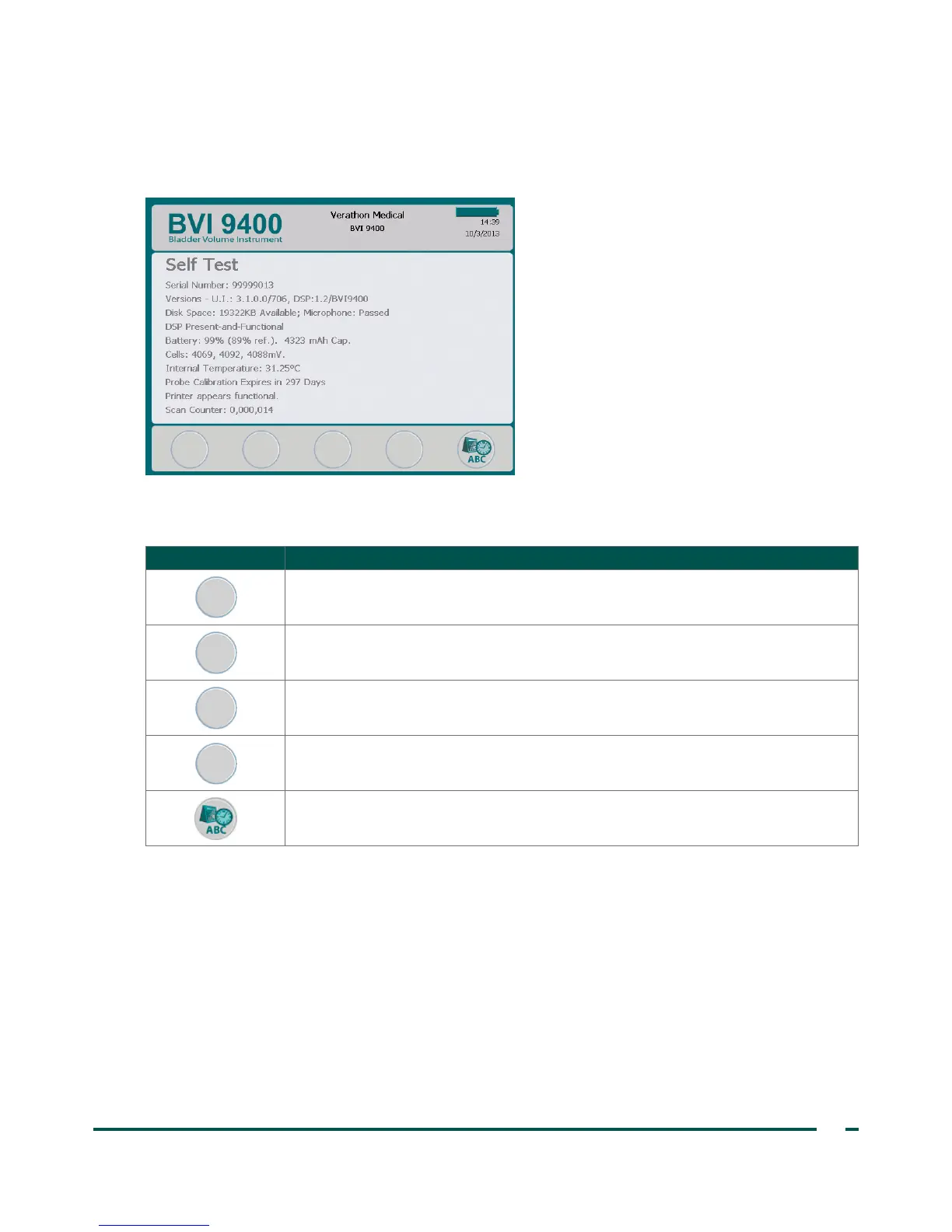
SELF TEST SCREEN
When you open the Self Test screen, testing begins automatically. Once testing is complete, the instrument
prints the self‑test results.
Table 17. Self Test Screen Button Functions
BUTTON FUNCTION
No function.
No function.
No function.
No function.
Return to the main Settings screen.
SCAN COUNTER FEATURE ON THE SELF TEST SCREEN
The BladderScan BVI9400 is equipped with a scan counter feature. It counts all Scan button pushes captured
by the console. It is designed to enable clinical users or service technicians to determine the number of scans
the device has performed over its lifetime. It counts all scans taken with the instrument, including air scans
and practice scans. The counter advances automatically after each scan.
Please note that the scan counter feature is available only with software version 3.1.0.0 or higher. Some
BladderScan consoles cannot be upgraded to run software version 3.0 or higher. Software updates may be
performed by either logging on to ScanPoint
®
or by contacting Verathon
®
Customer Care.
The scan counter may be monitored as a part of a regular device maintenance program. The number of scans
appears as a value on the Self Test screen and the self‑test printout.



 To Next Page