57
Operations & Maintenance Manual: Cleaning & Maintenance
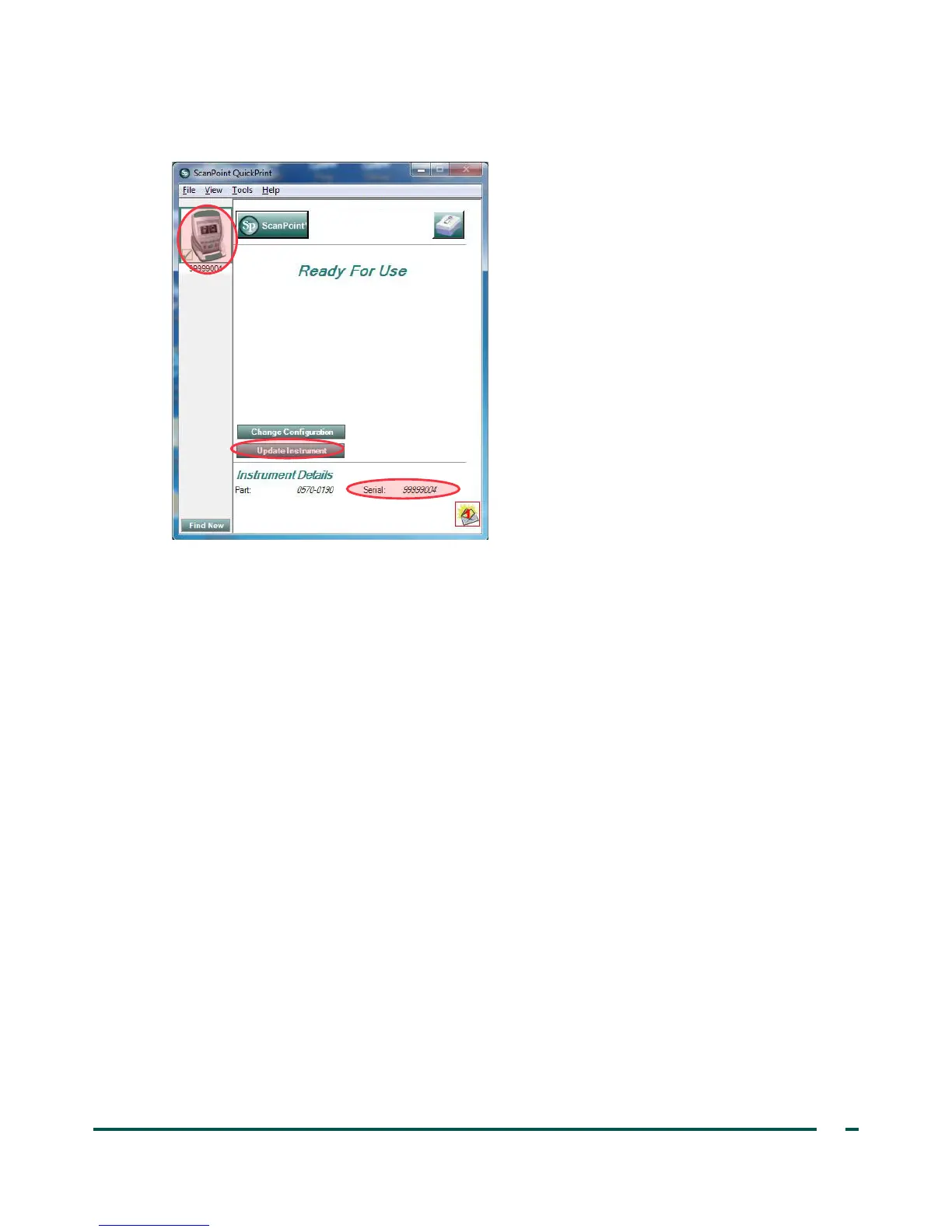
4. Select the 9000 Series device, verify that the serial number on the screen matches the serial number on
the bottom of console, and then click the Update Instrument button.
5. If any updates are available, the device downloads and installs them. The console displays a progress bar
and automatically restarts when the installation is complete.
If no updates are available, nothing happens.
6. If you would like to view the current software version and verify that the newest software is installed,
complete the procedure Run a Self‑Test on page55. The results screen displays the software version.



 To Next Page